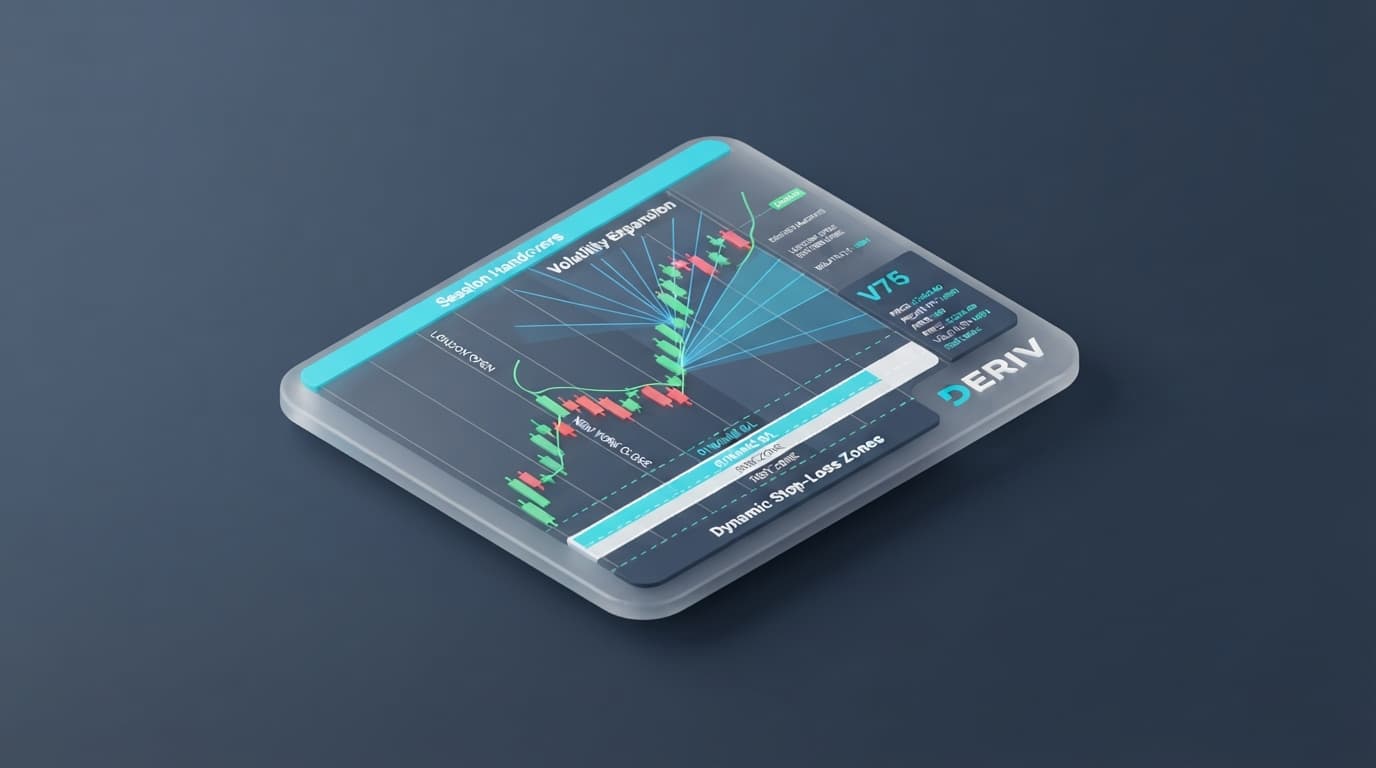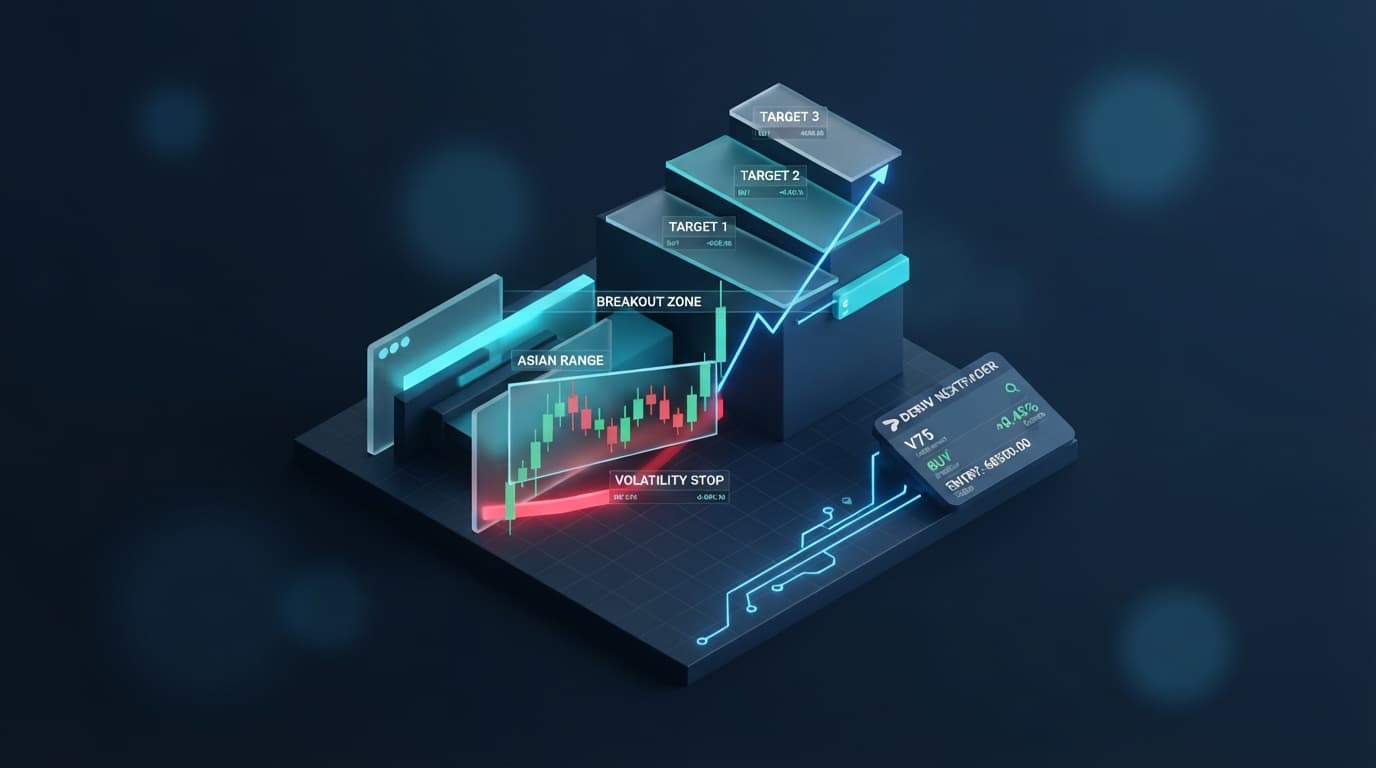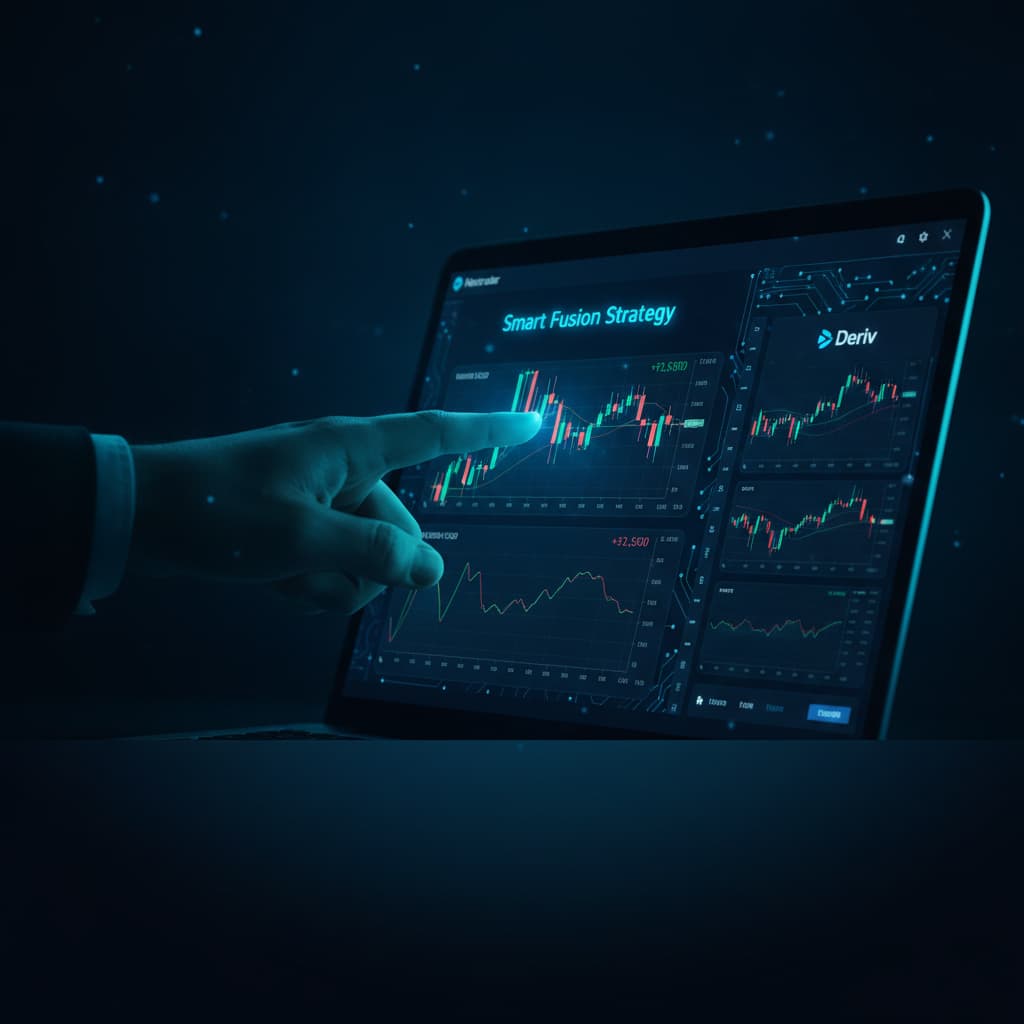
Introduction
Welcome, Deriv traders! This tutorial is your comprehensive guide to unlocking high-probability trading opportunities on Deriv's synthetic indices, forex, gold, silver, and crypto markets using Nextrader's advanced Smart Fusion multi-indicator AI strategy. Designed for both novice and experienced traders, this step-by-step walkthrough will equip you with the knowledge to effectively interpret Nextrader's real-time, non-repaint AI trading signals, identify robust entry points, and leverage automation for efficient trade execution. By the end of this tutorial, you will be proficient in using one of Nextrader's most powerful AI strategies to enhance your Deriv trading decisions and potentially improve your trading outcomes.
What You Need Before Starting
- An active Deriv.com trading account (demo or real).
- A free account on the Nextrader App.
- Basic understanding of trading concepts (e.g., support/resistance, trend, risk management).
Step 1: Accessing the Nextrader App and Selecting Your Market
The first step to harnessing the power of Nextrader's Smart Fusion strategy is to access the platform and choose the market you wish to analyze.
- Navigate to the Nextrader App: Open your web browser and go to Nextrader App. If you're using an Android device, you can also download the Nextrader App from Google Play (com.vm.nextrader).
- Log In or Sign Up: If you already have an account, simply log in. If you're new to Nextrader, click on "Sign Up" and follow the quick registration process. Remember, Nextrader offers 100% free tools for Deriv traders, with no subscriptions or paywalls.
- Select Your Trading Market: Once logged in, you'll see the main dashboard. On the left-hand side or within the main signal generation area, you'll find options to select your desired trading market. Nextrader supports a wide range of Deriv assets, including popular synthetic indices like V10, V25, V50, V75, V100, and 1Hz indices, as well as forex pairs, gold, silver, and various cryptocurrencies. Choose the market you are most comfortable trading or wish to analyze.
- Connect Your Deriv Account (Optional for Signals, Required for Auto Trading): While you can view signals without connecting your Deriv account, to fully utilize Nextrader's automation features, you'll need to link your Deriv account. Nextrader offers multi-account support, allowing you to manage several Deriv accounts from a single Nextrader interface. This integration is seamless, utilizing the Deriv WebSocket API.
Step 2: Configuring the Smart Fusion AI Strategy
With your market selected, it's time to set up the Smart Fusion AI strategy to generate signals.
- Navigate to the AI Signals Section: On the Nextrader App interface, locate and click on the "AI Signals" or similar section that displays the available AI strategies. This is where you'll find the heart of Nextrader's ai trading signals.
- Select the Smart Fusion Strategy: Nextrader offers 11 named AI strategies, each with a unique approach. From this list, click on "Smart Fusion." The Smart Fusion strategy is specifically designed as a multi-indicator strategy, meaning it processes data from multiple technical indicators simultaneously to generate highly refined signals. This makes it one of the most robust deriv trading tools available for identifying strong trade setups.
- Choose Your Timeframe: After selecting Smart Fusion, you'll need to choose a timeframe for the signals. Nextrader provides four distinct timeframes: 5-minute, 10-minute, 30-minute, and 1-hour. The timeframe you select will dictate the duration of the candles analyzed and, consequently, the frequency and nature of the signals. For scalping, the 5-minute or 10-minute timeframes might be preferred, while swing traders might opt for the 30-minute or 1-hour signals.
- Observe Confidence Levels: As Smart Fusion begins analyzing the market, you'll notice signals appearing with associated "confidence" levels, typically ranging from 30% to 85%. These confidence levels indicate the AI's assessment of the probability of the predicted move occurring. While Smart Fusion inherently aims for higher probability, always consider the confidence level alongside other factors.
Step 3: Interpreting Smart Fusion Signals for High Probability Entries
This is the critical step where you learn to read and act on the signals generated by the Smart Fusion AI. The strength of Nextrader's signals lies in their reliability.
Get Live AI Trading Signals
Real-time non-repaint signals from 11 AI strategies — Volatility Indices, Forex, Gold & Crypto. No subscription, no paywall.
- Auto Trader Bot
- Digit Trader Bot
- 11 AI Strategies
- Live Telegram Signals
- Understand Non-Repaint Signals on Closed Candles: A cornerstone of Nextrader's signal generation is that signals are "real-time non-repaint" and "fire only on CLOSED candles." This means once a signal appears, it will not change or disappear retrospectively. You must wait for the current candle to close before a signal is confirmed. This eliminates false signals that often plague other indicator-based systems and provides a stable basis for your trading decisions.
- Look for High-Confidence Confluence: Smart Fusion is a "multi-indicator" strategy, explicitly stating that "min 3-4 indicators must agree" before a signal is generated. This built-in confluence significantly increases the probability of the signal being accurate. Prioritize signals with higher confidence percentages (e.g., 70% or above) as these indicate stronger agreement among the underlying indicators.
- Identify Entry, Stop Loss, and Take Profit Levels: For every Smart Fusion signal, Nextrader provides precise Entry, Stop Loss (SL), Take Profit 1 (TP1), and Take Profit 2 (TP2) levels. These are crucial for managing your risk and planning your trades.
* Entry: The suggested price point to enter the trade.
* Stop Loss: The price level where you should exit the trade to limit potential losses if the market moves against your prediction.
* TP1 & TP2: Target price levels where you can consider taking partial or full profits. TP1 is a conservative target, while TP2 offers a more ambitious profit objective.
- Analyze Signal Direction: Observe whether the Smart Fusion signal indicates a "BUY" (Rise/Higher) or "SELL" (Fall/Lower) opportunity. This direction, combined with the confidence level and specified price points, forms your complete trade idea. For example, a "BUY" signal on V75 1s with 80% confidence, providing clear Entry, SL, TP1, and TP2, represents a high-probability setup.
Step 4: Leveraging Nextrader's Auto Trader Bot for Execution
Once you've identified a high-probability Smart Fusion signal, Nextrader empowers you to automate its execution using the Auto Trader Bot. This is where deriv bots and binary bots come into play, streamlining your trading process.
- Access the Auto Trader Bot: Navigate to the "Auto Trader Bot" section within the Nextrader App. Here, you'll find the tools to set up automated trades based on the signals you've just interpreted.
- Choose Your Trade Type: Based on the Smart Fusion signal, select the appropriate trade type:
* Rise/Fall: For predicting whether the asset price will be higher or lower than the entry price at the end of the contract. This aligns directly with typical BUY/SELL signals.
* Higher/Lower: For predicting whether the asset price will be above or below a specific barrier at the end of the contract.
- Configure Money Management: Nextrader offers robust money management options for your automated trades:
* Fixed Stake: You define a consistent stake amount for each trade, ensuring predictable risk per trade.
* Martingale: A classic strategy where you increase your stake after a loss to recover previous losses and make a profit. Use with caution and proper risk assessment.
* Mesa Milano: Nextrader's "smart loss recovery" system. This advanced method aims to recover losses more intelligently than traditional Martingale, optimizing stake sizes based on market conditions and previous outcomes.
- Set Contract Duration and Stake: Input the desired contract duration for your Deriv trade, aligning it with the timeframe of your Smart Fusion signal (e.g., if using 5-minute signals, a 5-minute contract duration might be appropriate). Define your initial stake according to your risk tolerance and chosen money management strategy.
- Enable Automation: Link the Auto Trader Bot to the Smart Fusion signals. You can often configure the bot to automatically open trades when a signal meeting your criteria (e.g., minimum confidence level) appears. This means the bot will take the Entry, SL, and TP levels directly from the signal, executing the trade on your connected Deriv account without manual intervention. You can also utilize the "Accumulator mode" (1x-5x growth) for compounding profits, allowing the bot to automatically reinvest a portion of your earnings.
Step 5: Monitoring and Adapting with Live P&L and Console Insights
Once your trades are active, continuous monitoring and the ability to adapt are key to successful trading. Nextrader provides powerful tools for this.
- Monitor Live P&L: The Nextrader App features a "live P&L" (Profit & Loss) display. This real-time update shows you the current status of your open trades, allowing you to see your profits or losses as they unfold. This immediate feedback is invaluable for understanding the performance of your Smart Fusion-driven trades.
- Utilize the Color-Coded Console: The platform's "color-coded console" provides a detailed log of all your trading activities. Green entries typically indicate profitable trades, while red signifies losses. This visual feedback helps you quickly assess the overall performance of your strategies and identify any patterns or areas for improvement. You can review past signals, trade entries, and outcomes.
- Adapt to Market Dynamics: Even with high-probability signals, market conditions can change. Continuously monitor the live P&L and console. If a Smart Fusion signal's underlying conditions appear to invalidate (e.g., price breaks significantly past the suggested Stop Loss without hitting it first, or a new, stronger opposing signal appears), be prepared to manually intervene if necessary, especially if you're not using the Auto Trader Bot's SL feature directly.
- Engage with the Community: Nextrader boasts an active Telegram community at Telegram. This is an excellent resource for discussing Smart Fusion signals, sharing insights, asking questions, and learning from other traders. Collective intelligence can often provide valuable context and help you refine your understanding of market behavior in conjunction with the AI signals.
Pro Tips
- Combine Strategies for Confluence: While Smart Fusion is powerful, consider using it in conjunction with other Nextrader AI strategies for even stronger confluence. For example, if Smart Fusion gives a BUY signal, check if "Trend Hunter (EMA)" also confirms an uptrend or if "Momentum Wave (MACD)" shows bullish momentum. The more indicators and strategies agree, the higher the probability.
- Utilize Multiple Timeframes: Don't just stick to one timeframe. A strong Smart Fusion signal on the 5-minute chart might be even more reliable if the 30-minute or 1-hour Smart Fusion signal also points in the same direction. This multi-timeframe analysis can significantly boost your confidence in a trade.
- Practice with a Demo Account: Before deploying real capital, always practice identifying and executing trades using Smart Fusion signals on a Deriv demo account. This allows you to get comfortable with the Nextrader platform and the strategy without financial risk.
- Explore Digit Trader Bot: For a different style of Deriv trading, don't forget to explore the "Digit Trader Bot." This bot specializes in AI last-digit prediction (DIGITEVEN/ODD/OVER/UNDER/MATCH/DIFF), offering 50-500 digit history, streak & frequency analysis for unique short-term opportunities.
Start Now
Ready to identify high-probability Deriv trades with Nextrader's Smart Fusion AI?
Begin your journey to smarter trading today by accessing the free Nextrader App.
Access the Nextrader App: Nextrader App
Sign Up for Free: Sign Up Free — Nextrader
Join Our Telegram Community: Telegram
Trading involves risk. Past performance does not guarantee future results.