

Introduction
Welcome to Nextrader, your go-to platform for advanced, 100% free deriv trading tools. This detailed tutorial is designed for traders looking to automate their Deriv Volatility 75 (V75) index trading using Nextrader's powerful Auto Trader Bot. If you're tired of manual execution and want to leverage artificial intelligence for consistent, disciplined trading, you're in the right place.
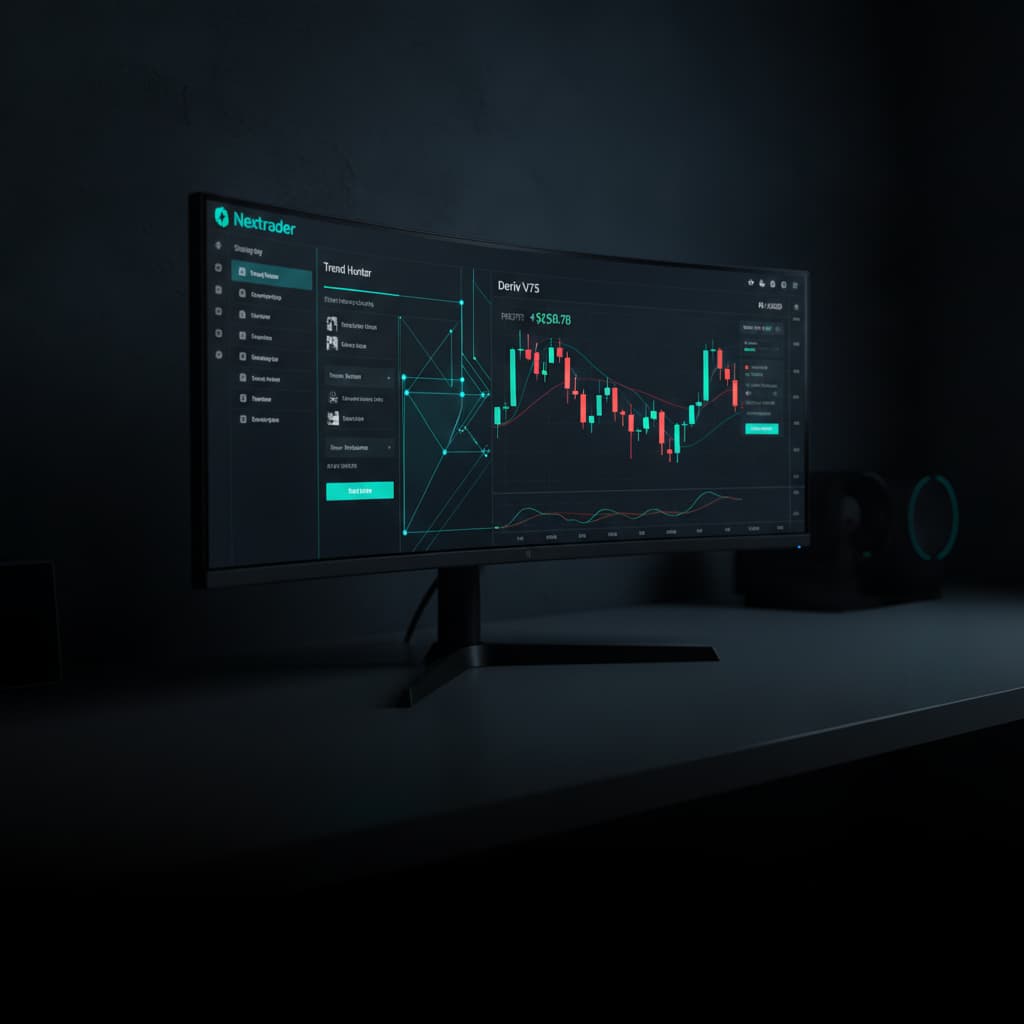
In this guide, we'll walk you through the precise steps to set up the Auto Trader Bot, specifically employing the popular "Trend Hunter" strategy combined with the intelligent "Mesa Milano" money management system. By the end of this tutorial, you will have the knowledge to configure your own automated bot, allowing Nextrader to execute trades on your behalf on the V75 index, aiming to capitalize on its dynamic movements. This approach helps reduce emotional trading and ensures your strategy is followed rigorously.
Nextrader offers a suite of sophisticated deriv bots designed to enhance your trading experience across various markets, including Volatility Indices, Forex, Gold, Silver, and Crypto. Our binary bots are built on real-time, non-repaint trading signals, ensuring reliability as they only fire on closed candles after a minimum of 3-4 indicators agree.
What You Need Before Starting
- Deriv Account: A live or demo trading account with Deriv.com. (Ensure you have funds if using a live account).
- Nextrader Account: A free account on Nextrader (Sign Up Free — Nextrader). All features are unlocked without any subscriptions or paywalls.
- Basic Trading Knowledge: An understanding of market trends, candlesticks, and risk management principles.
- Stable Internet Connection: To ensure uninterrupted bot operation and real-time data flow.
Step 1: Accessing Nextrader and Connecting Your Deriv Account
First, navigate to the Nextrader platform. Open your web browser and go to Nextrader App. If you haven't already, sign up for a free account. Once logged in, you'll be presented with the Nextrader dashboard, offering a comprehensive overview of our deriv trading tools.
Get Live AI Trading Signals
Real-time non-repaint signals from 11 AI strategies — Volatility Indices, Forex, Gold & Crypto. No subscription, no paywall.
- Auto Trader Bot
- Digit Trader Bot
- 11 AI Strategies
- Live Telegram Signals
On the left-hand navigation panel, locate and click on the "Auto Trader Bot" option. This will take you to the bot configuration interface. The very first step here is to connect your Deriv account. Nextrader integrates seamlessly with the Deriv WebSocket API (using App ID 67545), ensuring secure and real-time communication.
Click on the "Connect Deriv" button, usually found at the top right or within the connection settings. You'll be prompted to enter your Deriv API token. To generate this, log into your Deriv account, go to "Settings" -> "API Tokens," and create a new token with "Read," "Trade," and "Cashier" permissions. Copy this token and paste it into the designated field on Nextrader. Click "Connect." Nextrader supports multi-account functionality, so you can connect multiple Deriv accounts if needed. Once connected, your Deriv account balance will be displayed, confirming a successful link.
Step 2: Selecting V75 Index and the Trend Hunter Strategy
With your Deriv account connected, it's time to choose your market and strategy. Within the "Auto Trader Bot" interface, look for the "Market" selection area.
- Select Market: From the dropdown menu, choose "Volatility Indices." A sub-menu will appear listing various volatility indices. Select "V75" (Volatility 75 Index). This is a highly liquid and dynamic market, perfect for automated strategies.
- Choose Timeframe: Nextrader provides signals across four timeframes: 5min, 10min, 30min, and 1 hour. For V75, a 5-minute or 10-minute timeframe often provides a good balance between signal frequency and trend reliability. Let's select "5min" for this tutorial. Remember, Nextrader's signals are non-repaint and only fire on CLOSED candles, ensuring signal integrity.
- Select AI Strategy: Now, navigate to the "AI Strategies" section. Nextrader boasts 11 named AI strategies, each designed for different market conditions. For this tutorial, we will select "Trend Hunter." The Trend Hunter strategy is based on EMA (Exponential Moving Average) crossovers, making it excellent for identifying and following prevailing trends. This strategy, like all Nextrader's Smart Signals, relies on a minimum of 3-4 indicators agreeing before a signal is generated, enhancing its reliability.
Step 3: Configuring Trade Parameters and Initial Stake
Now that we've defined our market and strategy, we need to set the specific parameters for each trade our deriv bot will execute.
- Contract Type: Nextrader's Auto Trader Bot supports automating "Rise/Fall" and "Higher/Lower" contracts. For trend-following strategies like Trend Hunter, "Rise/Fall" is typically the most suitable choice, as it aims to profit from the direction of the market's movement. Select "Rise/Fall."
- Duration: This defines how long each trade will last. For a 5-minute timeframe on V75, a short duration is usually preferred. You can choose "Ticks" or "Minutes." For V75 and scalping-style automation, a duration of "5 Ticks" or "1 Minute" is common. Let's select "1 Minute" for a slightly longer hold.
- Initial Stake: This is the starting amount your bot will use for the very first trade. It's crucial for risk management. We highly recommend starting with a very small amount, especially when testing a new strategy or market. For instance, set your "Initial Stake" to "$0.35" or "$0.50." This allows you to observe the bot's performance with minimal risk.
- Confidence Levels: Nextrader provides "Confidence levels per signal" (ranging from 30–85%). While the bot automates based on strategy agreement, you might find an option to filter signals based on this confidence. For starting, let the bot take all signals generated by Trend Hunter, but be aware of this feature for future fine-tuning. The platform also shows "Entry price, Stop Loss, Take Profit 1 & 2" with each signal, giving you insight into the potential trade.
Step 4: Implementing Mesa Milano Money Management
Money management is paramount in automated trading, and Nextrader offers sophisticated options. For this tutorial, we'll implement the "Mesa Milano" strategy, a smart loss recovery system that aims to recover losses without the aggressive stake increases of a traditional Martingale.
- Access Money Management: Within the "Auto Trader Bot" interface, locate the "Money Management" section.
- Select Mesa Milano: From the available options (Fixed Stake, Martingale, Mesa Milano), select "Mesa Milano."
- Configure Mesa Milano: Mesa Milano is designed to intelligently adjust your stake after a losing trade, aiming to recover previous losses plus a profit, but with a more controlled progression than Martingale. You'll need to set:
* Base Stake: This is your initial stake, which you already set in Step 3 (e.g., $0.35).
* Recovery Factor: This determines how much your stake increases after a loss. A common starting point is 1.1x to 1.5x. Start conservatively, perhaps with "1.2x."
* Max Loss Limit: Crucially, set a "Max Loss Limit" in USD. This is your absolute stop-loss for the Mesa Milano cycle. If the cumulative losses within a cycle reach this amount, the bot will reset to the base stake, protecting your capital from extended drawdowns. For example, set it to "$5.00" or "$10.00" depending on your risk tolerance and account size.
* Target Profit: You can also set a "Target Profit" for the cycle. Once this profit is achieved, the bot will reset to the base stake.
Mesa Milano provides a more sustainable approach to loss recovery compared to the exponential increases of a standard Martingale, making it a powerful feature of Nextrader's binary bots.
Step 5: Activating the Auto Trader Bot and Monitoring Performance
You've connected your account, selected your market and strategy, defined trade parameters, and implemented smart money management. It's time to bring your automated trading to life!
- Review Settings: Before clicking start, take a moment to meticulously review all your settings:
* Deriv account connected?
* V75 index selected?
* 5min timeframe?
* Trend Hunter strategy?
* Rise/Fall contract, 1-minute duration?
* Initial stake of $0.35 (or your chosen amount)?
* Mesa Milano selected with conservative recovery factor and a defined max loss limit?
- Start the Bot: Once confident in your configuration, locate and click the "Start Bot" button, typically found at the bottom of the Auto Trader Bot interface. The bot will now begin listening for Trend Hunter signals on the V75 5-minute chart and execute trades on your Deriv account according to your specified parameters and Mesa Milano money management.
- Monitor Performance: Nextrader provides a "real-time color-coded trading console" where you can see every trade executed by the bot, its outcome (win/loss), and the current stake. The "live P&L tracking" feature allows you to monitor your profit and loss in real-time. It's crucial to observe the bot's performance, especially when starting. You can pause or stop the bot at any time if you wish to adjust settings or simply take a break.
- Start with Demo: We strongly recommend running this setup on a Deriv demo account first. This allows you to gain confidence in the strategy and bot functionality without risking real capital. Once you are satisfied with its performance on demo, you can switch to a live account.
Pro Tips
- Diversify Strategies: While Trend Hunter is powerful, explore Nextrader's other 10 AI strategies like Reversal Radar (RSI), Momentum Wave (MACD), or Volatility Pulse (Bollinger Bands). For multi-indicator power, try "Smart Fusion" or "Smart Signals" which use 4+ indicators.
- Timeframe Experimentation: V75 is known for its volatility. Experiment with different timeframes (10min, 30min) in conjunction with Trend Hunter to see which best suits current market conditions and your risk appetite.
- Daily Limits: Even with Mesa Milano, always set daily stop-loss and take-profit limits within your Deriv account or Nextrader's bot settings. This is crucial for disciplined risk management and protects your capital from unexpected market events.
- Leverage Telegram Signals: Supplement your automated trading by checking Nextrader's free Telegram signals (Telegram). We provide up to 30 signals per day across 30 markets, giving you additional insights and potential manual trading opportunities.
Start Trading Now
Ready to revolutionize your Deriv V75 trading? Head over to Nextrader App to log in or sign up for your free account today. Don't forget to join our community and get free signals on Telegram at Telegram.
Trading involves risk. Past performance does not guarantee future results.


