Introduction
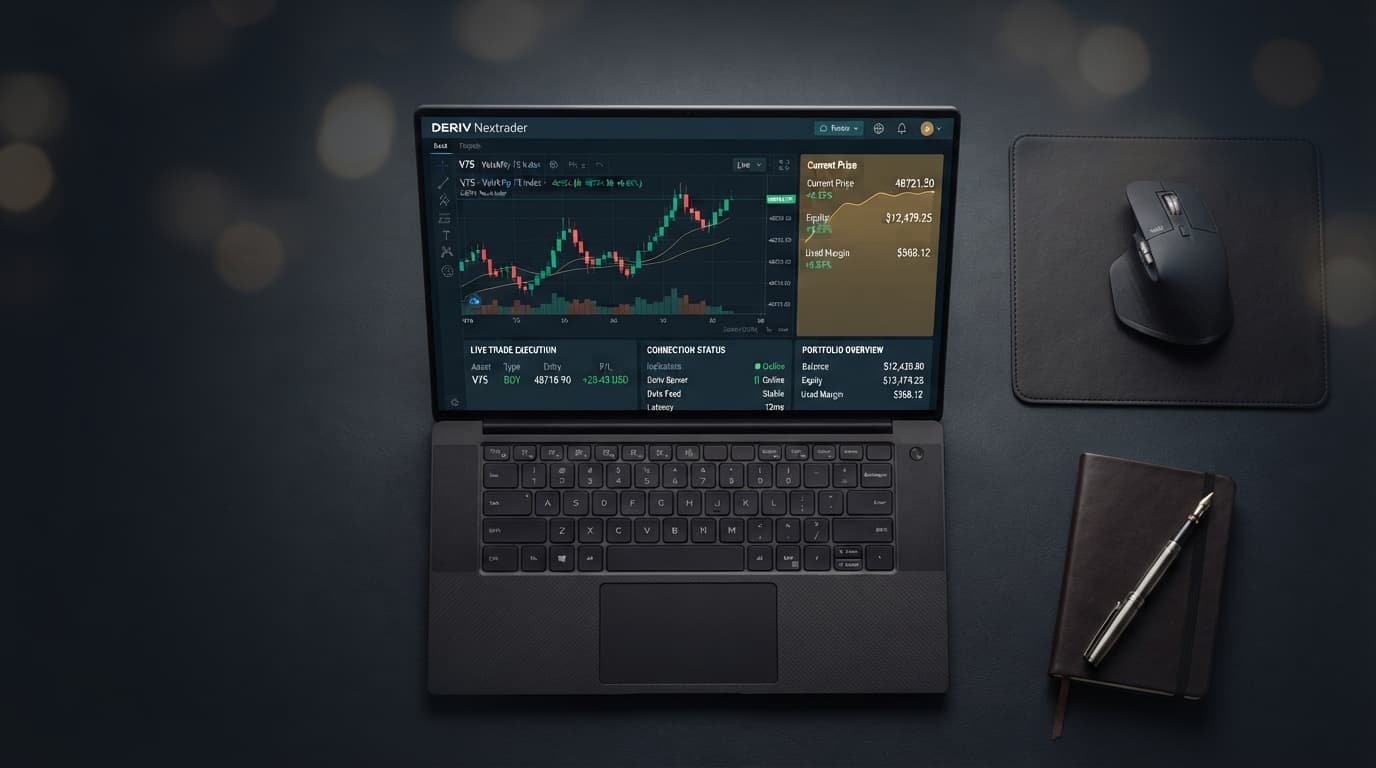
Welcome to this in-depth tutorial from Nextrader, your ultimate platform for intelligent trading automation. In this guide, we'll walk you through the precise steps to leverage the power of the Nextrader Auto Trader Bot to automate your Deriv Volatility Index Rise/Fall contracts, all while employing the sophisticated Mesa Milano money management strategy.
This tutorial is designed for traders who are familiar with Deriv's Rise/Fall contracts and the dynamic nature of Volatility Indices, but are looking to automate their execution with precision and smart risk control. By the end of this guide, you will be fully equipped to set up your own automated trading system, allowing Nextrader's cutting-edge AI signals and advanced money management to work for you around the clock, potentially freeing up your time and enhancing your trading efficiency. You'll achieve a hands-on understanding of how to transform real-time trading signals into automated trades on your Deriv account.
What You Need Before Starting
Before diving into the automation process, ensure you have the following essentials:
- A Deriv.com Account: This can be a real or demo account. We highly recommend starting with a demo account to test your strategies without financial risk.
- A Nextrader.live Account: Sign up for free at Sign Up Free — Nextrader. Nextrader is 100% free, with no subscriptions or paywalls.
- Basic Understanding of Rise/Fall Contracts: Familiarity with how these contracts work on Deriv is beneficial.
- Stable Internet Connection: Essential for uninterrupted bot operation and real-time signal reception.
Step 1: Connecting Your Deriv Account to Nextrader
The first crucial step is to securely link your Deriv trading account to the Nextrader platform. This connection allows the Auto Trader Bot to execute trades directly on your behalf based on Nextrader's signals.
Get Live AI Trading Signals
Real-time non-repaint signals from 11 AI strategies — Volatility Indices, Forex, Gold & Crypto. No subscription, no paywall.
- Auto Trader Bot
- Digit Trader Bot
- 11 AI Strategies
- Live Telegram Signals
- Log in to Nextrader: Navigate to Nextrader App and log in using your credentials. If you don't have an account, sign up for free – it only takes a moment.
- Access the Auto Trader Bot: Once logged in, look for the "Auto Trader Bot" section in the Nextrader dashboard. This is where all your automated trading configurations will take place.
- Initiate Deriv API Connection: Within the Auto Trader Bot interface, you'll find an option to connect your Deriv account. Nextrader uses Deriv's WebSocket API (App ID 67545) for seamless and secure integration. You will need to provide your Deriv API token.
* How to get your Deriv API Token:
* Log in to your Deriv.com account.
* Go to "Settings" (usually accessible via your profile picture/icon).
* Select "API Token" or "API & Security."
* Click "Create a new token."
* Give your token a name (e.g., "Nextrader Bot").
* Crucially, grant the necessary permissions: "Read," "Trade," and "Cashier" (for checking balance, though Nextrader primarily uses "Read" and "Trade"). Avoid giving "Admin" permissions for security.
* Copy the generated token.
* Paste Token into Nextrader: Return to Nextrader, paste your copied API token into the designated field, and click "Connect." Nextrader will verify the connection. A successful connection will display your Deriv account balance and allow you to select your desired Deriv account (real or demo) if you have multiple. This secure link is the backbone of all our deriv bots and binary bots functionalities within Nextrader.
Step 2: Selecting Your Markets and Contract Type
With your Deriv account connected, it's time to define which markets you want to trade and the specific contract type. This tutorial focuses on Volatility Indices and Rise/Fall contracts, which are popular choices for automated strategies due to their consistent movement.
- Navigate to Market Selection: Within the Auto Trader Bot interface, locate the "Market" dropdown menu.
- Choose Volatility Indices: From the list of available markets, select "Volatility Indices." Nextrader supports a wide range of these indices, including V10, V25, V50, V75, V100, and the ultra-fast 1Hz index. You can select one or multiple indices depending on your strategy and risk appetite. For beginners, starting with one or two familiar indices is recommended.
- Select Rise/Fall Contract Type: Below the market selection, you'll find the "Contract Type" dropdown. Choose "Rise/Fall." This contract type involves predicting whether the final price of the asset will be strictly higher or strictly lower than the entry price.
- Set Trade Duration: Determine the duration for your Rise/Fall contracts. Nextrader allows you to specify the duration in ticks, seconds, or minutes. For Volatility Indices, shorter durations (e.g., 5-10 ticks or 1-2 minutes) are common for scalping strategies, while longer durations align with higher timeframe signals. Consider the timeframe of your chosen signals (e.g., 5min, 10min, 30min, 1 hour signals) when setting your trade duration to ensure alignment.
Step 3: Configuring Your Trading Strategy with Nextrader Signals
Nextrader's core strength lies in its real-time, non-repaint trading signals, generated by 11 named AI strategies. For automated trading, you'll instruct the bot which strategy to follow and under what conditions.
- Select an AI Strategy: In the Auto Trader Bot settings, locate the "Strategy" section. Here, you can choose from Nextrader's powerful AI strategies. For this tutorial, we'll focus on leveraging the multi-indicator power of Nextrader. You might opt for:
* Smart Signals: This advanced strategy fires signals only when a minimum of 4 indicators agree, providing high-conviction entry points. It's an excellent choice for robust automation.
* Alternatively, you could choose a specialized strategy like Trend Hunter (for EMA crossover signals), Reversal Radar (for RSI-based reversals), or Momentum Wave (for MACD signals) depending on your market view.
- Choose a Timeframe: Select the timeframe for the signals you want the bot to act upon. Nextrader offers signals on 5min, 10min, 30min, and 1 hour timeframes. A shorter timeframe (e.g., 5min or 10min) is generally used for more frequent trades, while longer timeframes (30min, 1 hour) are for less frequent, potentially higher-probability setups. Ensure this aligns with your chosen trade duration from Step 2.
- Set Minimum Confidence Level: Nextrader provides a "Confidence Level" for each signal, ranging from 30% to 85%. This indicates the AI's conviction in the signal's direction. To filter for higher-quality trades, set a minimum confidence level (e.g., 60% or 70%). The bot will only execute trades when the signal's confidence meets or exceeds your specified threshold.
- Understand Signal Details: While the bot automates execution, it's good to know that Nextrader signals also provide "Entry price," "Stop Loss," and "Take Profit 1 & 2" targets. For Rise/Fall contracts, the bot primarily uses the signal direction (Rise or Fall) to place the trade, but these targets can be useful for manual trading or for understanding the potential scope of the automated trades. These comprehensive deriv trading tools provide a significant edge.
Step 4: Implementing Mesa Milano Money Management
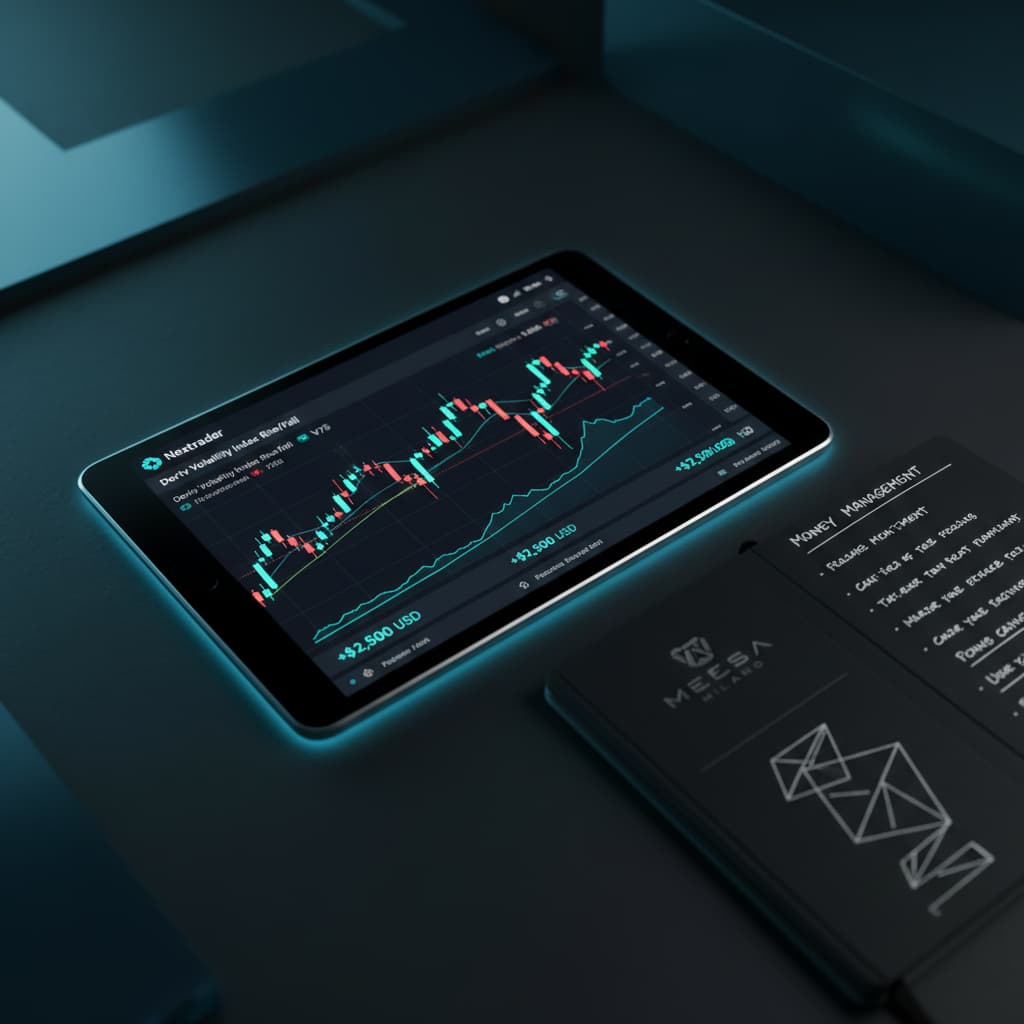
Money management is paramount in trading, and Nextrader offers sophisticated options. For this tutorial, we're focusing on "Mesa Milano," a smart loss recovery strategy designed to be more intelligent than traditional Martingale systems.
- Access Money Management Settings: Within the Auto Trader Bot configuration, navigate to the "Money Management" section.
- Select Mesa Milano: From the available options (Fixed Stake, Martingale, Mesa Milano), choose "Mesa Milano."
- Configure Mesa Milano Parameters: This strategy requires careful configuration to align with your risk tolerance:
* Initial Stake: This is the starting amount your bot will use for the first trade after a winning streak or a recovery. Define a comfortable initial stake that represents a small percentage of your total trading capital.
* Recovery Multiplier: Unlike a simple Martingale that doubles the stake, Mesa Milano uses a recovery multiplier that is typically lower and more calculated. This multiplier determines how much the stake increases after a loss to attempt to recover previous losses. A common range might be 1.2x to 1.5x, but this needs to be thoroughly tested.
* Maximum Number of Steps/Losses: Set a strict limit on the number of consecutive losses Mesa Milano will attempt to recover. This is a critical risk control feature. If the bot reaches this limit, it will stop trading or revert to the initial stake, preventing catastrophic losses.
* Maximum Loss Limit (Optional but Recommended): Nextrader also allows you to set an overall daily or session maximum loss limit for the bot. This acts as a global safety net, stopping the bot if your total losses for the period exceed a predefined amount, regardless of the Mesa Milano step.
* Profit Target (Optional but Recommended): Similarly, you can set a daily or session profit target. Once reached, the bot can automatically stop, helping you lock in gains and avoid overtrading.
Mesa Milano is one of the most intelligent deriv trading tools for managing risk, aiming for smart loss recovery without the aggressive exponential increase of Martingale. Always test these settings extensively on a demo account.
Step 5: Activating and Monitoring Your Auto Trader Bot
Once all your settings are configured, the final step is to activate your bot and monitor its performance.
- Review All Settings: Before activation, take a moment to carefully review all your chosen settings:
* Connected Deriv account (real or demo).
* Volatility Indices selected (e.g., V10, V75).
* Contract type: Rise/Fall.
* Trade duration.
* Selected AI Strategy (e.g., Smart Signals).
* Signal timeframe (e.g., 5min).
* Minimum Confidence Level.
* Mesa Milano money management parameters (Initial Stake, Recovery Multiplier, Max Steps).
* Any overall profit targets or loss limits.
- Activate the Bot: With confidence in your settings, click the "Start Bot" or "Activate" button prominently displayed in the Auto Trader Bot interface. The bot will now begin listening for signals that match your criteria and execute trades automatically on your Deriv account.
- Monitor Performance: Nextrader provides a real-time, color-coded trading console within the Auto Trader Bot section. Here, you can:
* See live updates of trades being placed and their outcomes (win/loss).
* Track your live P&L (Profit & Loss) for the current session.
* Observe the current stake being used by Mesa Milano.
* View the confidence level of each signal acted upon.
* The console provides transparency and allows you to gauge the bot's performance at a glance.
- Stopping the Bot: You can stop the bot at any time by clicking the "Stop Bot" button. It's crucial to stop the bot safely, especially if you need to adjust settings or if market conditions change unexpectedly. The bot will complete any open trades before fully ceasing operations.
- Multi-Account Support: If you have multiple Deriv accounts linked to Nextrader, you can switch between them to manage different bots or strategies simultaneously.
Pro Tips
- Utilize Demo Accounts Extensively: Before deploying any strategy with real money, spend ample time testing your Auto Trader Bot configurations, especially Mesa Milano settings, on a Deriv demo account. This allows you to fine-tune your parameters and understand their impact without financial risk.
- Experiment with AI Strategies: While Smart Signals offer robust multi-indicator confirmation, don't hesitate to experiment with other Nextrader AI strategies like "Trend Rider" (based on SuperTrend), "Cloud Walker" (Ichimoku), or "Price Magnet" (VWAP) in conjunction with Volatility Indices. Different strategies may perform better in varying market conditions.
- Dynamic Confidence Levels: Instead of a fixed minimum confidence, consider adjusting it based on market volatility or news events. During highly volatile periods, you might raise the minimum confidence for signals to filter for even stronger setups.
- Combine Deriv Bots for Diversification: Nextrader offers not just the Auto Trader Bot but also the Digit Trader Bot for AI last-digit prediction. While this tutorial focuses on Rise/Fall, consider exploring the Digit Trader Bot's DIGITEVEN/ODD/OVER/UNDER/MATCH/DIFF strategies and its 95%+ pattern recognition accuracy for diversifying your deriv trading tools.
Start Trading Now
Ready to automate your Deriv Volatility Index trading with Nextrader's powerful Auto Trader Bot and smart Mesa Milano money management?
Visit Nextrader App to log in or Sign Up Free — Nextrader to create your free account today. For real-time signals and community interaction, join our Telegram channel at Telegram.
Trading involves risk. Past performance does not guarantee future results.