Introduction
Welcome to this in-depth tutorial from Nextrader, your ultimate platform for advanced deriv trading tools. In this guide, we're going to unlock the power of automation on one of the most dynamic markets: Deriv's Volatility 75 Index (V75). Specifically, you'll learn how to set up and run a fully automated trading bot for Rise/Fall contracts using Nextrader's cutting-edge Smart Signals AI strategy, coupled with the intelligent loss recovery of Mesa Milano money management.
This tutorial is designed for traders who are familiar with the basics of Deriv and are looking to leverage sophisticated AI-driven automation to enhance their trading strategies. By the end of this guide, you will be proficient in configuring one of the most powerful deriv bots available, enabling you to execute trades efficiently and methodically without constant manual intervention, all from Nextrader’s 100% free, feature-rich platform.
You'll discover how Nextrader’s real-time, non-repaint trading signals, generated by multiple agreeing indicators, can be harnessed to make informed decisions and how our unique money management systems protect your capital. Whether you're a seasoned trader or just starting to explore the world of binary bots, this step-by-step walkthrough will provide you with the knowledge to deploy a robust automated strategy on V75.
What You Need Before Starting
Before diving into the setup, ensure you have the following ready:
Get Live AI Trading Signals
Real-time non-repaint signals from 11 AI strategies — Volatility Indices, Forex, Gold & Crypto. No subscription, no paywall.
- Auto Trader Bot
- Digit Trader Bot
- 11 AI Strategies
- Live Telegram Signals
- A Deriv.com Account: Both a real (CR, synthetic) and a demo account will work. It's always recommended to test new strategies on a demo account first.
- A Nextrader (nextrader.live) Account: If you don't have one, sign up for free – all features are unlocked with no subscriptions or paywalls.
- Basic Understanding of V75: Familiarity with how Volatility Indices move and the concept of Rise/Fall contracts on Deriv.
- Stable Internet Connection: For uninterrupted signal reception and bot operation.
Step 1: Connecting Your Deriv Account to Nextrader
The first crucial step to automating your Deriv V75 Rise/Fall contracts is to securely link your Deriv account to Nextrader. Our platform integrates seamlessly with Deriv using their WebSocket API, ensuring real-time data flow and trade execution.
To begin, log in to your Nextrader account at app.nextrader.live. Once logged in, navigate to the "Accounts" or "Integrations" section, typically found in the dashboard or sidebar menu. Here, you will see an option to "Connect Deriv Account." Click this button. Nextrader will then prompt you to log in to your Deriv account through a secure pop-up window, authorizing Nextrader (App ID 67545) to access your trading account. This process is fully secure and ensures that your credentials are never stored on Nextrader's servers.
After successful authorization, you will be redirected back to Nextrader, and your Deriv account(s) (both real and demo) will be listed in your Nextrader console. Make sure to select the specific Deriv account you wish to trade with for this automation. For initial testing, we strongly recommend selecting your Deriv demo account to familiarize yourself with the process and observe the bot's performance without financial risk. This connection forms the backbone of your automated trading setup, allowing Nextrader to send and receive trade instructions to and from Deriv in real-time.
Step 2: Selecting the V75 Market and Rise/Fall Contract Type
With your Deriv account successfully connected, it's time to specify the market and contract type for your automation. Nextrader's Auto Trader Bot is a powerful component of our deriv trading tools, designed to handle various markets and contract types with precision.
From your Nextrader dashboard, locate and click on the "Auto Trader Bot" section. This will open the bot configuration interface. Within this interface, you'll find a "Market" dropdown menu. Scroll through the options and select "Volatility 75 Index" (V75). This specifies that your bot will focus exclusively on this dynamic synthetic index. Volatility Indices, like V75, are known for their consistent movement, making them popular choices for automated strategies.
Immediately below the market selection, you'll see a "Contract Type" dropdown. For this tutorial, select "Rise/Fall." This instructs the bot to place contracts predicting whether the V75 price will end higher (Rise) or lower (Fall) than the entry spot after a specified duration. Nextrader supports a wide range of markets, including Forex, Gold, Silver, and Crypto, alongside the Volatility Indices, and various contract types like Higher/Lower or Digit contracts (via our Digit Trader Bot). However, for this specific strategy, V75 Rise/Fall is our target. Confirming these selections is critical as they define the foundational parameters for all subsequent automated trades.
Step 3: Configuring the Smart Signals AI Strategy
Now, let's inject intelligence into our deriv bots by selecting the core trading strategy: Nextrader's Smart Signals AI. This is where Nextrader truly shines as one of the leading deriv trading tools, offering advanced algorithms to identify high-probability trade setups.
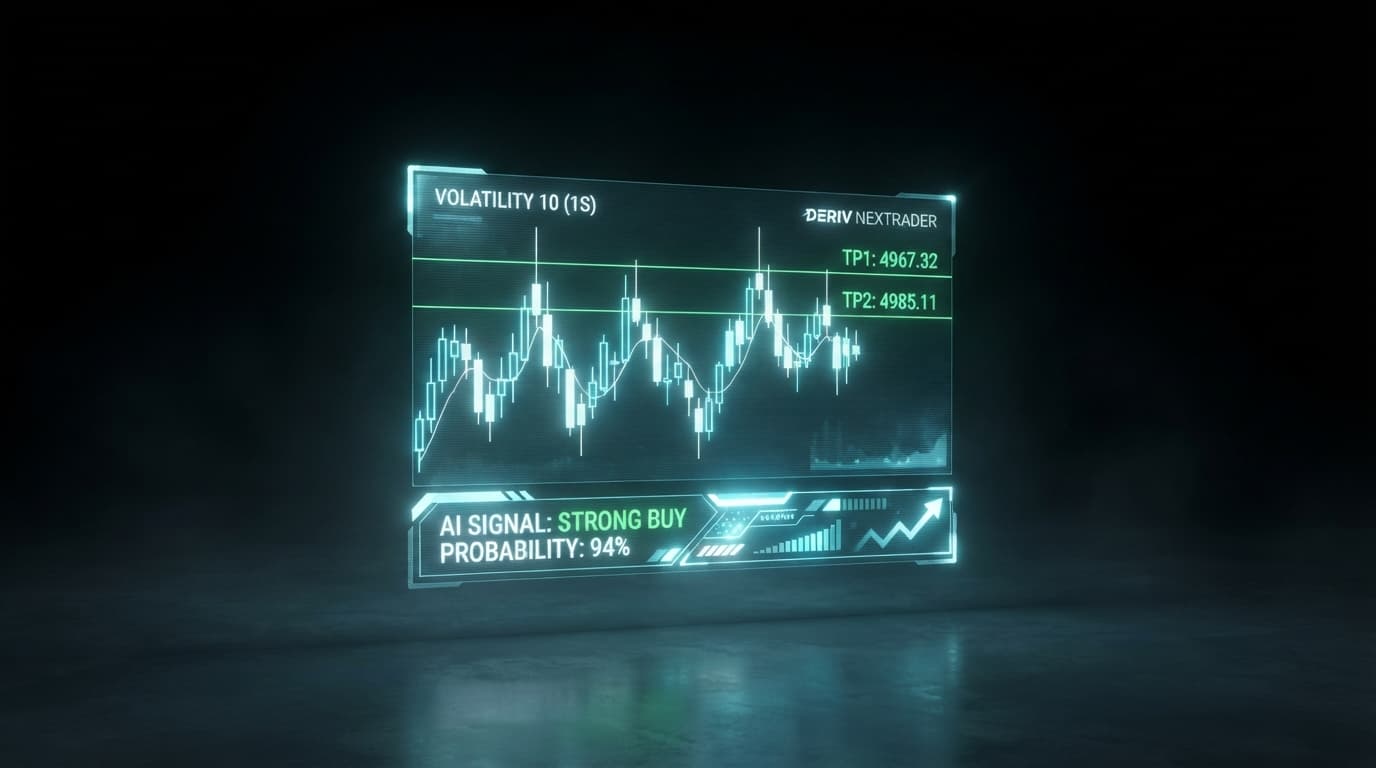
Within the "Auto Trader Bot" configuration, locate the "AI Strategy" dropdown menu. From the extensive list of 11 named AI strategies (including Trend Hunter, Reversal Radar, Momentum Wave, and Cloud Walker), select "Smart Signals." The Smart Signals strategy is Nextrader's flagship multi-indicator approach. It only fires signals on closed candles and requires a minimum of 4 or more underlying indicators to agree on a potential price direction. This rigorous condition ensures that the signals are non-repaint and possess a higher degree of confidence.
After selecting Smart Signals, you'll need to choose your preferred "Timeframe." Nextrader offers signals across 4 timeframes: 5min, 10min, 30min, and 1 hour. For V75 Rise/Fall, experimenting with different timeframes is key, but a good starting point might be the 5min or 10min timeframe for more frequent signals, or 30min for potentially stronger, less frequent signals. The bot will only enter a trade when a Smart Signal for your chosen timeframe and market (V75) is generated, indicating a strong consensus among the underlying indicators for a Rise or Fall. Nextrader also displays a "Confidence Level" for each signal (ranging from 30-85%), which you can use to further filter trade entries if desired, though Smart Signals are inherently designed for high confidence.
Step 4: Implementing Mesa Milano Money Management
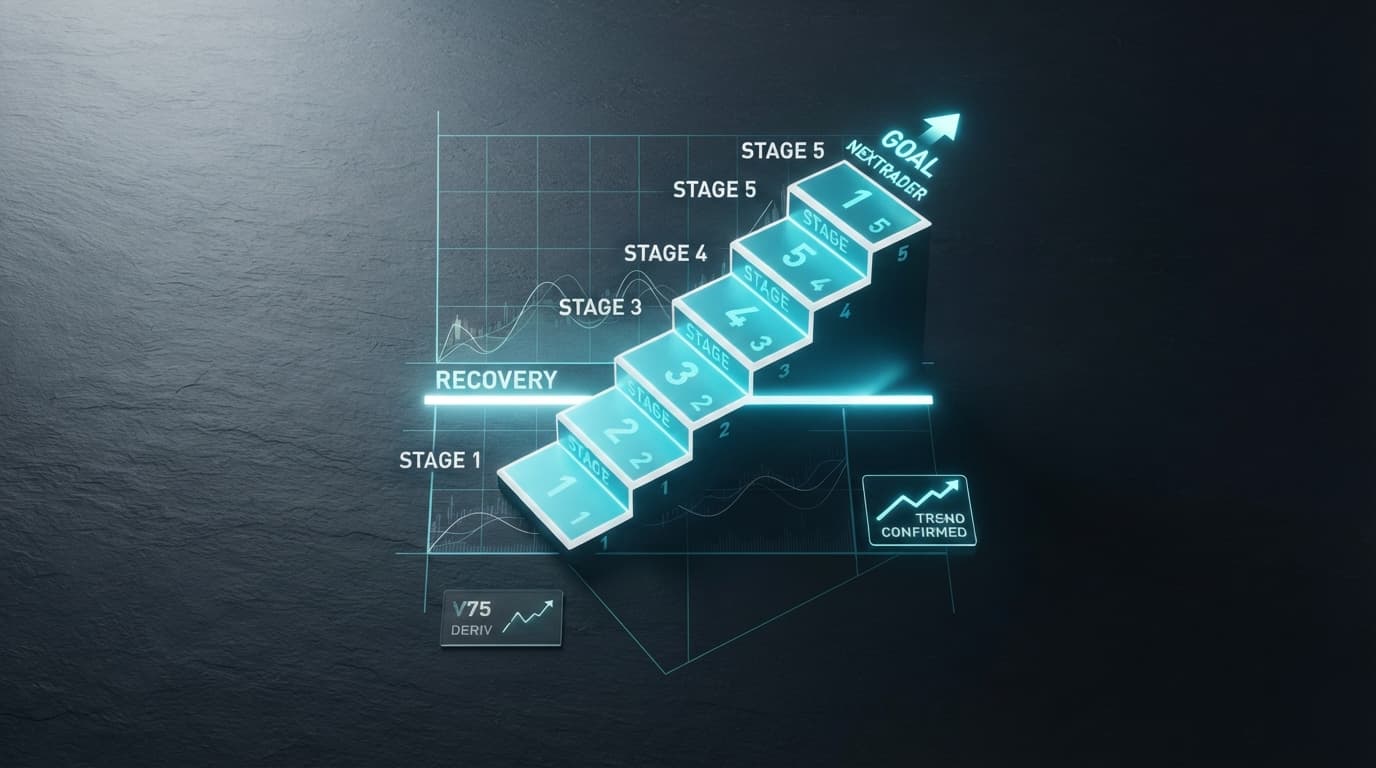
Effective money management is paramount to long-term success in trading, and Nextrader offers sophisticated solutions beyond basic Martingale. For this setup, we'll implement "Mesa Milano," a smart loss recovery system designed to protect your capital while aiming for recovery.
In the "Auto Trader Bot" interface, navigate to the "Money Management" section. Click on the dropdown menu and select "Mesa Milano." Unlike a simple Martingale strategy, which doubles the stake after every loss, Mesa Milano employs a more intelligent, adaptive approach to loss recovery. It calculates the next stake amount based on the previous losses and aims to recover lost capital more efficiently and with less aggressive stake increases, thereby mitigating the risk of rapid account depletion.
You will need to set your "Initial Stake" – this is the base amount you wish to risk on your first trade. For example, you might start with $0.35 or $1.00. Nextrader's Mesa Milano implementation will then automatically adjust subsequent stakes according to its smart algorithm if a loss occurs. While specific parameters for Mesa Milano like "Max Stake" or "Loss Recovery Factor" might be pre-optimized within Nextrader, ensure you understand that this system is designed to recover losses incrementally, not guarantee profits. It's a crucial part of making your deriv bots resilient, providing a balanced approach between recouping losses and managing risk, making it a superior choice among advanced deriv trading tools. Always begin with a small initial stake, especially when using any loss recovery system, to understand its behavior in live conditions.
Step 5: Reviewing Settings and Activating the Auto Trader Bot
You're almost ready to unleash your automated V75 Rise/Fall strategy! The final step involves a thorough review of all your configurations and then activating the bot. This careful check ensures that your deriv bots are set up precisely as intended.
Before clicking "Start Bot," take a moment to review every setting you've configured:
- Deriv Account: Ensure the correct real or demo account is selected.
- Market: Confirm "Volatility 75 Index" (V75).
- Contract Type: Verify "Rise/Fall."
- AI Strategy: Make sure "Smart Signals" is selected.
- Timeframe: Double-check your chosen timeframe (e.g., 5min, 10min).
- Money Management: Confirm "Mesa Milano" is active.
- Initial Stake: Ensure your starting stake amount is correct and within your risk tolerance.
Nextrader's platform provides additional valuable information for each signal, such as "Entry Price," "Stop Loss," and "Take Profit 1 & 2." While the Auto Trader Bot handles entries and exits based on Rise/Fall contract mechanics, these details offer transparency into the signal's underlying analysis. Once you are confident that all settings are accurate, click the prominent "Start Bot" button.
The bot will now begin monitoring the V75 market for Smart Signals on your chosen timeframe. When a signal requiring 4+ indicators to agree is generated on a closed candle, the bot will automatically place a Rise/Fall trade on your selected Deriv account, managing the stake according to the Mesa Milano strategy. You can track your bot's performance in real-time on Nextrader's color-coded trading console, which displays live P&L, trade history, and account balance updates. Remember to monitor your bot, especially when using a new strategy or money management system.
Pro Tips
1. Timeframe and Volatility Alignment: While Smart Signals are robust, experiment with different timeframes (5min, 10min, 30min, 1 hour) for V75. Highly volatile periods might suit shorter timeframes for more frequent signals, while calmer periods could benefit from longer timeframes for stronger confirmations. Always test on a demo account first.
2. Leverage Multi-Account Support: Nextrader allows multi-account support. Consider running this V75 strategy on one Deriv account (e.g., a demo account) while exploring other Nextrader features like the Digit Trader Bot or another AI strategy (e.g., Trend Hunter for Forex) on a separate account. This helps diversify your automated trading portfolio.
3. Monitor Signal Confidence: Although Smart Signals inherently have high confidence due to multiple indicator agreement, Nextrader provides a specific confidence level (30-85%) for each signal. While the bot will trade all Smart Signals, observing these confidence levels can give you insights into the market conditions and help you decide when to pause or restart your deriv bots.
4. Explore BinaryBot XML: For advanced users, Nextrader supports BinaryBot XML. Once you understand how this automated strategy performs, you might explore exporting or fine-tuning parameters using XML for even greater customization, integrating Nextrader's powerful signals with your custom binary bots logic.
Start Trading Now
Ready to experience the power of automated trading with Nextrader? Head over to Nextrader App to log in, or sign up for your free account at Sign Up Free — Nextrader. For real-time updates and signals across 30 markets, join our Telegram channel at Telegram.
Trading involves risk. Past performance does not guarantee future results.