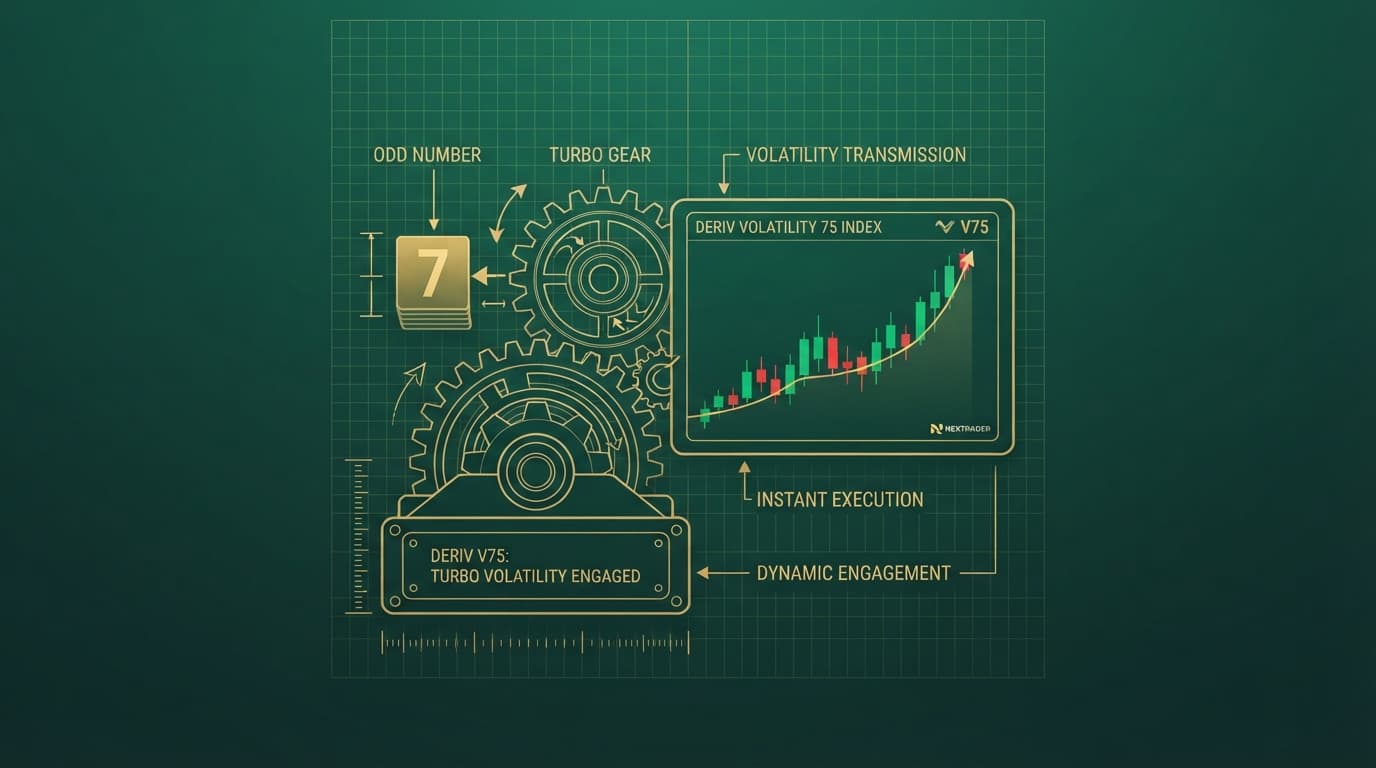
Configuring high-speed digit options like the Odd Bolt 1-Tick Turbo Bot on the Volatility 25 Index requires strict block configuration and precise API timing. When operating at one-tick speed, every tick on Deriv happens inside a single second, leaving zero margin for misaligned parameters or delayed network calls.
As an automated deriv bot operating on the NexTrader Bot platform, Odd Bolt scans the incoming tick stream of the Volatility 25 Index and places digit trades expecting an odd last digit. While the speed of a 1-tick turbo execution maximizes market opportunities, incorrect stake multipliers or misconfigured contract durations can quickly lead to API rate limit warnings or broken trade loops.
If you are using this free deriv bot inside the NexTrader library at bot.nextrader.live, setting up the exact parameters before clicking the main Run button guarantees stable execution. Understanding how to fix immediate setup errors will save your demo and real balances from unintended losses.
What This Fixes
This guide fixes four critical operational breakdown scenarios encountered when deploying the Odd Bolt 1-Tick Turbo Bot on the Volatility 25 Index:
Load a Free Deriv Bot in One Click
Browse 747+ ready-to-run Deriv bots — Rise/Fall, Over/Under, Even/Odd, Match/Differ. No coding, free forever.
- 747+ Free Bots
- One-Click Load
- Rise/Fall & Digits
- Demo or Real
- The bot fails to trigger contracts on every tick, displaying "Rate Limit Exceeded" or "Invalid Authorization" error popups.
- Execution defaults to Rise/Fall or Even contracts instead of 1-Tick Odd predictions.
- Account balances drain rapidly within consecutive tick loss streaks due to uncalibrated Martingale multipliers.
- The execution engine freezes or skips ticks due to stale last-digit data buffers on the WebSocket connection.
Quick Setup Check
Before attempting any configuration fixes, verify these foundational steps inside your browser session:
- Log into the bot interface at bot.nextrader.live using your active Deriv API token.
- Ensure your Deriv API token has both Read and Trade scopes enabled.
- Select the Odd Bolt 1-Tick Turbo Bot from the Even/Odd section of the Bot Hub library.
- Set the active asset selector to Volatility 25 Index (or Volatility 25 (1s) Index depending on your target tick rate).
- Switch your active balance toggle to Demo mode to safely test block edits before deploying real capital.
Fix 1: API Throttling and WebSocket Reconnection Errors
Symptom:
The execution log displays continuous red notifications reading "Rate limit hit," or the contract trade button remains locked in a "Processing" state while market ticks pass by.
Why it happens:
A 1-Tick Turbo deriv trading bot generates a high volume of WebSocket calls to Deriv servers. If your API token is shared across multiple active browser tabs, external binary bots, or third-party automated scripts, Deriv automatically throttles incoming trade proposals to prevent server flooding.
Exactly what to change:
1. Open your Deriv account settings and navigate to the API Token management tab.
2. Delete old tokens and generate a brand-new API token specifically dedicated to NexTrader Bot. Check only the Read and Trade scope boxes.
3. Open bot.nextrader.live and click on the token account section at the top right of the dashboard.
4. Paste the fresh API token into the prompt and click Connect.
5. Ensure no other trading apps, charts, or automated binary bots are running in parallel using the same token.
Fix 2: Contract Misalignment and Wrong Digit Block Parameters
Symptom:
The bot executes trades with 5-tick durations, or purchases Rise/Fall contracts rather than 1-tick Odd contracts on the Volatility 25 Index.
Why it happens:
NexTrader Bot utilizes visual logic blocks (~48 blocks per bot). If block definitions are manually dragged, modified, or loaded alongside conflicting XML parameters from legacy platforms, the underlying execution rules default to base contract types.
Exactly what to change:
1. Locate the block editor canvas inside bot.nextrader.live for the loaded Odd Bolt instance.
2. Scroll to Block 1: Trade Parameters (the main root block).
3. Verify that the Market drop-down is set strictly to Synthetic Indices, the Submarket is set to Volatility Indices, and the asset is Volatility 25 Index.
4. Check Block 2: Trade Type Definition. Set the primary trade category to Digits and the contract type to Even/Odd.
5. Set the duration field inside Block 2 to exactly 1 and change the unit selector from Ticks or Minutes strictly to Tick.
6. Confirm the prediction selector inside the contract purchase block (Block 3) is assigned to Odd.
Fix 3: Uncontrolled Martingale Escalation on Fast Ticks
Symptom:
A brief string of 4 or 5 consecutive even digits wipes out a major portion of your trading balance in less than ten seconds.
Why it happens:
1-Tick Turbo execution means trades complete almost instantly. If the built-in risk blocks contain standard 2.0x or 2.1x Martingale multipliers without strict loss counts or profit targets, the bot compounds losses faster than a trader can manually hit the Stop button.
Exactly what to change:
1. Navigate to the Money Management block section (typically located around Block 4 in the Odd Bolt block structure).
2. Set Initial Stake to a minimal value matching your account size (e.g., 0.35 for USD accounts).
3. Change the Martingale Multiplier from default values down to 1.05 or 1.1. High-speed digit bots require lower multiplier curves to survive standard statistical variance on Volatility 25 Index.
4. Modify Max Consecutive Losses to a hard cap of 3 or 4.
5. Define Stop Loss to a maximum tolerable threshold (e.g., 10.00) and Target Profit (e.g., 5.00).
6. Save the block workspace parameters to lock in the safe risk profile.
Fix 4: Tick Buffer Lag and Execution Freezes
Symptom:
The bot log displays incoming ticks from the Volatility 25 Index, but fails to purchase contracts when the digit conditions are met, or hangs indefinitely after completing a trade.
Why it happens:
Browser memory leaks, active network filtering, or heavy background tab throttling can cause the client-side JavaScript execution engine to lose synchronization with the live Deriv WebSocket stream.
Exactly what to change:
1. Click the red Stop button on the NexTrader Bot dashboard interface to halt the current execution thread.
2. Clear your local browser cache or refresh the page at bot.nextrader.live
3. Re-select your active account profile from the top balance widget to refresh the active session token.
4. Reload the Odd Bolt 1-Tick Turbo Bot from the Bot Hub library to rebuild the default ~48 block array cleanly.
5. Go to Nextrader App if you need to double-check live market movement, platform health, or underlying index tick speeds on a clean analytical chart before restarting the bot.
6. Click Run to re-engage the tick stream monitor.
Keeping It Stable
Maintaining consistent, long-term performance with high-speed digit tools requires disciplined operational habits:
- Always test any parameter adjustment on a Deriv Demo account before toggling to real funds.
- Never run a 1-Tick Turbo bot continuously for hours; run in short, focused target sessions (e.g., 10 to 15 minutes).
- Keep Martingale multipliers low to absorb normal cluster variance on synthetic indices.
- Ensure your internet connection maintains low latency to Deriv WebSocket servers to avoid delayed fills.
- Monitor your Target Profit limits and stop the bot manually as soon as your daily session goal is met.
Start Now
Ready to optimize your digit automated setups? Head over to bot.nextrader.live to launch the Odd Bolt 1-Tick Turbo Bot and access over 747 free trading tools directly in your browser. If you don't have an active account yet, visit Sign Up Free — Nextrader to create your free account and get connected immediately. For live community discussion, bot strategies, and daily updates, join our official Telegram group at Telegram
Trading involves risk. Past performance does not guarantee future results.