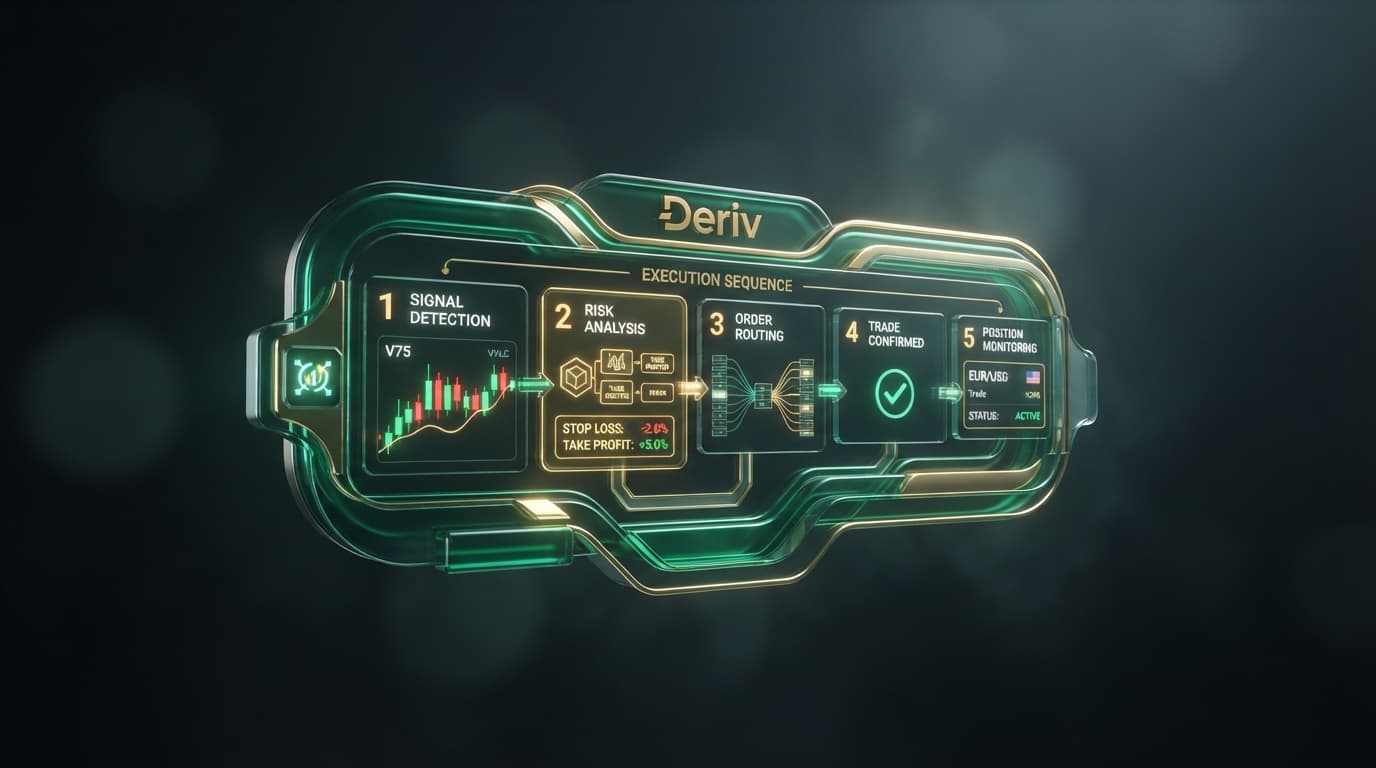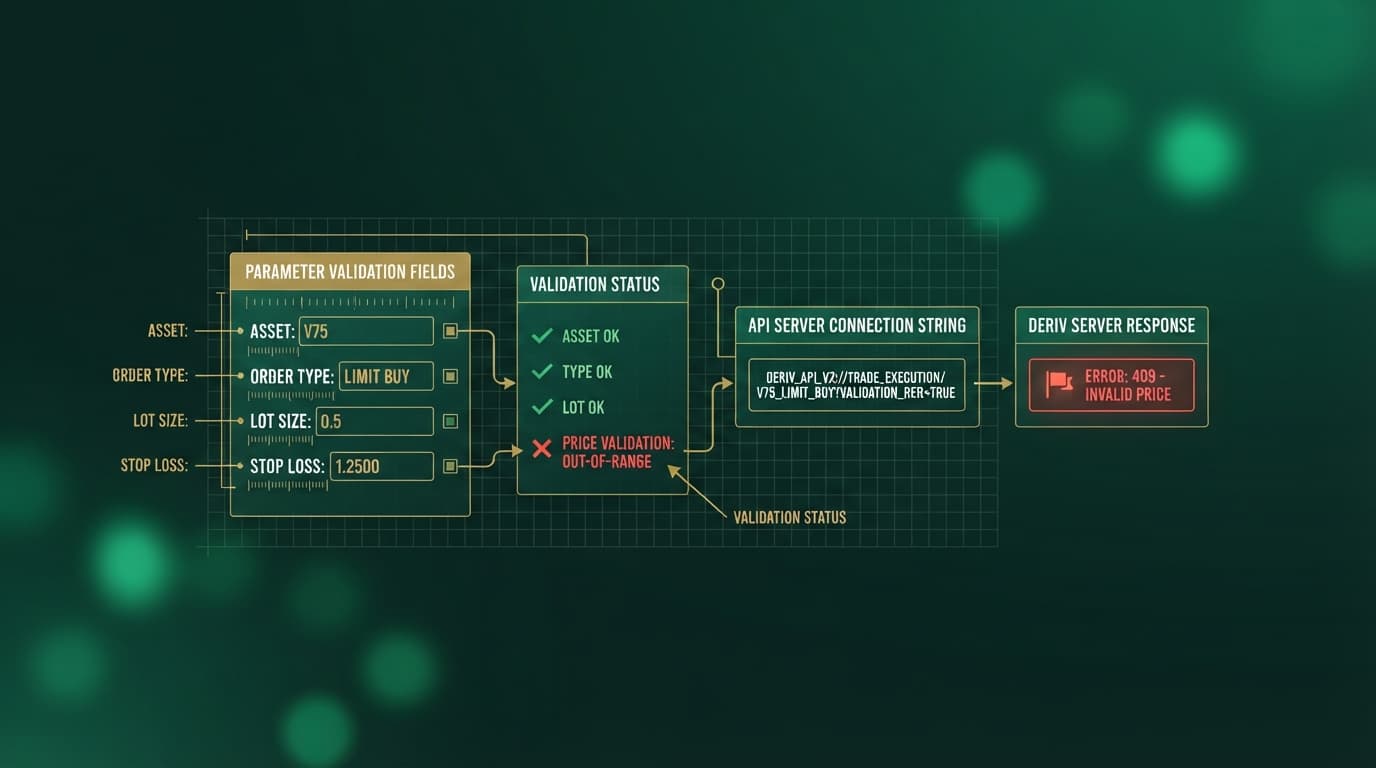
DBot stores active workspace block configurations inside local browser memory until exported, making unsaved XML scripts vulnerable to sudden browser cache clears or session crashes. Connecting DBot to Google Drive secures customized block builds directly in cloud storage, preserving specific stake rules, target payouts, and contract parameters across trading sessions.
When building automated block scripts inside DBot, an accidental tab refresh can wipe hours of visual parameter setup. Linking a Google Drive account to the DBot workspace transfers local XML files into cloud storage, enabling quick file recovery and structured version backups. While manual XML storage protects visual code from local storage wipes, managing loose files still requires constant downloading and importing. Running pre-configured strategies directly on NexTrader Bot at NexTrader Bot using your Deriv API token removes manual file handling entirely.
The 60-Second Version
- Click the Save or Load menu in your DBot workspace toolbar and select Google Drive.
- Complete the OAuth login prompt to grant read and write permissions to your cloud storage account.
- Establish a structured directory named
/Deriv_XML_Backups/organized by contract categories such as/Rise_Fall/,/Over_Under/,/Even_Odd/, and/Match_Differ/. - Save your strategy files using clear descriptive titles (for example,
V75_RiseFall_RiseRocket_v1.0.xml). - Confirm your cloud save, or launch ready-to-run free Deriv bots directly at NexTrader Bot to avoid file management entirely.
How to Save Deriv Bot to Google Drive: Step-by-Step Walkthrough
Step 1: Authorize Google Drive Integration in DBot
To connect your workspace to cloud storage, access the primary navigation toolbar inside DBot. Click the Save or Load folder icon located on the top left of the block canvas.
When the menu modal appears, select Google Drive as your storage destination. A popup window will prompt you to authenticate your Google credentials via OAuth 2.0. Select your preferred Google account and approve the access request. This permission grants DBot read and write access to a dedicated folder in your Google Drive, enabling direct transfers of your deriv bot strategy files without needing to download files to your local hard drive first.
Load a Free Deriv Bot in One Click
Browse 747+ ready-to-run Deriv bots — Rise/Fall, Over/Under, Even/Odd, Match/Differ. No coding, free forever.
- 747+ Free Bots
- One-Click Load
- Rise/Fall & Digits
- Demo or Real
Once authorized, the workspace toolbar will display an active cloud icon, confirming that your session is linked directly to your cloud storage account.
Step 2: Set Up Version-Control Folder Structure and Naming Protocols
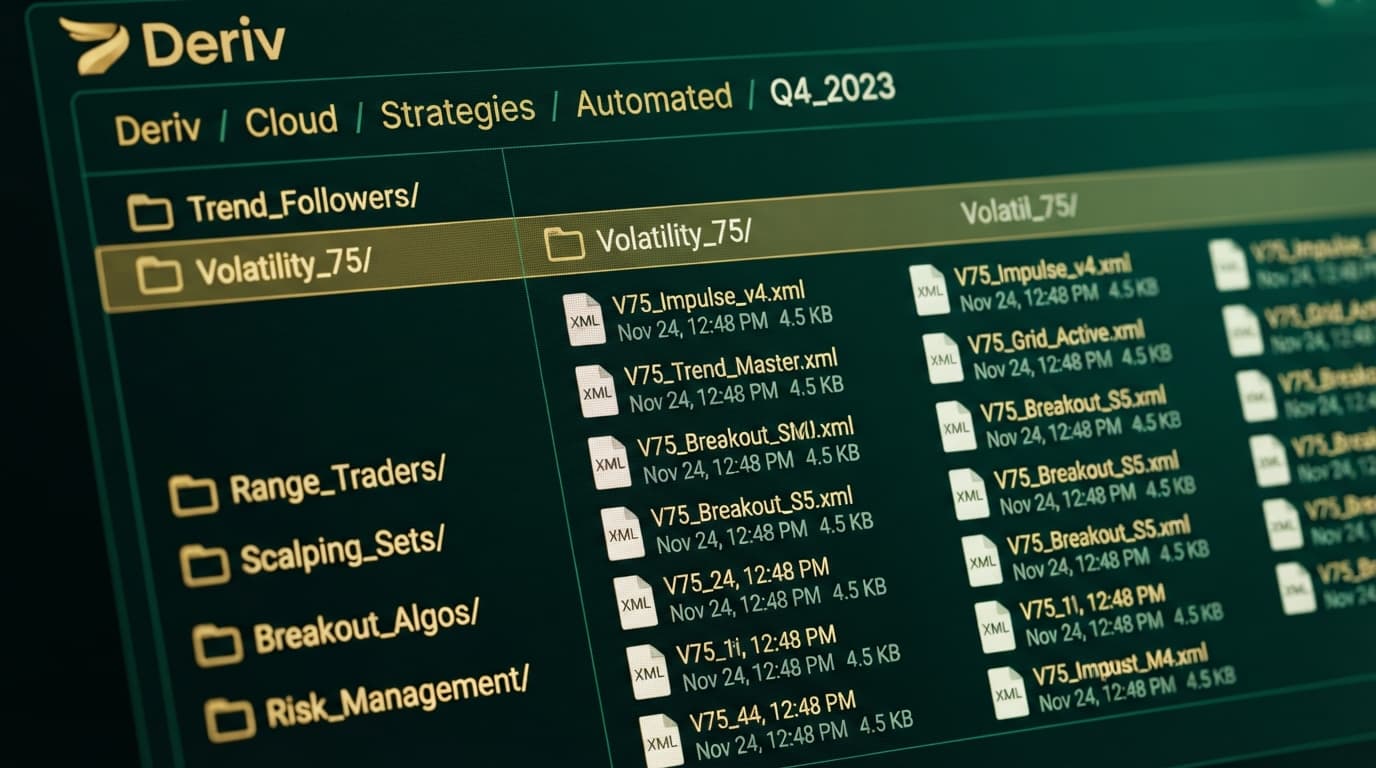
To keep your automated scripts organized and prevent accidental file overwrites, create a primary Deriv_XML_Backups directory in Google Drive divided into four contract sub-folders: /Rise_Fall/, /Over_Under/, /Even_Odd/, and /Match_Differ/. Name each exported XML file using a standardized convention such as [Market]_[ContractType]_[StrategyName]_v[Version].xml (for example, V75_RiseFall_RiseRocket_v1.0.xml or V100_EvenOdd_EvenComet_v1.1.xml). This taxonomy allows you to immediately identify scripts configured for specific synthetic indices like Volatility 75 or 1Hz indices while tracking parameter adjustments over time.
Step 3: Export and Backup Visual Block Strategies
Before executing a cloud backup, inspect your DBot canvas workspace to confirm that all visual blocks—including market definition, entry conditions, exit triggers, and stake management logic—are fully connected without detached blocks floating outside the main frames. Click Save on the DBot toolbar, select Google Drive, navigate to your designated contract sub-folder (such as /Deriv_XML_Backups/Rise_Fall/), enter your formatted filename, and confirm the transfer. Open Google Drive in a separate tab to verify that your new strategy XML file is stored safely.
Step 4: Eliminate Local XML Loss with NexTrader Bot Platform
Maintaining XML backups in Google Drive protects your source code, but executing manual strategy files in DBot still forces you to upload, test, and manage individual files before every session. NexTrader Bot at NexTrader Bot resolves cloud-saving and execution risks by storing and running pre-configured visual strategies entirely online. Instead of handling loose XML files, you connect your Deriv API token to access over 747+ ready-to-run free deriv bot builds directly inside the Bot Hub.
To run cloud-hosted strategies without managing XML files:
- Navigate to NexTrader Bot.
- Enter your Deriv API token to link your live or demo balance securely.
- Open the Bot Hub and select your target market across synthetic indices (V10, V25, V50, V75, V100, and 1Hz variants), forex, or crypto.
- Choose from high-speed named strategies tailored for 1-Tick and 1-Tick Turbo speeds:
- Rise/Fall Contracts: Rise Rocket, Fall Falcon
- Even/Odd Contracts: Even Comet, Odd Bolt
- Over/Under Contracts: Over 2 Blaze, Under 8 Flash
- Set your base stake, take profit, and stop loss directly on the dashboard controls and click Run.
By utilizing the cloud environment on NexTrader Bot, your execution settings remain safely stored online, eliminating browser cache wipes, corrupted block chains, and complex file management.
What Can Go Wrong: Troubleshooting Strategy Backups
1. Google Drive Auth Token Timeout
The Problem: You click Save to Google Drive inside DBot, but the authorization popup hangs or fails to load your cloud folder directory. This occurs when an OAuth session token expires or when your browser blocks authentication popups.
The Fix: Disable popup blockers for your trading workspace session. If the connection stalls, disconnect your Google account inside DBot, refresh the tab, and re-authorize Google Drive permissions. Alternatively, switch to NexTrader Bot, where your workspace remains continuously authenticated via your Deriv API token without relying on external OAuth sessions.
2. XML Version Overwrites
The Problem: You adjust risk variables in an existing strategy and save the file, accidentally overwriting a tested baseline script with unverified parameters.
The Fix: Avoid saving over stable files. When updating parameters in a deriv trading bot script—such as altering a stake multiplier or duration tick setting—increment the version suffix (e.g., saving V75_RiseFall_RiseRocket_v1.1.xml) so your previous baseline remains accessible in Google Drive.
3. Browser Cache Wipe Erasing Unsaved Scripts
The Problem: Your web browser updates or clears temporary local data during a build session, causing unsaved visual block changes on the DBot canvas to disappear.
The Fix: Save your workspace state to Google Drive immediately after modifying core logic or stake variables. For absolute protection against local cache wipes, run pre-built block strategies on NexTrader Bot, where strategies load from cloud servers in one click.
Start Now
Securing your automated trading strategies requires moving key operational logic out of temporary browser storage. Setting up structured Google Drive sub-folders and using clean file naming rules ensures your visual block scripts remain protected and easy to reload inside DBot.
To streamline your execution and eliminate manual XML file management entirely:
- Connect your account balance at NexTrader Bot using your Deriv API token.
- Launch ready-to-run free deriv bot strategies directly from the 747+ Bot Hub catalog.
- Join the Telegram community at Telegram and access free forex and gold signals at t.me/nextrader_signals.
Trading involves risk. Past performance does not guarantee future results.