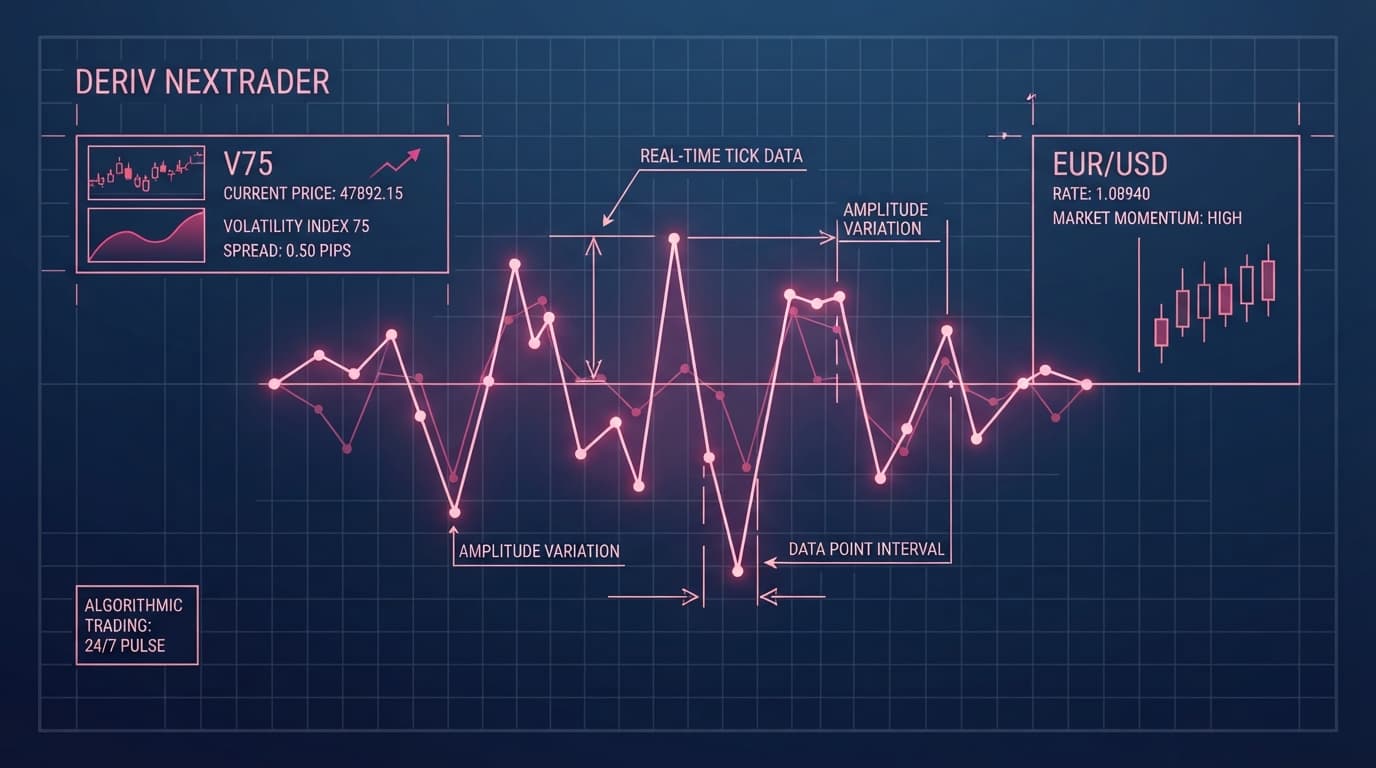
Default 10/3 supertrend indicator settings fail rapidly on high-volatility assets like the Deriv Volatility 75 (V75) Index. While standard inputs (ATR period 10, multiplier 3.0) function decently on lower-volatility forex pairs like EUR/USD during regular banking hours, continuous 24/7 synthetic indices generate frequent market whipsaws that can clear out your trade positions.
Optimizing your technical setup requires matching the ATR period and multiplier directly to the volatility profile and timeframe of your chosen asset. Performing your technical analysis inside NexTrader Charts (NexTrader Charts) lets you configure, save, and deploy custom indicator parameters built specifically for both 24/7 synthetic indices and traditional currency pairs.
Benchmarking 3 Core Supertrend Setups on NexTrader Charts
Finding the balance between signal speed and noise reduction requires empirical testing. Testing default inputs against aggressive and conservative alternatives across key timeframes—1-minute (1m), 15-minute (15m), and 1-hour (1h)—reveals distinct operational roles for three benchmark parameter combinations.
1. Fast-Scalp Setting (ATR Period: 7, Multiplier: 2.0)
This setting increases sensitivity to immediate price action by calculating volatility over a shorter 7-period lookback and placing the Supertrend line just 2.0 average true ranges away from price.
Analyze Deriv Markets Free
Pro-grade Deriv charts with 100+ indicators — RSI, MACD, Bollinger, Ichimoku. Synthetic indices, forex & crypto.
- 100+ Indicators
- Price Alerts
- All Timeframes
- Free Forever
- Best Timeframes: 1-minute (1m) and 5-minute (5m).
- Ideal Assets: Low-spread, steady-trending major forex pairs such as EUR/USD and GBP/USD during peak session overlaps.
- Performance Profile: Captures rapid momentum bursts and early trend shifts instantly. However, applying a 7/2 setup directly to unmanaged Volatility 75 (V75) charts causes severe over-trading due to micro-spikes triggering constant indicator flips.
2. Default / Balanced Setting (ATR Period: 10, Multiplier: 3.0)
The traditional configuration designed by Olivier Seban strikes a baseline middle ground between tracking price closely and filtering out standard candle noise.
- Best Timeframes: 15-minute (15m) and 1-hour (1h).
- Ideal Assets: Standard forex markets, gold (XAU/USD), and lower-volatility synthetic indices like Volatility 10 (V10) or Volatility 25 (V25).
- Performance Profile: Provides solid trend-following structure for daily swing moves. When applied to 15m EUR/USD charts, the 10/3 configuration isolates intraday directional bias without getting caught in single-candle pullbacks.
3. Noise-Filter / High-Volatility Setting (ATR Period: 14, Multiplier: 4.0)
Expanding the ATR lookback to 14 periods and widening the multiplier offset to 4.0 creates a wider buffer around current price. This setting is engineered specifically for markets driven by heavy algorithmic movement and sudden price spikes.
- Best Timeframes: 5-minute (5m), 15-minute (15m), and 1-hour (1h).
- Ideal Assets: Deriv Volatility 75 (V75) Index and Volatility 100 (1s) Index (V100 1Hz).
- Performance Profile: By evaluating price over a wider 4.0 ATR multiplier, this setup filters standard market noise. Moving from a standard 10/3 setting to a 14/4 configuration on V75 5-minute charts widens the trailing stop distance on NexTrader Charts, keeping your trade position active during routine volatility spikes while tracking clear macro trends.
Supertrend Parameter Optimization: Do's and Don'ts for NexTrader Charts
Fine-tuning your supertrend indicator settings requires more than changing two numbers in an indicator menu. To maintain a disciplined operational edge using free NexTrader tools, integrate these rules into your daily analysis routines.
- DO: Pair the Supertrend indicator with a 200-period Exponential Moving Average (200 EMA) on NexTrader Charts (NexTrader Charts). Only take bullish Supertrend flips when price trades above the 200 EMA, and only take bearish flips when price trades below it.
- DON'T: Run tight 7/2 settings on unmanaged Volatility 75 (V75) 1-minute charts unless you are pairing the entry with a higher-period confirmation oscillator. Unfiltered tight multipliers on synthetic indices trigger relentless whipsaws during horizontal consolidation.
- DO: Expand the ATR multiplier to 4.0 during volatile market sessions or when analyzing continuous 24/7 synthetic index spikes on deriv charts to prevent premature exit signals.
- DON'T: Manually alter your indicator inputs after every losing trade. Establish parameter consistency by creating and saving customized 14/4 or 7/2 visual templates directly on NexTrader Charts.
- DO: Set custom price alerts on NexTrader Charts to receive real-time notifications the moment the Supertrend trailing line changes color or flips polarity across multiple monitored timeframes.
- DON'T: Take trade entries when price consolidates sideways and continually touches or crosses the Supertrend line. Wait for a clear momentum expansion where Relative Strength Index (RSI) breaks above or below its 50 median mark.
Setting Up Custom Supertrend Strategy Templates on NexTrader Charts
Executing consistent deriv chart analysis requires a charting interface that loads quickly, saves custom setups instantly, and offers professional-grade indicators without restrictive paywalls. NexTrader Charts (NexTrader Charts) delivers professional charting technology connected directly to Deriv markets, supporting synthetic indices, forex, commodities, and crypto.
Here is the step-by-step workflow to configure and save your Supertrend indicator parameters on NexTrader Charts.
Step 1: Load Instrument and Select Indicator
Open NexTrader Charts and select your target instrument from the market asset list—such as Volatility 75 Index or EUR/USD. Click the Indicators icon at the top of the interface to open the indicator menu, then search for and select Supertrend.
Step 2: Adjust Parameter Inputs
Open the Supertrend settings window by clicking the gear icon next to the indicator name on the chart. Adjust the ATR Period and Multiplier inputs to match your target asset's volatility profile (such as 14 and 4.0 for high-volatility synthetic indices). Customize line colors and thickness to ensure clean visual contrast.
Step 3: Save Strategy Template
Click the Template icon on the main toolbar of NexTrader Charts to save your layout as a custom preset (e.g., "V75 Supertrend 14/4"). Saving your setup allows you to reapply your preferred Supertrend parameters instantly across any asset or timeframe with a single click.
Maximize Your Trading Strategy with Free NexTrader Ecosystem Tools
Optimizing your supertrend indicator settings provides the structural clarity needed to navigate continuous synthetic markets and traditional currency charts. By matching your ATR multipliers to real market volatility and filtering out false signals, you protect your capital and stay aligned with established market trends.
Access the complete suite of free tools offered across the Nextrader ecosystem:
- Professional Live Charting: Conduct advanced multi-timeframe analysis on 100+ assets with zero paywalls at NexTrader Charts.
- Free Platform Account Creation: Connect your Deriv broker account seamlessly by setting up your free portal profile at NexTrader Signup.
- Active Trader Community: Join thousands of active synthetic index and forex traders in our official Telegram and receive real-time signal updates on our dedicated Forex & Gold Signals Channel.
Trading involves risk. Past performance does not guarantee future results.