Introduction
Welcome to this comprehensive Nextrader tutorial! As an expert trading tutorial writer for Nextrader (nextrader.live), I'm here to guide you through one of the most powerful automation setups available on our platform. This tutorial is specifically designed for Deriv traders who want to leverage advanced AI and robust money management for their Volatility Indices trading. If you're looking to automate your trades, reduce emotional decision-making, and employ sophisticated strategies without constant manual intervention, you're in the right place.
In this guide, you will learn exactly how to set up and run Nextrader's Auto Trader Bot to automate Deriv V75 Rise/Fall trades. We'll focus on utilizing the intelligent Smart Signals AI strategy for precise entry points, combined with the strategic Mesa Milano money management system for smart loss recovery. By the end of this tutorial, you will have a fully configured automated trading system ready to execute trades on your behalf, providing you with a powerful new tool in your trading arsenal.
This setup is ideal for those who want to harness the power of AI-driven trading signals on volatile markets like V75, and implement a disciplined approach to capital preservation and growth. Nextrader's comprehensive suite of deriv trading tools, including our cutting-edge deriv bots, allows traders of all experience levels to enhance their trading efficiency and consistency.
What You Need Before Starting
Before diving into the setup, ensure you have the following ready:
Get Live AI Trading Signals
Real-time non-repaint signals from 11 AI strategies — Volatility Indices, Forex, Gold & Crypto. No subscription, no paywall.
- Auto Trader Bot
- Digit Trader Bot
- 11 AI Strategies
- Live Telegram Signals
- A Deriv Account: Both a real or demo account will work. We highly recommend starting with a demo account to test your settings thoroughly.
- A Nextrader Account: Our platform is 100% free with no subscriptions or paywalls. Simply sign up at app.nextrader.live/signup.
- Basic Understanding of Rise/Fall Contracts: Familiarity with how Rise/Fall contracts work on Deriv will help you understand the bot's actions.
- Stable Internet Connection: Essential for uninterrupted bot operation and real-time signal processing.
Step 1: Connecting Your Deriv Account to Nextrader
The first crucial step to automating your trades is to securely link your Deriv account with Nextrader. This connection allows our platform to execute trades on your behalf based on the strategies you configure.
1. Log in to Nextrader: Open your web browser and navigate to app.nextrader.live. If you haven't already, log in to your Nextrader account. If you're a new user, quickly sign up – it's completely free and takes just a moment.
2. Access Account Settings: Once logged in, look for the "Account" or "Integrations" section, typically found in the main navigation menu or sidebar. Click on it to access your connection settings.
3. Initiate Deriv Connection: Within the Account settings, you'll see an option labeled "Connect Deriv Account." Click this button to begin the integration process. Nextrader uses the Deriv WebSocket API integration (App ID 67545) for a secure and reliable connection.
4. Obtain Your Deriv API Token: You'll be prompted to enter your Deriv API token. To get this, log in to your Deriv account in a separate browser tab. Go to "Settings" > "Security & self-exclusion" > "API Token." Generate a new token if you don't have one, ensuring you grant it the necessary permissions (Read, Trade, Payments, Admin). Copy this token carefully.
5. Paste and Select Account Type: Return to Nextrader, paste your copied Deriv API token into the designated field. Then, select whether you want to connect your "Real" or "Demo" Deriv account. Always start with a demo account when testing new strategies, especially with automated deriv bots.
6. Confirm Connection: Click "Connect" or "Submit." Nextrader will attempt to establish a secure link. Upon successful connection, you'll see your Deriv account balance displayed within Nextrader, confirming that the integration is complete. You can also leverage Nextrader's multi-account support if you manage multiple Deriv accounts.
Step 2: Selecting V75 and the Auto Trader Bot
With your Deriv account connected, it's time to navigate to the core of our automation – the Auto Trader Bot – and select the specific market and contract type for our strategy.
1. Navigate to the Auto Trader Bot: From your Nextrader dashboard, locate and click on the "Auto Trader Bot" option in the main navigation. This will open the dedicated interface for configuring your automated binary bots. Nextrader also offers the "Digit Trader Bot" for AI last-digit prediction, but for this tutorial, we're focusing on the Auto Trader.
2. Choose Your Market: Within the Auto Trader Bot interface, you'll find a dropdown menu labeled "Market" or "Asset." Click on this menu and scroll through the extensive list of available markets. For this tutorial, we are targeting "Volatility 75 Index" (V75). Select V75 from the list. Nextrader supports a wide range of markets including other Volatility Indices (V10, V25, V50, V100 + 1Hz), Forex, Gold, Silver, and Crypto.
3. Confirm Contract Type: Below the market selection, ensure that the "Contract Type" is set to "Rise/Fall." This is the specific contract type we aim to automate, where the bot predicts whether the asset price will end higher or lower than the entry price after a specified duration. Nextrader also supports BinaryBot XML for advanced users who wish to import custom binary bots.
4. Initial Bot State: At this point, the bot should be in an "inactive" or "stopped" state. Do not start it yet, as we still need to configure the AI strategy and money management. The clean, color-coded trading console will remain empty until you initiate trading.
Step 3: Configuring Smart Signals AI Strategy
Now that our market and contract type are set, we'll equip our deriv bot with the intelligence it needs to make trading decisions: Nextrader's powerful Smart Signals AI strategy.
1. Locate AI Strategy Selector: Within the Auto Trader Bot interface, find the section dedicated to "AI Strategy" or "Signal Strategy." This will typically be a dropdown menu.
2. Select "Smart Signals": Click on the dropdown and choose "Smart Signals" from the list of 11 named AI strategies. Nextrader offers a diverse range of strategies like Trend Hunter (EMA crossover), Reversal Radar (RSI), Momentum Wave (MACD), Volatility Pulse (Bollinger Bands), Swift Scalper (Stochastic RSI), Trend Rider (SuperTrend), Cloud Walker (Ichimoku), Price Magnet (VWAP), Breakout Beast (ATR), and Smart Fusion (multi-indicator). Smart Signals is a standout because it's designed for high-conviction trades.
3. Understanding Smart Signals: Briefly, Smart Signals are Nextrader's advanced, multi-indicator strategy. This means that for a signal to fire, a minimum of 3-4 distinct indicators must agree on the direction (Rise or Fall). This confluence of indicators significantly increases the reliability of the signals. Crucially, these are real-time non-repaint trading signals, meaning they only fire on CLOSED candles, preventing the frustrating repainting phenomenon common in many indicators.
4. Choose a Timeframe: Below the Smart Signals selection, you'll find a "Timeframe" option. Nextrader provides signals for 4 timeframes: 5min, 10min, 30min, and 1 hour. For V75 Rise/Fall trades, especially if you're looking for more frequent opportunities, a 5-minute (5min) or 10-minute timeframe is often suitable. Let's select "5min" for this tutorial. This means the bot will look for Smart Signals generated on the 5-minute chart.
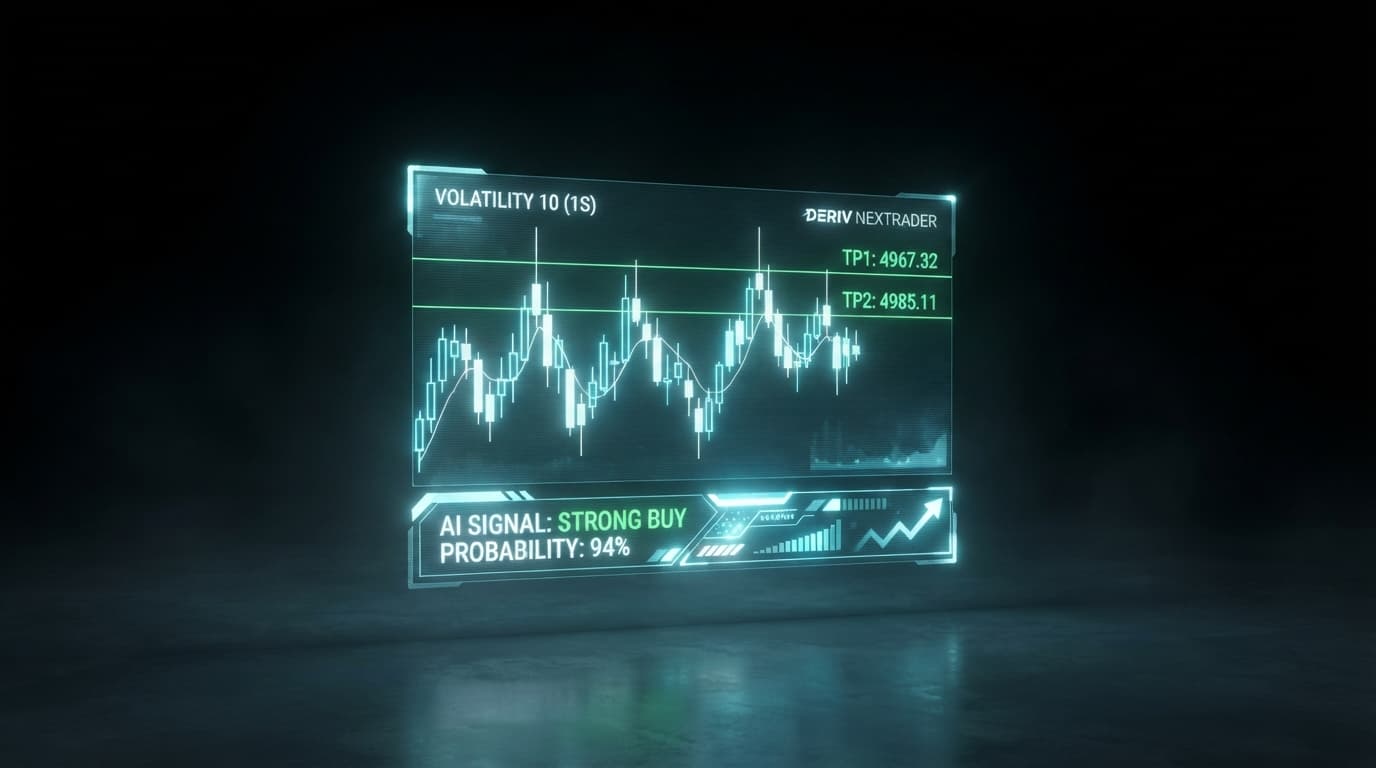
5. Set Minimum Confidence Level: Nextrader provides a "Confidence Level" for each signal, ranging from 30% to 85%. This metric indicates the strength of the indicators' agreement. For automated trading, it's wise to set a minimum confidence threshold to filter out weaker signals. For V75, setting a minimum of "60%" or "65%" is a good starting point. This ensures that your bot only takes trades where the AI has a reasonable conviction. You'll also notice Nextrader displays Entry price, Stop Loss, and Take Profit 1 & 2 per signal, offering comprehensive trade management data.
Step 4: Implementing Mesa Milano Money Management
Money management is paramount in trading, and Nextrader's Auto Trader Bot offers sophisticated options. For this tutorial, we will configure the Mesa Milano strategy, a smart loss recovery system designed to recoup losses and generate profit efficiently.
1. Locate Money Management Section: In the Auto Trader Bot's configuration panel, find the section dedicated to "Money Management." You'll typically see options like Fixed Stake, Martingale, and Mesa Milano.
2. Select "Mesa Milano": Click on the dropdown and choose "Mesa Milano." This strategy is an intelligent alternative to traditional Martingale, aiming for more controlled and calculated recovery.
3. Set Initial Fixed Stake: Even with Mesa Milano, you need to define your starting stake. This is the amount your bot will wager on its first trade or after a successful recovery sequence. For V75, especially when starting, a conservative initial stake like $0.35, $0.50, or $1.00 is recommended. Let's use "$0.35" as an example. Remember, the stake should always be a small percentage of your total capital.
4. Define Recovery Factor: The "Recovery Factor" is a critical component of Mesa Milano. It determines how much your stake will increase after a losing trade, aiming to recover the previous loss plus a small profit. A common range is between 1.8x and 2.5x. For this tutorial, let's set it to "2.2x." This means if a trade loses, the next trade's stake will be 2.2 times the previous stake, calculated to recover the loss and make a profit.
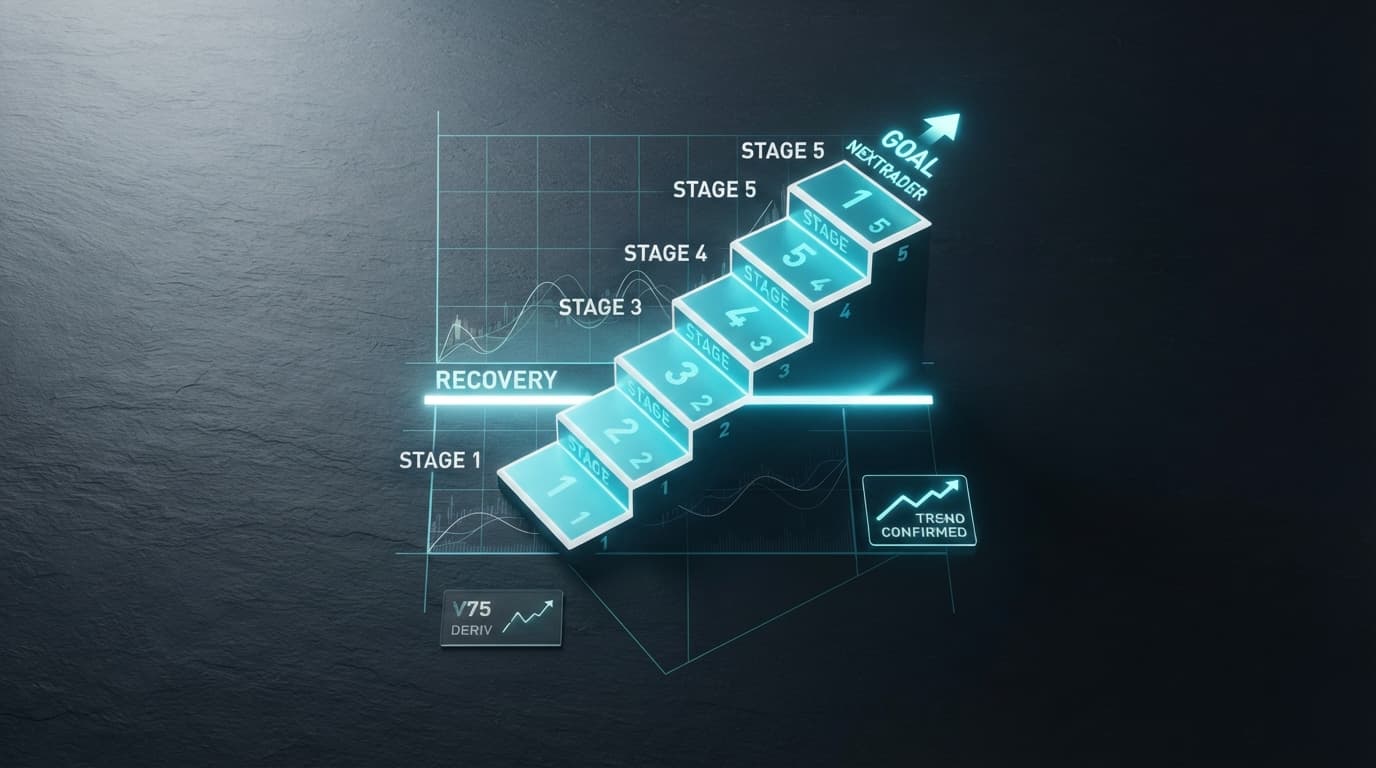
5. Set Max Loss Recovery Steps: This is a crucial risk management feature. Mesa Milano, like Martingale, can lead to rapidly increasing stakes if losses continue. The "Max Loss Recovery Steps" setting puts a cap on how many consecutive loss-recovery trades the bot will attempt before resetting to the initial stake. This prevents unsustainable stake increases and protects your capital. A reasonable limit for V75 could be "5" to "7" steps. Let's choose "6" for our example. This means if the bot experiences 6 consecutive losses while attempting to recover, it will reset to the initial $0.35 stake, preventing catastrophic capital depletion. Always exercise caution with recovery strategies and understand their inherent risks.
Step 5: Setting Trade Parameters and Starting Automation
With your AI strategy and money management in place, the final step is to define the specific trade execution parameters and unleash your automated deriv bot.
1. Set Trade Duration: For Rise/Fall contracts on V75, especially when using 5-minute Smart Signals, a short trade duration is often effective. You can choose between "Ticks" or "Minutes." For this setup, a duration of "1 Minute" is a good balance, allowing the trade to play out within a relatively short timeframe while aligning with the 5-minute signal candle. Alternatively, you could experiment with 5-10 ticks.
2. Define Profit Target: This is the total profit you aim to achieve before the bot automatically stops for the day. It's a crucial part of disciplined trading, preventing overtrading. Set a realistic "Profit Target" based on your capital and risk appetite. For instance, "$20.00" to "$50.00" could be a good daily target for a smaller account.
3. Set Stop Loss: Equally important as a profit target is a "Stop Loss." This is the maximum amount of capital you are willing to lose before the bot stops trading. With Mesa Milano, which can increase stakes, a clear stop loss is absolutely vital to protect your account. Set a "Stop Loss" that is acceptable for your risk tolerance, perhaps "$100.00" to "$200.00" depending on your total capital and initial stake. Never trade without a stop loss, especially with automated binary bots.
4. Review All Settings: Before starting, take a moment to double-check all your configurations:
* Market: Volatility 75 Index (V75)
* Contract Type: Rise/Fall
* AI Strategy: Smart Signals (5min timeframe, min 60% confidence)
* Money Management: Mesa Milano (Initial Stake: $0.35, Recovery Factor: 2.2x, Max Recovery Steps: 6)
* Trade Duration: 1 Minute
* Profit Target: (e.g., $20.00)
* Stop Loss: (e.g., $100.00)
5. Start the Bot: Once you are confident in your settings, locate and click the prominent "Start Bot" or "Enable Auto Trading" button. Your Nextrader deriv bot will now come alive, actively monitoring V75 for Smart Signals that meet your criteria and executing Rise/Fall trades on your Deriv account.
6. Monitor Performance: Keep an eye on the "Real-time Trading Console" and "Live P&L Tracking" displayed within Nextrader. The console is color-coded, making it easy to track individual trade outcomes (green for win, red for loss) and overall profit/loss. This allows you to monitor your bot's performance and make adjustments if necessary.
Pro Tips
1. Start on Demo, Always: Before deploying any automated strategy on a real account, always test it extensively on a Deriv demo account. This allows you to fine-tune settings, understand the bot's behavior, and gain confidence without risking real capital.
2. Monitor Confidence Levels: While your bot automates, keep an eye on the actual confidence levels of the Smart Signals it takes. If you notice a period of lower confidence signals leading to more losses, consider increasing your minimum confidence threshold or pausing the bot.
3. Adjust Mesa Milano Conservatively: The Mesa Milano strategy is powerful but requires careful management. Start with lower recovery factors (e.g., 1.8x-2.0x) and fewer max recovery steps. Gradually increase them as you gain experience and understand the strategy's impact on your capital. Be aware that even with Mesa Milano, prolonged losing streaks can still deplete your capital quickly.
4. Explore Other Nextrader Strategies: Don't limit your deriv trading tools to just Smart Signals. Nextrader offers 11 unique AI strategies. Experiment with others like Trend Hunter for trending markets, Reversal Radar for reversals, or the "Smart Fusion" strategy which combines multiple indicators for even more complex analysis.
5. Utilize Telegram Signals: Complement your bot trading by subscribing to Nextrader's free Telegram signals channel: Telegram. You'll receive real-time signals for 30 markets, every 5 minutes, with up to 30 signals per day. These can offer additional insights or manual trading opportunities alongside your automated bot.
Start Trading Now
Ready to revolutionize your Deriv trading experience? Sign up for your free Nextrader account today and unleash the power of AI-driven automation!
Visit the Nextrader platform: Nextrader App
Create your free account: Sign Up Free — Nextrader
Join our Telegram channel for free signals: Telegram
Trading involves risk. Past performance does not guarantee future results.