Introduction
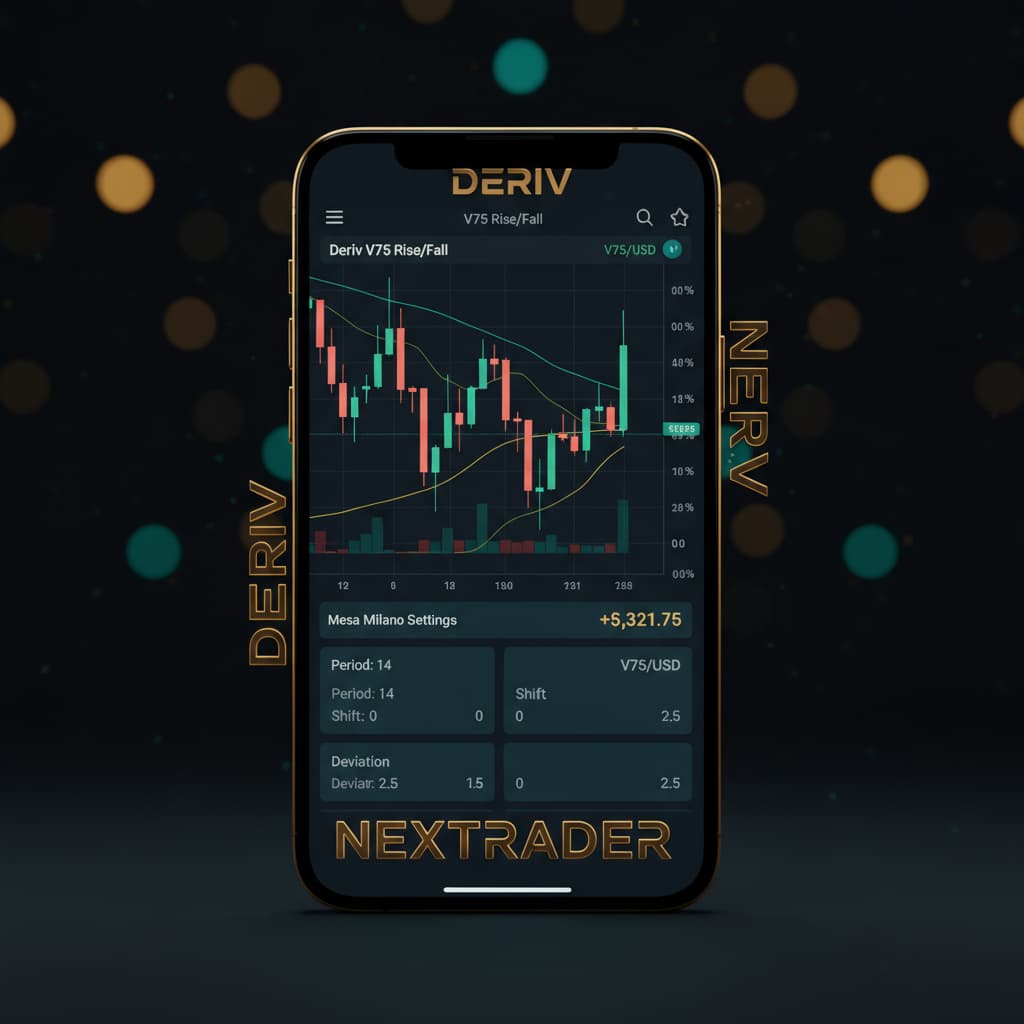
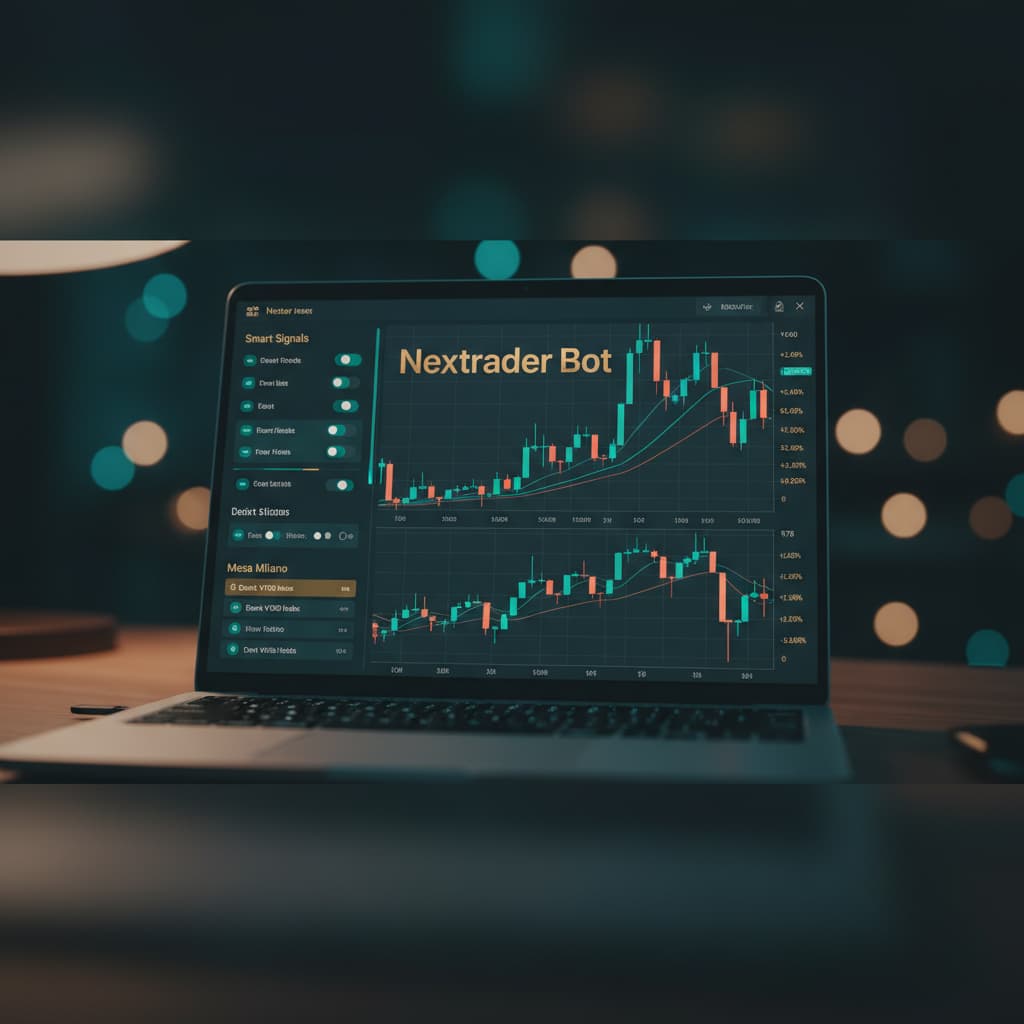
Welcome to this comprehensive Nextrader tutorial! If you're looking to elevate your trading experience on Deriv and harness the power of artificial intelligence for automated execution, you've come to the right place. This guide is specifically designed for traders who want to automate their "Rise/Fall" contract trading on the Volatility 75 Index (V75) using Nextrader's advanced "Smart Signals" AI strategy, coupled with the sophisticated "Mesa Milano" money management system, all orchestrated through the intuitive Auto Trader Bot.
By following this step-by-step tutorial, you will learn how to seamlessly integrate your Deriv account with Nextrader, configure a powerful AI-driven strategy, set up intelligent loss recovery, and launch a fully automated trading system. The goal is to empower you to set up your preferred trading parameters and let our robust deriv bots handle the execution, freeing up your time while maintaining disciplined trading.
This tutorial will ensure you understand every click and setting, transforming you from a manual trader to an automated strategist, leveraging Nextrader's cutting-edge deriv trading tools to their fullest potential.
What You Need Before Starting
- An active Deriv.com account: You'll need a live or demo Deriv account with sufficient funds for trading (or virtual funds for demo practice).
- A Nextrader.live account: Sign up for free at nextrader.live. Remember, Nextrader is 100% free with no subscriptions or paywalls.
- Basic understanding of Rise/Fall contracts: Familiarity with how Rise/Fall contracts work on Deriv and a general grasp of Volatility Indices (like V75).
- A stable internet connection: Essential for real-time signal processing and bot execution.
Step 1: Connecting Your Deriv Account to Nextrader
The first crucial step is to link your Deriv trading account to Nextrader. This connection allows our platform to execute trades on your behalf via the Auto Trader Bot and access real-time market data.
Get Live AI Trading Signals
Real-time non-repaint signals powered by 11 professional AI strategies. Volatility Indices, Forex, Gold & Crypto — no subscription, no paywall.
- Auto Trader Bot
- Digit Trader Bot
- 11 AI Strategies
- Live Telegram Signals
1. Log in to Nextrader: Go to app.nextrader.live and log in to your Nextrader account. If you don't have one, sign up for free.
2. Navigate to Account Settings: Once logged in, look for the "Account" or "Settings" icon, usually found in the top right corner or a sidebar menu. Click on it to access your account management dashboard.
3. Connect Deriv Account: Within the account settings, you will find an option to "Connect Deriv Account" or "API Integration." Click this button.
4. Enter Deriv API Token: Nextrader uses the Deriv WebSocket API integration (App ID 67545) for secure communication. You will be prompted to enter your Deriv API token. To obtain this:
* Go to Deriv.com and log in to your Deriv account.
* Navigate to "Settings" > "API Tokens."
* Click "Create a new token."
* Grant the necessary permissions for trading (Read, Trade, Payments, Admin). While you can select more, "Read" and "Trade" are essential for the Auto Trader Bot.
* Copy the generated token.
5. Paste and Save: Paste your Deriv API token into the designated field on Nextrader and click "Save" or "Connect." Nextrader supports multi-account functionality, so you can connect multiple Deriv accounts if needed.
6. Verify Connection: Once connected, your Deriv account balance (both real and demo) should be displayed within Nextrader's real-time color-coded trading console, confirming a successful link. You'll see your current funds and be able to switch between your Deriv demo and real accounts directly within Nextrader, preparing you for seamless automated trading.
Step 2: Navigating to the Auto Trader Bot and Selecting V75
With your Deriv account connected, it's time to set up the automated trading environment. The Auto Trader Bot is Nextrader's powerful engine for executing your strategies without manual intervention, transforming your approach to deriv trading tools.
1. Access the Auto Trader Bot: From your Nextrader dashboard, locate the "Auto Trader Bot" option in the main navigation menu (usually on the left sidebar). Click on it to open the bot's interface.
2. Select Market: The Auto Trader Bot interface will display various configuration options. The first selection you need to make is the trading market. Click on the "Market" dropdown menu.
3. Choose Volatility 75 Index (V75): From the list of available markets, scroll down and select "Volatility 75 Index" or "V75." Nextrader supports a wide range of markets including other Volatility Indices (V10, V25, V50, V100 + 1Hz), Forex, Gold, Silver, and Crypto, but for this tutorial, V75 is our focus.
4. Select Contract Type: After choosing V75, you'll need to specify the contract type. Click on the "Contract Type" dropdown.
5. Choose Rise/Fall: Select "Rise/Fall" from the options. This is the contract type we are automating today. The Auto Trader Bot is versatile, allowing you to automate various binary options contracts.
6. Confirm Selection: Ensure that "Volatility 75 Index" is displayed as your selected market and "Rise/Fall" as your contract type. This prepares the binary bots for the specific trading environment we intend to automate.
Step 3: Configuring the Smart Signals AI Strategy
Now, let's dive into the core intelligence of your automated trading system: the "Smart Signals" AI strategy. Nextrader offers 11 named AI strategies, and Smart Signals is particularly robust for its multi-indicator approach.
1. Select Trading Strategy: Within the Auto Trader Bot interface, locate the "Strategy" dropdown menu. Click on it.
2. Choose Smart Signals: From the extensive list of Nextrader's AI strategies (which includes Trend Hunter, Reversal Radar, Momentum Wave, Volatility Pulse, Swift Scalper, Trend Rider, Cloud Walker, Price Magnet, Breakout Beast, and Smart Fusion), select "Smart Signals."
3. Understand Smart Signals: "Smart Signals" is Nextrader's advanced multi-indicator strategy. It only fires real-time, non-repaint trading signals on CLOSED candles when a minimum of 4 or more indicators agree on a potential market move. This significantly enhances signal reliability compared to strategies based on fewer indicators.
4. Choose Timeframe: Below the strategy selection, you'll find the "Timeframe" option. Click on the dropdown and select your preferred timeframe for signal generation. Nextrader provides signals for 5min, 10min, 30min, and 1 hour intervals. For V75 Rise/Fall, a shorter timeframe like 5min or 10min is often favored by scalpers, while 30min or 1 hour might suit those looking for fewer, longer-term trades. Choose based on your trading style.
5. Set Confidence Level (Optional but Recommended): Nextrader provides confidence levels per signal (ranging from 30-85%). While the bot will use its internal logic, setting a minimum confidence level can refine which signals the bot acts upon. For example, you might set it to "70% or higher" to ensure the bot only takes trades with a strong AI-backed conviction. Higher confidence generally means fewer, but potentially more accurate, trades. Note that for manual signals, Nextrader also shows Entry price, Stop Loss, and Take Profit 1 & 2, but for automation, the bot handles these dynamically.
Step 4: Implementing Mesa Milano Money Management
Money management is paramount in automated trading, and Nextrader's "Mesa Milano" system is designed for smart loss recovery, offering a sophisticated alternative to basic Martingale approaches.
1. Select Money Management: In the Auto Trader Bot configuration, locate the "Money Management" dropdown menu.
2. Choose Mesa Milano: Click on it and select "Mesa Milano." While Nextrader also offers "Fixed Stake" (constant trade size) and "Martingale" (doubling stake after a loss), Mesa Milano provides a more intelligent approach to recovering losses without excessive risk.
3. Understand Mesa Milano: Unlike a strict Martingale, Mesa Milano is a smart loss recovery strategy. It doesn't blindly double the stake. Instead, it adjusts the stake size based on a calculated approach to recover previous losses with minimal subsequent trades, aiming for more sustainable growth. It's a key feature among Nextrader's deriv trading tools for managing risk effectively.
4. Set Initial Stake: Enter your desired initial stake amount in the "Initial Stake" field. This is the base amount your bot will trade with for its first contract. Always start with a small amount, especially when testing a new strategy or money management system.
5. Set Target Profit: In the "Target Profit" field, enter the total profit amount you wish your bot to achieve before it automatically stops trading. This is crucial for disciplined trading and locking in gains.
6. Set Stop Loss: In the "Stop Loss" field, enter the maximum amount of loss you are willing to incur before the bot automatically stops. This is your ultimate risk control and should never be omitted. Setting both a target profit and stop loss ensures your binary bots operate within predefined risk parameters.
Step 5: Reviewing Settings and Starting the Auto Trader Bot
You've meticulously configured every aspect of your automated V75 Rise/Fall trading system. The final step is to review everything and unleash your Auto Trader Bot.
1. Thorough Review: Before hitting "Start," take a moment to carefully review all your settings:
* Market: Volatility 75 Index (V75)
* Contract Type: Rise/Fall
* Strategy: Smart Signals
* Timeframe: (Your chosen timeframe, e.g., 5min)
* Money Management: Mesa Milano
* Initial Stake: (Your chosen amount)
* Target Profit: (Your desired profit)
* Stop Loss: (Your maximum acceptable loss)
* Ensure you're operating on the correct Deriv account (demo or real) as displayed in Nextrader's console.
2. Start the Bot: Once you are confident that all settings are correct and aligned with your trading plan, click the prominent "Start Bot" button.
3. Monitor Performance: The Auto Trader Bot will now begin to operate according to your specifications. You will see real-time updates in Nextrader's color-coded trading console, including live P&L tracking. The bot will wait for "Smart Signals" to generate valid Rise/Fall signals on V75 for your chosen timeframe, apply the "Mesa Milano" money management, and execute trades on your Deriv account.
4. Observe and Learn: Even though the process is automated, it's wise to observe the bot's performance, especially in the initial stages. Pay attention to how Mesa Milano recovers from losses and how Smart Signals perform under different market conditions. This continuous learning is vital for optimizing your deriv bots over time.
Pro Tips
1. Start with Demo Accounts: Always, without exception, test any new bot configuration, strategy, or money management setting on your Deriv demo account first. This allows you to understand its behavior and refine parameters without risking real capital.
2. Monitor Regularly: While the Auto Trader Bot automates execution, it's not a "set and forget" solution. Market conditions change, and strategies can become less effective. Regularly monitor your bot's performance using Nextrader's live P&L tracking and be prepared to pause or adjust settings as needed.
3. Explore Other AI Strategies: Don't limit yourself to Smart Signals. Nextrader offers 10 other powerful AI strategies like Trend Hunter (EMA crossover), Reversal Radar (RSI), and Momentum Wave (MACD). Experiment with these on different markets and timeframes to diversify your automated trading portfolio. You can even explore the Digit Trader Bot for last-digit prediction contracts.
4. Leverage Telegram Signals: Supplement your automated trading with insights from Nextrader's Telegram channel (t.me/nextraderlive). It provides up to 30 signals/day across 30 markets every 5 minutes, offering additional manual trading opportunities or confirmation for your bot's behavior.
Start Trading Now
Ready to transform your Deriv trading? Dive into the world of automated trading with Nextrader today.
Visit Nextrader App to log in or Sign Up Free — Nextrader to create your free account.
Join our community and get free signals on Telegram: t.me/nextraderlive
Trading involves risk. Past performance does not guarantee future results.