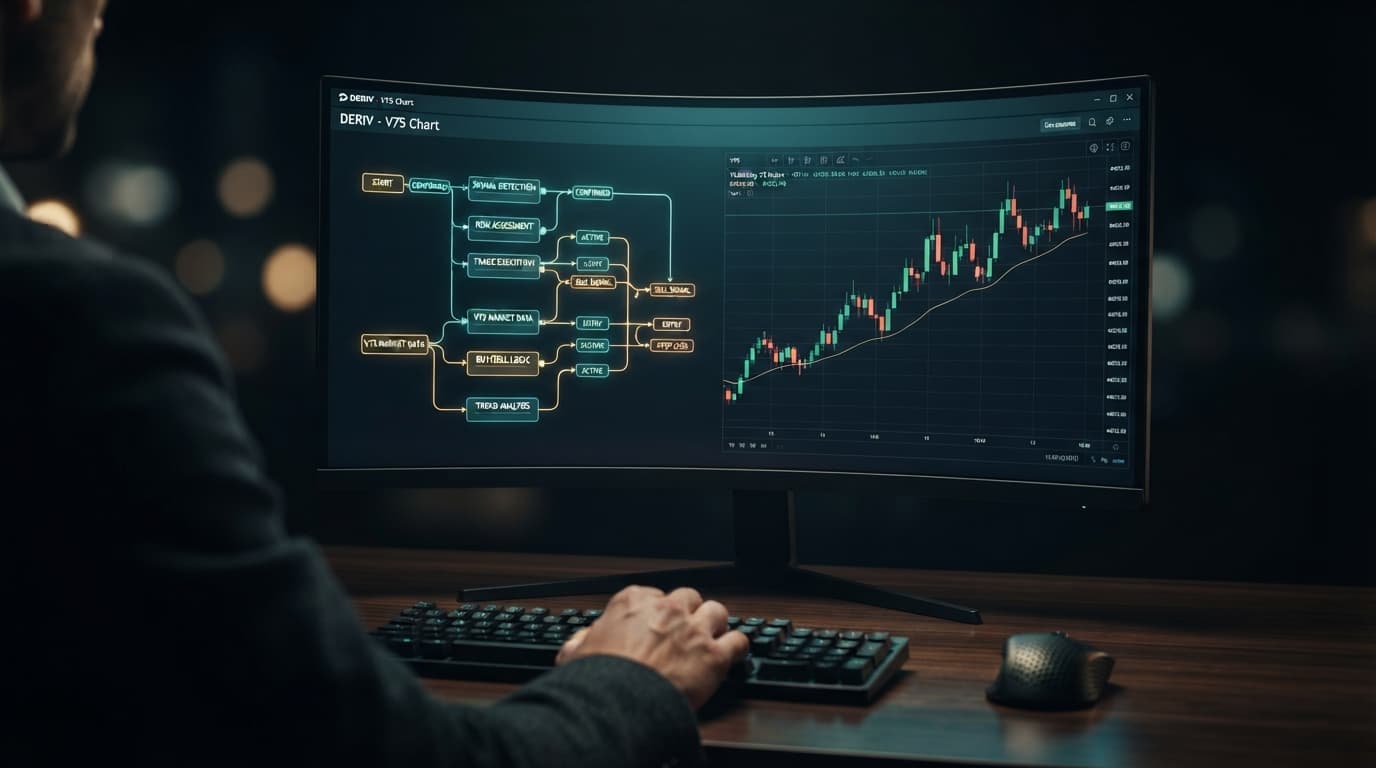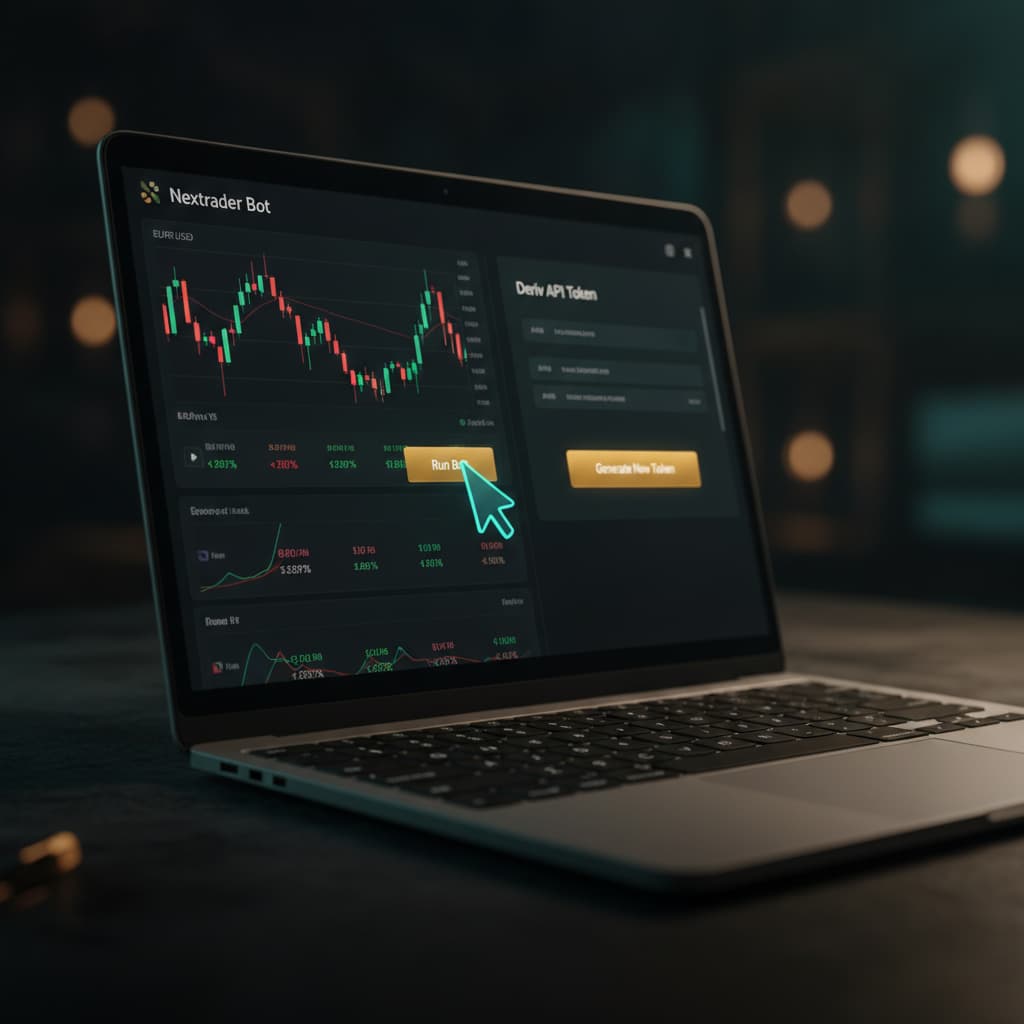
How to connect your Deriv API token and run Your First Free Deriv bot on Nextrader Bot in one click.
Introduction
Welcome to this comprehensive tutorial designed to guide you through the seamless process of connecting your Deriv account to Nextrader Bot and launching your very first free Deriv bot. Whether you're a newcomer to automated trading or an experienced Deriv trader looking to leverage powerful, free tools, this guide will walk you through every step. By the end, you'll be able to generate your Deriv API token, integrate it with Nextrader Bot, and run a sophisticated deriv trading bot with just one click, experiencing the simplicity and efficiency of the Nextrader ecosystem.
What You Need Before Starting
- A Deriv.com Account: You'll need an active Deriv account (either a real or demo account) to generate an API token and execute trades.
- A Nextrader Account: A free Nextrader account is required to access NexTrader Bot and its extensive library of binary bots.
- Basic Internet Browser Knowledge: Familiarity with navigating websites and copying/pasting text.
Step 1: Generating Your Deriv API Token with Essential Permissions
The first crucial step is to create a secure API token from your Deriv account. This token acts as a bridge, allowing Nextrader Bot to interact with your Deriv account securely and execute trades on your behalf, without ever needing your Deriv password.
- Log in to your Deriv.com account: Open your web browser and navigate to Deriv.com. Log in using your credentials.
- Access API Tokens Section: Once logged in, locate your account settings. Typically, you'll find this by clicking on your profile icon or username in the top right corner. From the dropdown menu, select "Settings" (or similar wording like "Account Settings"). Within the settings menu, look for "API Tokens" and click on it.
- Create a New Token: On the API Tokens page, you'll see an option to "Create a new token." Click this button.
- Configure Token Permissions: This is the most critical part. To ensure your deriv bot can function correctly on Nextrader Bot, you must grant the appropriate permissions.
* "Read" Permission: This allows Nextrader Bot to view your account balance, trading history, and other relevant data. This is essential for the bot's dashboard to display your live demo balance and trade outcomes.
* "Trade" Permission: This permission is absolutely necessary for the deriv trading bot to place trades on your behalf. Without it, the bot will not be able to execute any strategies.
Load a Free Deriv Bot in One Click
Browse 747+ ready-to-run Deriv bots — Rise/Fall, Over/Under, Even/Odd, Match/Differ. No coding, free forever.
- 747+ Free Bots
- One-Click Load
- Rise/Fall & Digits
- Demo or Real
IMPORTANT: Ensure only* "Read" and "Trade" permissions are selected for maximum security. Avoid granting unnecessary permissions like "Admin" or "Payments" to third-party tools.
- Name Your Token (Optional but Recommended): You can give your token a descriptive name, such as "Nextrader Bot Access," to easily identify its purpose later.
- Generate and Copy Your Token: After selecting the permissions, click "Create." Deriv will then generate a unique alphanumeric string – this is your API token. Immediately copy this token to your clipboard. It's vital to copy it now, as Deriv will not display the full token again for security reasons. If you lose it, you'll have to generate a new one.
Step 2: Signing Up for Nextrader and Accessing the Bot Hub
With your Deriv API token securely copied, your next step is to set up your Nextrader account and navigate to the heart of the automated trading platform: the NexTrader Bot Hub.
- Visit Nextrader Bot: Open a new browser tab and go to NexTrader Bot. This is the dedicated platform for accessing the one-click Deriv bot library.
- Sign Up or Log In:
* New Users: If you don't have a Nextrader account yet, click on the "Sign Up" button. The registration process is straightforward and completely free – no subscriptions, no paywalls. You'll typically need to provide an email address and create a password.
* Existing Users: If you already have a Nextrader account, simply click "Log In" and enter your credentials.
- Explore the Dashboard/Bot Hub: Once you've successfully logged in, you'll be directed to the Nextrader Bot dashboard. This is your central control panel. You'll immediately notice the clean interface, designed for ease of use. The main area will likely display the "Bot Hub," showcasing the vast library of 747+ ready-to-run Deriv bots. Take a moment to familiarize yourself with the layout; you'll see categories, search bars, and various filters to help you navigate this extensive collection of binary bots.
Step 3: Connecting Your Deriv Account to Nextrader Bot
Now it's time to bridge the gap between your Deriv account and Nextrader Bot using the API token you generated. This step is quick and secure, establishing the connection that allows your chosen deriv bot to operate.
- Locate the API Token Input Field: On the Nextrader Bot dashboard, usually prominently displayed near the top or in a dedicated "Account" or "Connect" section, you will find an input field clearly labeled "Deriv API Token" or similar.
- Paste Your Deriv API Token: Click inside this input field and paste the Deriv API token that you copied in Step 1.
- Initiate Connection: After pasting the token, click the "Connect" or "Submit" button associated with the input field.
- Verify Connection: Nextrader Bot will attempt to establish a connection with your Deriv account. If successful, you will see immediate confirmation. Crucially, your live demo balance (or real account balance, depending on which account you generated the token from) will be displayed on the Nextrader Bot dashboard. This visual confirmation ensures that the connection is active and secure. You might also see your Deriv account ID or other relevant details displayed. If there's an error, double-check that your API token was copied correctly and that you granted both "Read" and "Trade" permissions in Deriv.
Step 4: Choosing and Loading Your First Free Deriv Bot
With your Deriv account connected, you're ready to dive into the Nextrader Bot Hub and select your first free deriv bot. The platform offers an unparalleled selection, categorized for easy navigation.
- Navigate to the Bot Hub: If you're not already there, ensure you are on the "Bot Hub" section of the Nextrader Bot dashboard.
- Filter for Free Bots: To access the free deriv bot options, look for a filter or a section labeled "Free Bots." Click on this to display only the bots available in the Free Bots tier. Nextrader Bot proudly offers hundreds of free options, ensuring you can start trading without any upfront cost.
- Explore Bot Categories: Within the Free Bots section, you'll find bots grouped by contract type:
* Rise/Fall: Predict if the asset price will rise or fall.
* Over/Under: Predict if the last digit of the tick will be over or under a specific number.
* Even/Odd: Predict if the last digit of the tick will be even or odd.
* Match/Differ: Predict if the last digit of the tick will match or differ from a specific number.
You'll also find bots categorized by their underlying logic: Tick, Indicator, and Candle based bots.
- Select Your First Bot: For your first run, we recommend choosing a straightforward bot from the "Rise/Fall" or "Even/Odd" categories, perhaps one with a "Trending," "Hot," or "Most-used" badge. These badges indicate popular and often reliable choices. Examples include "Rise Rocket," "Fall Falcon," "Even Comet," "Over 2 Blaze," "Under 8 Flash," or "Odd Bolt." Pay attention to the bot names, which often indicate their primary strategy and speed (e.g., 1-Tick and 1-Tick Turbo speeds).
- Load the Bot in One Click: Once you've identified a free deriv bot you'd like to try, simply click the "Load Bot" or "Run Bot" button associated with that specific bot. This is where Nextrader Bot's "one-click" magic truly shines. The platform will instantly load the chosen bot's block-based logic (typically around 48 blocks) into the trading interface, without you needing to write a single line of code or configure complex settings.
Step 5: Running and Monitoring Your Deriv Trading Bot
With your chosen deriv trading bot loaded, you're just one step away from seeing it in action. This final step involves initiating the bot and observing its performance on your Deriv account.
- Review the Loaded Bot Interface: After clicking "Load Bot," the interface will transition to display the specific bot you've selected. You'll see its name, perhaps some basic parameters, and crucially, the "Run" and "Stop" controls. Confirm that the displayed account balance matches your connected Deriv demo or real account.
- Initiate the Bot: When you're ready, click the prominent "Run" button. The deriv bot will immediately begin executing its programmed strategy on your connected Deriv account. You'll notice activity on the dashboard as the bot places trades.
- Monitor Performance: As the bot runs, the Nextrader Bot dashboard will provide real-time updates. You'll see trade results, profit/loss figures, and potentially other metrics specific to the bot's operation. This live feedback is essential for understanding how the bot performs.
* Observe Trade Outcomes: Watch how the bot places trades, the contract types it uses (e.g., Rise/Fall), and the outcomes of each trade.
* Track Your Balance: Keep an eye on your account balance as it fluctuates with each trade.
- Use Run/Stop Controls: You have full control over the bot's operation. At any point, you can click the "Stop" button to halt the bot's activity. This is crucial for managing your trading sessions and taking breaks.
- Start with a Demo Account: We highly recommend running your first binary bots on a Deriv demo account. This allows you to thoroughly understand the bot's behavior, its risk profile, and overall performance without risking real capital. Once you're confident, you can consider switching to a real account.
Pro Tips
- Always Start with a Deriv Demo Account: Before deploying any deriv bot on a real account, always test it extensively on a Deriv demo account. This allows you to understand its strategy, risk, and potential profitability without financial risk.
- Explore the Bot Hub's Filters: Leverage the powerful filtering options in the Bot Hub. You can filter by "Free Bots" tier, contract types (Rise/Fall, Over/Under, Even/Odd, Match/Differ), and even look for bots with "Trending," "Hot," or "Most-used" badges to discover popular and effective binary bots.
- Understand Bot Speeds: Many bots, like "Rise Rocket" or "Over 2 Blaze," specify "1-Tick" or "1-Tick Turbo" speeds. Familiarize yourself with how these speeds impact trade frequency and potential outcomes, as they can significantly affect a bot's performance.
- Monitor Usage Counters: The Bot Hub displays usage counters for each bot. A higher usage count often indicates a bot's popularity and potentially its reliability among the Nextrader community.
Start Now
Ready to experience the power of automated trading? Connect your Deriv account and launch your first free deriv bot today!
Visit the NexTrader Bot Hub: NexTrader Bot
Sign up for your free Nextrader account: Sign Up Free — Nextrader
Join our Telegram community for tips and support: Telegram
Trading involves risk. Past performance does not guarantee future results.