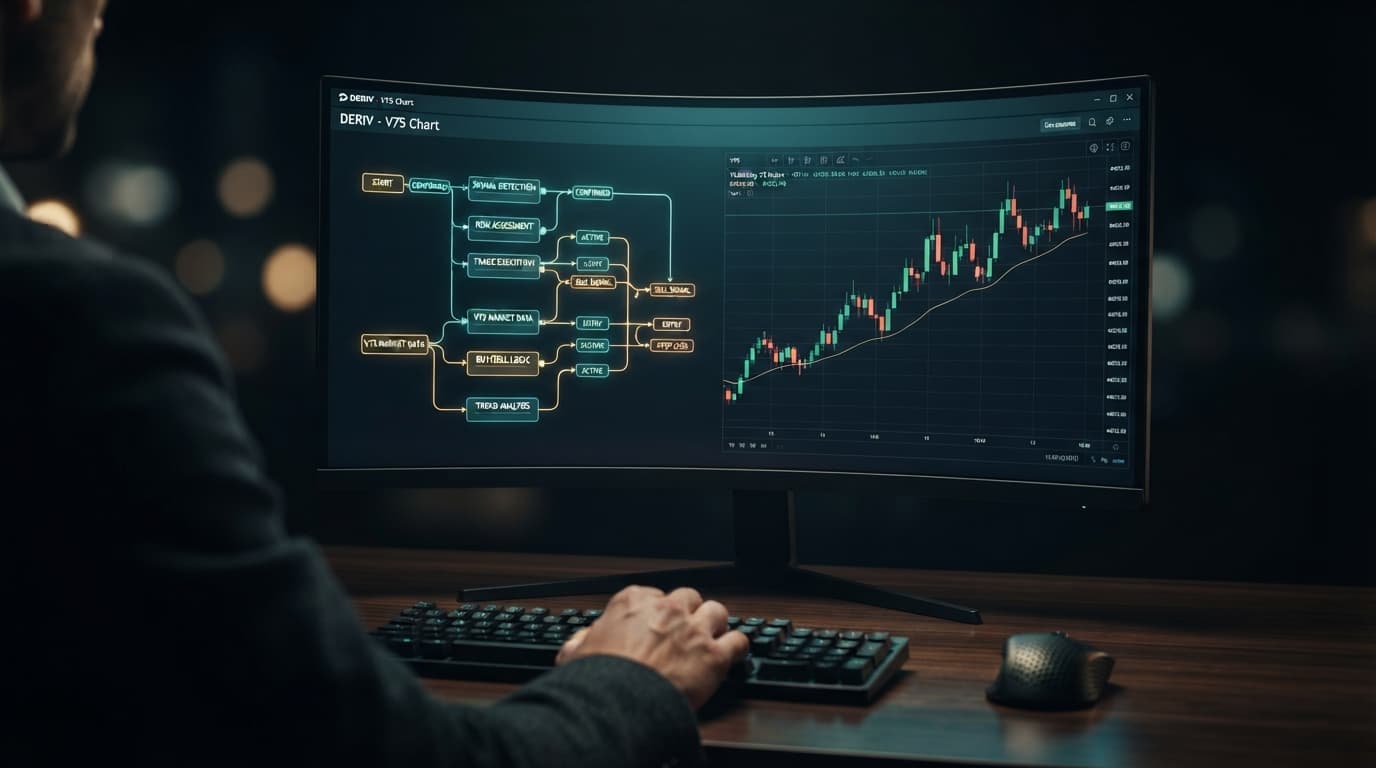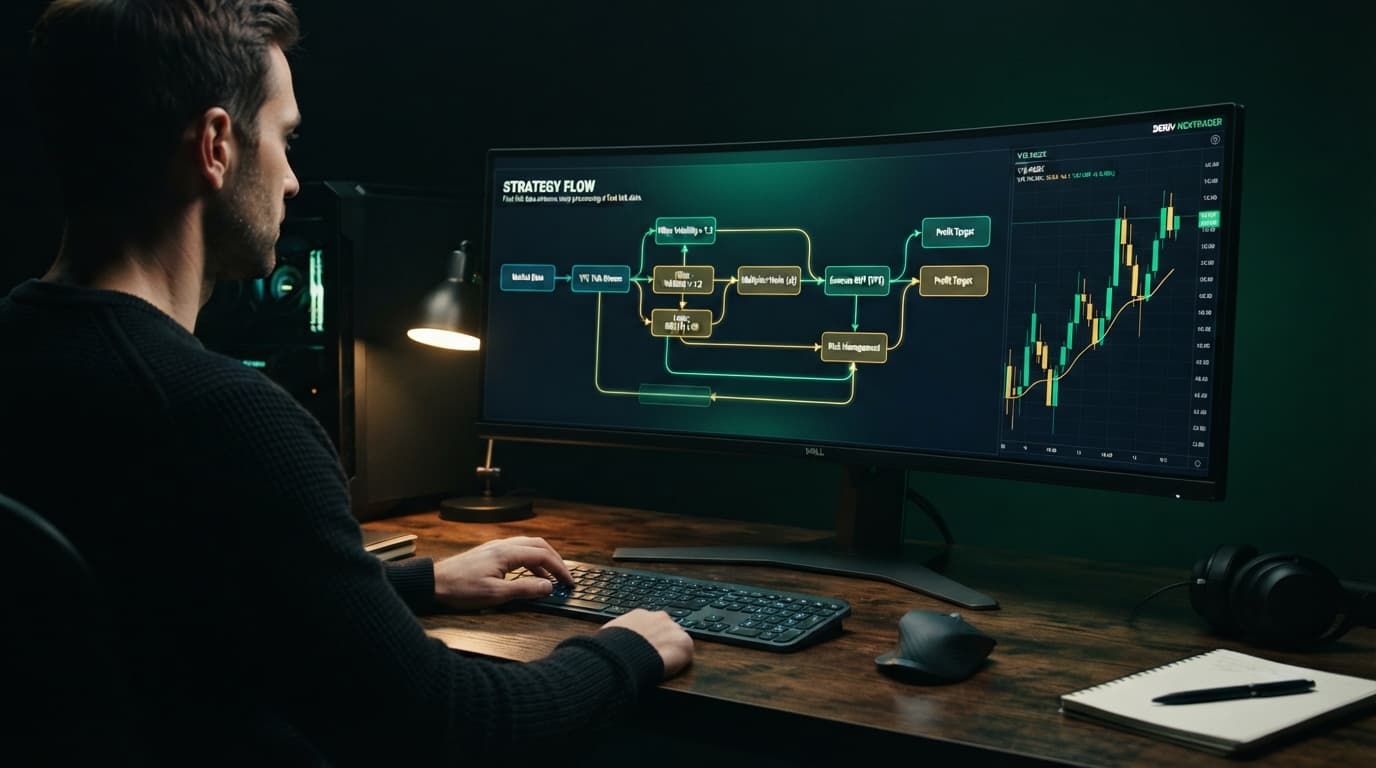
By the end of this guide, you will have a fully working, 48-block script wired with dynamic stake multipliers and session risk stops running automated trades on your Deriv demo account using NexTrader Bot at NexTrader Bot. Configuring execution rules inside a deriv bot builder requires no programming skills. NexTrader Bot gives you direct access to over 747 pre-built algorithms running on synthetic indices like Volatility 75 (V75).
Building a reliable automated strategy on NexTrader Bot relies on clean modular logic. Instead of spending hours dragging individual visual blocks from scratch, NexTrader Bot at NexTrader Bot speeds up your workflow by providing ~48-block automated trading scripts alongside an instant library of 747+ pre-built, high-frequency algorithms across synthetic indices like Volatility 75 (V75).
Before launching a bot in the hub, set clear trade execution and session risk parameters. For this build, we will configure a Rise/Fall contract on the Volatility 75 (V75) Index using 1-Tick execution, an initial stake of $1.00, a loss recovery multiplier of 2.1x, a session Take Profit target of $10.00, and a strict hard Stop Loss threshold of $15.00.
What You Need Before You Start
To follow this step-by-step tutorial and deploy NexTrader Bot, gather these basic requirements:
Load a Free Deriv Bot in One Click
Browse 747+ ready-to-run Deriv bots — Rise/Fall, Over/Under, Even/Odd, Match/Differ. No coding, free forever.
- 747+ Free Bots
- One-Click Load
- Rise/Fall & Digits
- Demo or Real
- A free account and API token from your Deriv broker (Demo or Real account scope)
- Direct browser access to NexTrader Bot at NexTrader Bot
- An XML strategy file (optional, if importing an existing script directly into NexTrader Bot)
- Pre-calculated strategy rules: Market = Volatility 75 Index (V75), Contract Type = Rise/Fall, Duration = 1-Tick, Base Stake = $1.00, Loss Multiplier = 2.1x, Session Take Profit = $10.00, Hard Stop Loss = $15.00
Understanding the 4 Core Categories of a Deriv Bot Builder
Every automated script running on synthetic indices like V10, V25, V50, V75, V100, or the 1Hz series processes trades through four operational stages inside NexTrader Bot.
Step-by-Step Guide: Wiring Your Free Deriv Bot
#### Step 1: Connect Your Deriv Account API Token on NexTrader Bot
- Screen: Account Settings / Dashboard at NexTrader Bot
- Action: Enter API Token
- Setting: Paste your active Deriv API token generated from your broker account settings with Read and Trade permissions enabled. Toggle the account environment selector in the dashboard to Demo Account to establish a safe WebSocket API connection for strategy verification before committing real funds.
#### Step 2: Select Market and Contract Type in NexTrader Bot
- Screen: Bot Hub at NexTrader Bot
- Action: Select Strategy Category
- Setting: Choose Rise/Fall under Continuous Indices and select the Volatility 75 (V75) Index. Set the execution speed to 1 Tick and Base Stake to $1.00. NexTrader Bot loads the underlying 48-block logic template for the selected market.
#### Step 3: Load Strategy Logic or Preset Triggers
- Screen: Bot Hub Dashboard
- Action: Load Strategy Preset or Import XML
- Setting: Select a pre-configured Rise/Fall strategy from the Bot Hub or upload a strategy XML file into NexTrader Bot. The engine ingests the rules and links conditional entry triggers directly to the live V75 tick stream.
#### Step 4: Configure Dynamic Stake Multipliers (Martingale / Recovery)
- Screen: Bot Configuration Controls
- Action: Set Loss Recovery Multiplier
- Setting: In the stake management parameters, set the loss recovery multiplier to 2.1x and the win reset stake to $1.00. When a contract settles in a loss, NexTrader Bot scales the subsequent trade stake to $2.10 to recover drawdown on the next winning contract. Consecutive losing sequences increase exposure quickly, making strict session stop limits essential.
#### Step 5: Set Session Take Profit & Hard Stop Loss Limits
- Screen: Risk Management Controls
- Action: Define Profit and Loss Limits
- Setting: Input your session safety bounds: Take Profit at $10.00 and Stop Loss at $15.00. When net session returns reach +$10.00 or hit -$15.00, NexTrader Bot sends an immediate stop signal over the WebSocket API to prevent runaway trade loops.
#### Step 6: Launch on Demo and Compare with 1-Tick Turbo Presets
- Screen: Live Execution Dashboard at NexTrader Bot
- Action: Click "Run Bot"
- Setting: Select Run Bot to begin automated order execution on your demo account balance. Track live trade logs, win rates, and session P&L on the dashboard. Compare performance against 1-Tick and 1-Tick Turbo presets like Rise Rocket, Fall Falcon, Even Comet, Over 2 Blaze, Under 8 Flash, or Odd Bolt, which provide high-frequency execution without manual block setup.
Manual Scripting vs NexTrader Bot 1-Click Execution
Traders search for automated trading solutions because they want clear execution rules and disciplined risk controls. Building a custom trading script manually requires assembling dozens of individual blocks, declaring variables, wiring logic paths, and handling execution lag on fast 1-Tick indices. Importing XML strategy files or assembling logic manually can take hours of setup and testing.
NexTrader Bot at NexTrader Bot streamlines automated execution entirely. NexTrader Bot supports XML file imports while eliminating the need to construct complex logic trees manually. The NexTrader Bot hub features over 747 ready-to-run bots across Rise/Fall, Over/Under, Even/Odd, and Match/Differ contract types. Instead of connecting individual logic blocks from scratch, you can load optimized bots like Rise Rocket, Fall Falcon, Even Comet, Over 2 Blaze, Under 8 Flash, or Odd Bolt in one click, connect your Deriv API token, enter your session risk targets, and begin automated trading on your demo account.
If Something Goes Wrong (Troubleshooting Common Builder Errors)
#### Fix 1: API Connection Disconnects or Fails to Execute
If your automated script stops placing orders or the live WebSocket ticker freezes, navigate to the Account Settings at NexTrader Bot, click "Disconnect Token", and check your broker account settings. Verify that your generated Deriv API token has both "Read" and "Trade" permissions enabled. Paste the refreshed token back into NexTrader Bot and reconnect to restore the data feed.
#### Fix 2: Script Rejects Trade Contracts
When the engine displays contract rejection errors upon attempting execution, inspect your duration parameters. High-speed execution modes like 1-Tick or 1-Tick Turbo require specific duration rules depending on the synthetic index selected (V10, V25, V50, V75, V100, or 1Hz series). Ensure that your starting stake meets minimum account requirements ($0.35 to $1.00 depending on the contract) and that contract purchases match active market availability.
#### Fix 3: Dynamic Multiplier Continues After Session Target
If trade execution continues multiplying stake sizes after hitting your target profit, review your session risk settings in NexTrader Bot. Ensure the session control checks cumulative net session returns rather than individual trade results. The system must halt execution immediately when total profit reaches $10.00 or total loss reaches $15.00 before calculating the next trade's stake.
Explore our free bot library at NexTrader Bot, create your platform account at Sign Up Free — Nextrader, and connect with synthetic index traders in our official Telegram community at Telegram.
Trading involves risk. Past performance does not guarantee future results.