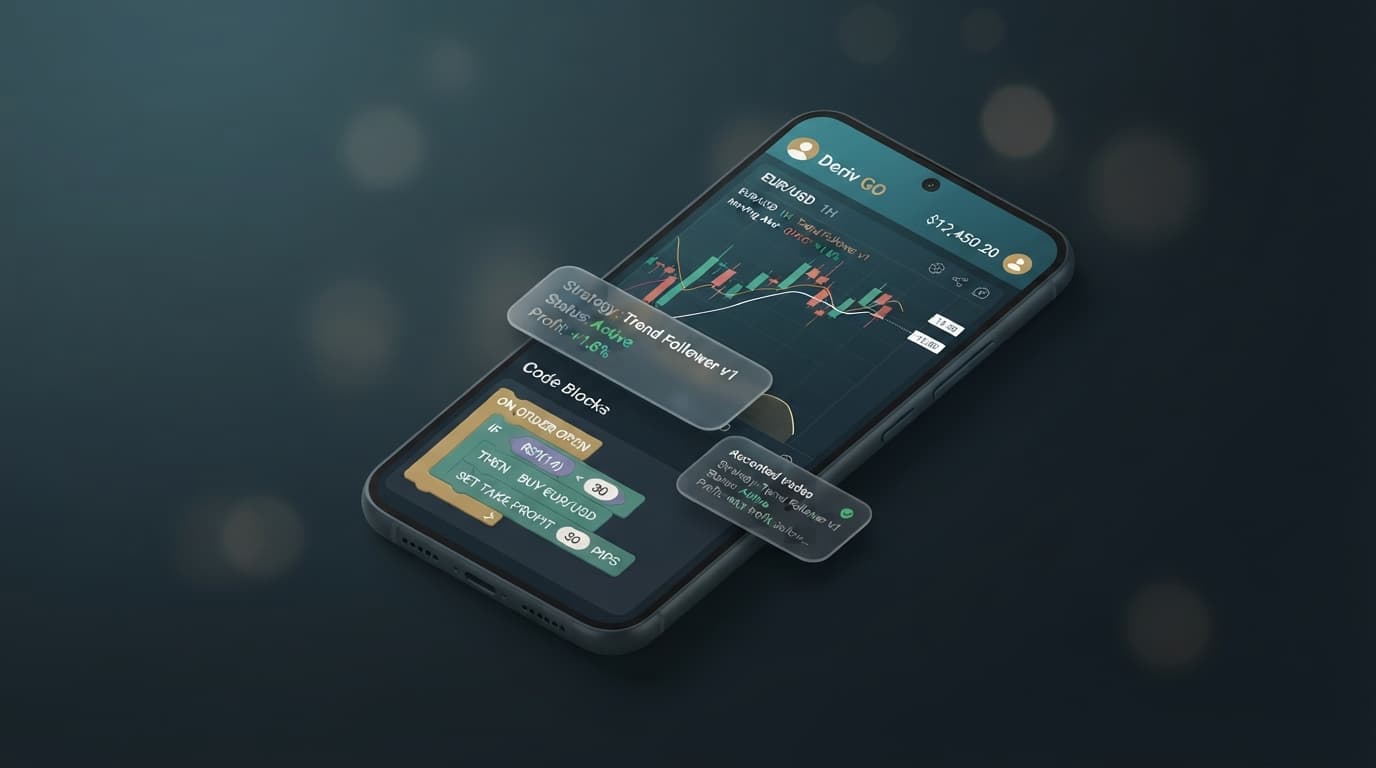
Deriv Bot XML Free Download for Android: Complete Mobile Workflow Guide
Running automated trading scripts on an Android phone usually means hunting for working .xml files, dealing with broken storage downloads, and struggling to import complex blocks into a small mobile browser interface. If you are searching for a deriv bot xml free download for android, you need mobile-compatible strategy files that execute cleanly without throwing XML schema errors or dropping WebSocket connections on Android Chrome or Firefox.
Traders can download free .xml strategy files to internal Android storage for manual loading into Deriv Bot (DBot), or load strategies instantly inside a browser using NexTrader Bot. NexTrader Bot features native BinaryBot XML support and connects directly to your account using a secure Deriv WebSocket API token, providing direct access to 747+ ready-to-run Deriv bots built for synthetic indices, forex, gold, silver, and crypto.
What You Get: Free Deriv Bot Library for Mobile Trading
Inside the NexTrader Bot Hub at NexTrader Bot, you can access 747+ free and premium Deriv bots built for synthetic indices like Volatility 75 (V75), Volatility 10 (1Hz), Volatility 25 (1Hz), Volatility 50, and Volatility 100. Strategies are grouped by contract type—Rise/Fall, Over/Under, Even/Odd, and Match/Differ—along with Tick, Indicator, and Candle based bots. Each strategy features usage counters and status badges such as Trending, Hot, or Most-used, allowing you to load and run scripts on your mobile browser with zero manual code editing.
The following table details five ready-to-run strategies available for direct browser deployment:
Load a Free Deriv Bot in One Click
Browse 747+ ready-to-run Deriv bots — Rise/Fall, Over/Under, Even/Odd, Match/Differ. No coding, free forever.
- 747+ Free Bots
- One-Click Load
- Rise/Fall & Digits
- Demo or Real
| Bot Name | Contract Type | Market | What It Does |
|---|---|---|---|
| Rise Rocket | Rise/Fall | Volatility 75 (V75) | Executes 1-Tick Turbo Rise trades on momentum candle triggers. |
| Even Comet | Even/Odd | Volatility 10 (1Hz) | Tracks digit patterns across 1-Tick intervals to target Even digit sequences. |
| Over 2 Blaze | Over/Under | Volatility 100 | Purchases Over 2 contracts with automated risk management parameters. |
| Under 8 Flash | Over/Under | Volatility 25 (1Hz) | Fast 1-Tick execution targeting digits under 8 with automated stake adjustments. |
| Odd Bolt | Even/Odd | Volatility 50 | High-frequency Odd digit strategy optimized for low-latency browser execution. |
These strategies utilize standardized execution engines. Instead of dealing with corrupted file downloads on mobile devices, traders can download compatible .xml files or select any named bot directly inside NexTrader Bot, adjust stake and target settings, and run automated trades instantly.
How to Load a Free Deriv Bot on Android
Mobile traders generally choose between two distinct workflows when running automated scripts: manually handling local files or utilizing a cloud-based template system.
- 1 Generate a Deriv API Token with Read and Trade scopes
- 2 Connect your token at NexTrader Bot on mobile Chrome or Firefox
- 3 Select a pre-loaded bot like Rise Rocket or Even Comet from the Bot Hub
- 4 Configure stake parameters and launch directly on demo or real accounts
Method 1: The Traditional Deriv Bot (DBot) XML File Workflow
Traders accustomed to using Deriv’s native DBot builder typically follow a multi-step manual importing process:
- Download the target
.xmlfile from a trusted repository to your Android device's internal storage folder. - Launch your Android web browser (such as Chrome or Firefox) and navigate to the native DBot workspace.
- Tap the "Import" tab on the block canvas, select "Local Device", and grant the browser permission to access your storage files.
- Locate the downloaded file in your Android
Downloaddirectory and select it to compile the block structure onto your workspace canvas. - Verify that all strategy logic blocks have loaded correctly without missing variables, then select your demo account to run initial test cycles.
While this workflow is functional, handling small block layouts on a mobile screen frequently leads to misplaced parameters or accidental block deletions. Furthermore, clearing browser cache can delete local file references, requiring you to repeat the download and import process.
Method 2: The Faster 1-Click Route on NexTrader Bot
To eliminate local file management and screen clutter, NexTrader Bot provides a direct web-based deployment path:
- Log into your account settings at the broker and generate an API token with active Read and Trade permissions.
- Open Chrome or Firefox on your Android device, go to NexTrader Bot, and paste your API token into the secure connection panel.
- Open the Bot Hub inside the browser dashboard to browse 747+ ready-to-run strategies grouped by contract types (Rise/Fall, Over/Under, Even/Odd, Match/Differ) and speed tiers (1-Tick and 1-Tick Turbo).
- Tap "Load" on your chosen strategy—such as Rise Rocket or Even Comet—or import your saved BinaryBot XML file directly into the platform.
- Verify your session settings on the dashboard and tap "Run" to launch execution instantly on your demo or real balance without complex file setup.
Android Background Settings for Uninterrupted Execution
Android aggressively suspends web browser background tasks to save power. When running NexTrader Bot in mobile Chrome or Firefox, default OS battery saver settings will pause your WebSocket connection if your screen locks or if you switch apps. Adjust these three settings to keep execution uninterrupted:
- Disable Battery Optimization: Go to Settings > Apps > Chrome (or Firefox) > Battery and change the setting to Unrestricted. This stops Android from freezing background browser threads.
- Allow Unrestricted Background Data: Go to Settings > Apps > Chrome > Mobile Data & Wi-Fi and toggle on Allow background data usage and Unrestricted data usage. This prevents network dropouts during 1-Tick or 1-Tick Turbo trade cycles on Volatility 10 (1Hz) or Volatility 100.
- Lock Browser App in Memory: Open your Android Recent Apps screen, tap the browser app icon, and select Lock this app. This keeps the browser tab running in memory when navigating away.
Settings to Check Before You Run NexTrader Bot
Before starting any automated strategy on NexTrader Bot, double-check your core risk parameters on the control dashboard. Never run an imported script or cloud template without verifying these four foundational variables:
- Base Stake: Set your initial trade size to
$0.35. This represents the standard minimum contract value for most synthetic indices and provides maximum capital protection during consecutive drawdowns. - Take-Profit Threshold: Define a clear session target, such as
$5.00(representing a 14.2x return relative to your base stake). Reaching this value triggers an immediate automated script halt. - Stop-Loss Threshold: Establish a firm risk ceiling at
$10.00. Setting an explicit stop-loss ensures that an extended negative trend cannot drain your balance. - Martingale / Recovery Factor: Confirm that the stake multiplier within the execution settings is strictly configured to
2.0x. Higher multipliers (e.g., 3.0x or 4.0x) escalate risk exponentially during tick runs.
Common Android Problems & NexTrader Bot Troubleshooting
Mobile web execution can occasionally run into hardware or network constraints. Use these technical fixes to resolve common operational issues:
Symptom 1: Bot stops running as soon as the phone screen locks.
- Cause: The Android OS suspended CPU processing for the web browser to conserve battery.
- Fix: Verify that battery usage for Chrome/Firefox is set to Unrestricted under system settings. Ensure that the browser tab running NexTrader Bot remains active in the background rather than being closed or cleared from recent memory.
Symptom 2: API Token authorization fails on mobile browser reload.
- Cause: The API key generated at the broker level lacked necessary scope toggles or was cleared during a browser cache flush.
- Fix: Log into your account settings with your broker and verify that the API token was generated with both Read and Trade checkboxes selected. Copy the fresh token and paste it back into the connection field on NexTrader Bot.
Symptom 3: Delayed tick execution or skipped contracts.
- Cause: High network latency on public Wi-Fi or local CPU throttling caused by mobile power-saving modes.
- Fix: Disconnect from public Wi-Fi networks and switch to direct 4G/5G cellular data. In the NexTrader Bot Hub, select dedicated 1-Tick Turbo speed bots (such as Rise Rocket or Under 8 Flash) optimized for fast WebSocket execution on synthetic index ticks.
Automating your trading strategies on mobile does not require dealing with broken storage links or manual file manipulation. By deploying verified web strategies directly inside your mobile browser via NexTrader Bot, you gain instant access to over 747 automated tools designed for synthetic markets. Create your free account today at Sign Up Free — Nextrader and join our growing community of active traders on Telegram at Telegram.
Trading involves risk. Past performance does not guarantee future results.