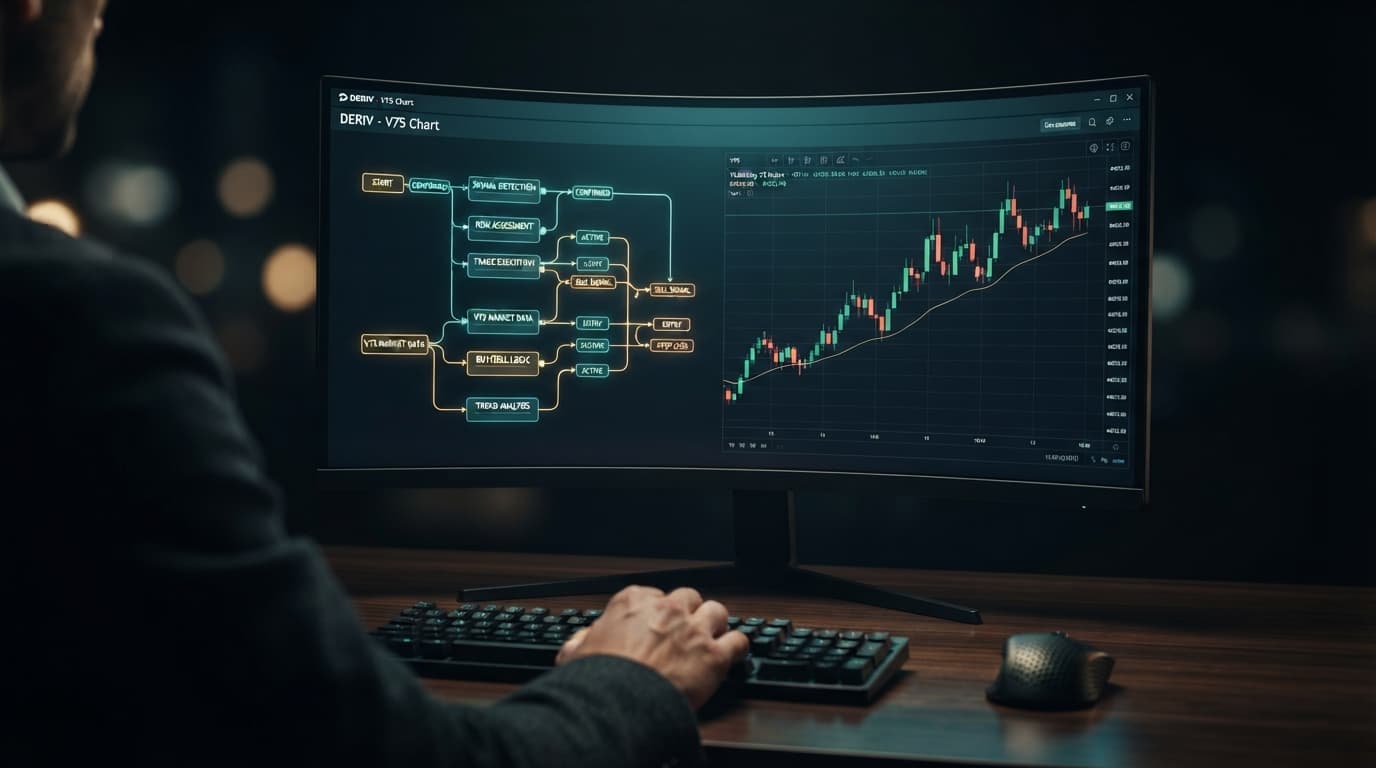
With over 747 automated strategies available in the NexTrader Bot Hub at NexTrader Bot, hitting a sudden execution freeze can interrupt your trading workflow. When a strategy stalls, traders often assume the underlying algorithm failed or hit an unhandled exception. In reality, an execution halt is almost never a strategy logic fault; it is usually a connection or permission mismatch between your ~48-block free deriv bot and the underlying Deriv WebSocket feed. Implementing a swift deriv bot not running fix requires diagnosing connection streams, session states, and permission scopes directly from your NexTrader dashboard.
The NexTrader engine runs high-speed automated strategies on synthetic markets like Volatility 10 (V10), V25, V50, V75, V100, and their 1Hz counterparts, as well as forex, gold, silver, and crypto. Every single trade order relies on an unbroken, authorized WebSocket pipeline connecting our free web environment to the broker.
If your dashboard displays a frozen trade log or active ticks without executing contract orders, you do not need to rewrite your parameters or discard your strategy. By executing a simple diagnostic checklist inside NexTrader Bot, you can clear connection bottlenecks, fix token authorization mismatches, and return your system to active trading in less than sixty seconds.
Auditing Deriv API Token Scope Permissions for NexTrader Block Bots
Permission scopes are the single most common cause behind execution stalls on a deriv trading bot. When you generate an API token inside your broker account settings, you are presented with explicit scope check-boxes, including "Read" and "Trade". If you select "Read" alone, the NexTrader platform successfully fetches your live demo balance, account currency, and account ID, populating the top dashboard controls seamlessly. However, as soon as your loaded ~48-block strategy triggers an entry signal—such as an Over/Under or Rise/Fall condition—the broker API rejects the contract request silently due to missing trade privileges.
Load a Free Deriv Bot in One Click
Browse 747+ ready-to-run Deriv bots — Rise/Fall, Over/Under, Even/Odd, Match/Differ. No coding, free forever.
- 747+ Free Bots
- One-Click Load
- Rise/Fall & Digits
- Demo or Real
Testing your API token health inside NexTrader Bot takes just a few clicks. Use the live demo balance switcher on the main interface to attempt a quick account toggle between your demo and real balances. If the balance updates on the dashboard but trade entries fail to execute when hitting the Run button, your token lacks full trade execution rights.
To correct scope permissions without losing your active strategy setup:
- Keep NexTrader Bot open in your active browser tab so your loaded strategy blocks and customized parameters remain intact.
- Open your broker security settings in a separate tab and locate your API token management page.
- Generate a new API token, explicitly checking both Read and Trade permission boxes before saving.
- Copy the freshly generated token string.
- Return to your NexTrader dashboard, paste the string directly into the token input field, and click Connect.
Your balance display will re-verify immediately. Because the underlying execution block structure stays fully populated in your browser session, you can instantly click Run to start trading without re-configuring contract parameters, stake sizing, or money management rules.
Deriv Bot Not Running Fix: Resolving High-Frequency WebSocket Drops
High-frequency strategies—especially 1-Tick Turbo models such as Rise Rocket, Under 8 Flash, Even Comet, Fall Falcon, Over 2 Blaze, and Odd Bolt—process dozens of data packets every second. On ultra-volatile markets like V75 or V100 (1Hz), tick velocity can saturate browser WebSocket frame buffers during rapid market swings. When packet drops occur during these fast tick streams, the browser engine may drop the active socket connection to prevent memory leaks or delayed block processing. To the trader, this manifests as a frozen dashboard where tick indicators freeze mid-candle while live market ticks continue moving.
This execution bottleneck is resolved entirely within the NexTrader Bot dashboard environment without requiring system restarts or external charting tools.
- 1 Hit Stop on the NexTrader execution panel to halt pending block cycles
- 2 Toggle the API token connection off and back on to clear socket buffers
- 3 Click Run to establish a clean WebSocket pipeline and resume trading
Executing this three-step pipeline resets the socket connection, flushes dropped packet frames from browser memory, and re-establishes a clean WebSocket feed. Because NexTrader's web architecture holds your strategy parameters safely in memory, your ~48-block setup stays primed and executes contract entries the instant the new socket connection authorizes.
Fixing Session Authorization Timeouts for Your NexTrader Bot
Extended strategy research inside the Bot Hub can occasionally trigger silent session timeouts. While browsing our library of 747+ ready-to-run tools—filtering between Free Bots and Premium Bots, checking strategy badges like Trending, Hot, or Most-used, or analyzing usage counters—your authorization session can expire in the background. This typically occurs after prolonged inactivity or when your local internet service provider re-assigns your IP address while streaming real-time tick feeds.
When session authorization expires, contract blocks across Rise/Fall, Over/Under, Even/Odd, and Match/Differ execution types stop receiving authorization handshakes. The dashboard controls may still show your strategy as loaded, but clicking the Run button produces no response or hangs indefinitely on the initialization step. This behavior affects all execution logic, including specialized Tick, Indicator, and Candle-based binary bots.
To clear session timeouts and restore one-click execution across your NexTrader catalog, follow this rapid reset protocol:
- Disconnect Session: Click the connection status indicator near the balance switcher on NexTrader Bot to disconnect your current API token session.
- Re-enter Credentials: Paste your fully scoped API token (containing Read and Trade privileges) back into the token input box and click Connect.
- Initialize Execution: Re-select your desired live demo or real balance from the toggle menu, verify your stake parameters, and hit Run.
This protocol clears stale authorization headers, negotiates a fresh session handshake over the WebSocket feed, and reactivates automated contract execution in a single click.
Optimizing Block Execution Across Synthetic Markets
When executing ~48-block strategies on high-volatility synthetic indices like V75 (1Hz) or V100, execution stalls can still occur if contract stake settings or block parameter intervals conflict with broker rate limits. On 1-Tick Turbo bots such as Rise Rocket, Under 8 Flash, or Even Comet, sending back-to-back contract requests without a 1-tick delay block can cause the API endpoint to temporarily throttle trade execution.
If a bot running on V100 or V75 (1Hz) stops placing orders mid-session while ticks continue updating:
- Check your ~48-block logic in the editor to ensure the trade delay block is set to at least 1 tick or 1 second between contract completions.
- Verify that your stake amount meets minimum contract requirements for that specific index on your live demo or real balance.
- Click Stop on the NexTrader control panel, adjust the tick interval or stake parameter, and click Run to resume clean execution.
This ensures your automated entry conditions process within official rate limits without triggering connection freezes or order rejection drops.
Ready to deploy high-performance automated strategies on a platform built specifically for synthetic indices? Explore our complete library of ready-to-run block algorithms on the NexTrader Bot Hub. For advanced trading tools and direct integration with our ecosystem, sign up for a free account and join thousands of active traders in our official Telegram.
Trading involves risk. Past performance does not guarantee future results.