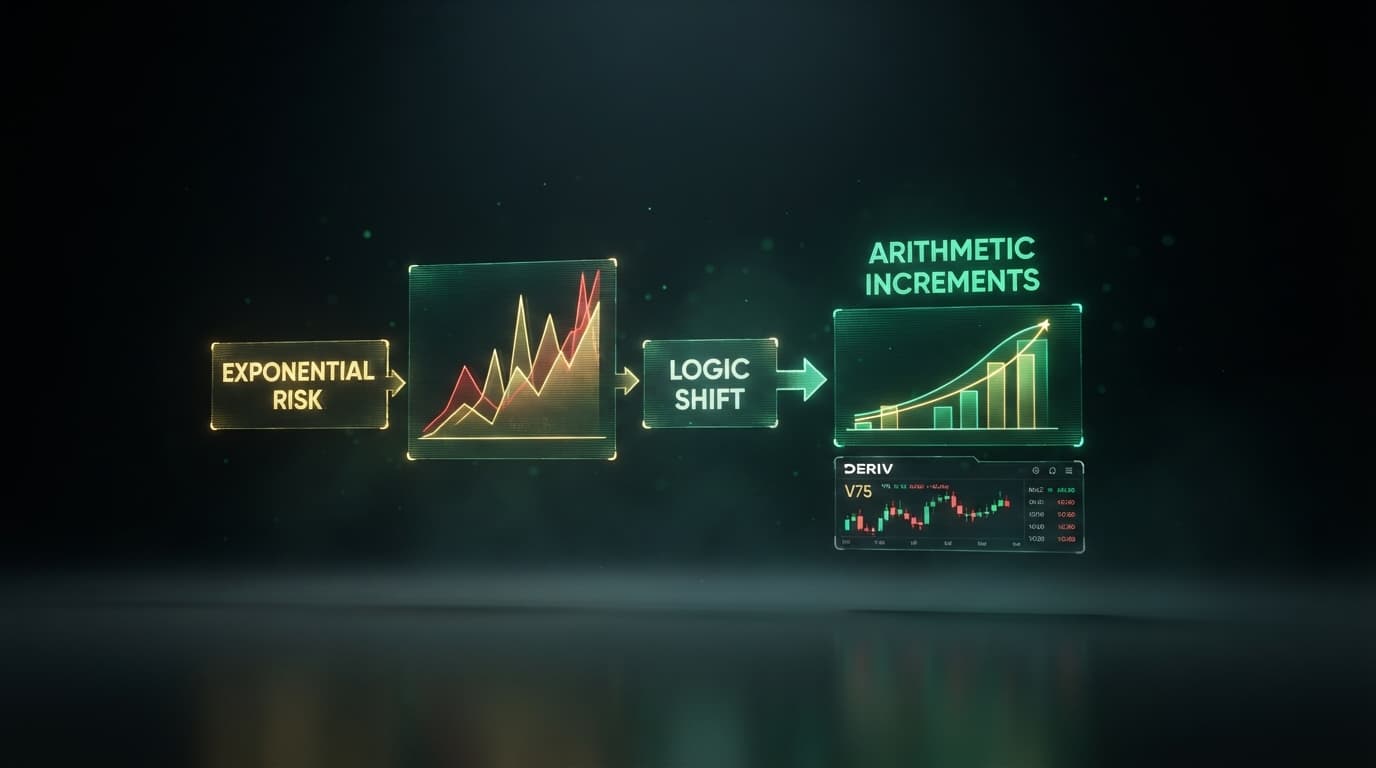
Loading a binary bot xml download directly into NexTrader Bot (NexTrader Bot) allows you to inspect, export, and modify block structures before executing live trades on Deriv synthetic indices. The Fall Falcon script from our Bot Hub uses approximately 48 visual blocks built for 1-Tick Turbo Fall contracts on the Volatility 75 (1s) Index (1HZ75V). Modifying its default loss engine with a strict 4-step d'Alembert recovery sequence prevents runaway compounding during tick drawdowns.
Standard scripts shipped with exponential multipliers double exposure after every loss, scaling a $1.00 base stake to $8.00 within four trades. Executing 1-Tick Turbo strategies inside NexTrader Bot requires a controlled arithmetic progression that caps maximum trade size while maintaining 1-tick execution speeds on Deriv.
Swapping geometric multiplication for a 4-step d'Alembert sequence flattens drawdowns during tight market oscillations. Modifying the Fall Falcon block framework inside NexTrader Bot creates a resilient deriv trading bot setup that increases stakes by a fixed $0.50 unit, capping overall risk across consecutive losing ticks.
The Checklist
- Access the Bot Hub on NexTrader Bot (NexTrader Bot), locate the Fall Falcon script, or export/download its XML file to your local machine.
- Connect your Deriv API token to initialize workspace controls and confirm your demo account balance.
- Import the Fall Falcon script XML using the built-in BinaryBot XML support and select Volatility 75 (1s) Index.
- Open the ~48 visual block framework and detach the default exponential Martingale multiplier logic.
- Assemble the 4-step d'Alembert recovery block with a $1.00 base stake and $0.50 arithmetic increments.
- Execute the modified script using 1-Tick Turbo Fall contracts on a demo balance while monitoring the Run/Stop controls.
Working Through It: Customizing Your Binary Bot XML Download
1. Access the Bot Hub on NexTrader Bot and Locate Fall Falcon
Navigate to the Bot Hub at NexTrader Bot and select the Free Bots tier. Locate Fall Falcon—a 1-Tick Turbo free deriv bot tagged with Trending and Hot badges among the 747+ ready-to-run binary bots in the library. Click load to populate its ~48 logic blocks directly into your workspace. If you prefer working with local files, use the platform's BinaryBot XML support to export the script as a .xml download to your computer, or import an external binary bot xml download directly into the workspace canvas.
Load a Free Deriv Bot in One Click
Browse 747+ ready-to-run Deriv bots — Rise/Fall, Over/Under, Even/Odd, Match/Differ. No coding, free forever.
- 747+ Free Bots
- One-Click Load
- Rise/Fall & Digits
- Demo or Real
2. Connect Your Deriv API Token and Select Balance
Authorization on NexTrader Bot happens directly through a secure WebSocket connection. Copy an API token from your Deriv broker account and paste it into the connection panel on the web interface. Once authenticated, your live demo balance populates immediately on the dashboard control bar. Always confirm that your workspace toggle points to your Deriv demo account before adjusting stake parameters or editing visual blocks.
3. Load the BinaryBot XML and Target Volatility 75 (1s) Index
NexTrader Bot includes full BinaryBot XML support, allowing you to drag and drop any local .xml file into the editor or open templates straight from the Bot Hub. Once the Fall Falcon XML is loaded, navigate to Block 1 (Market Definition). Set the market asset to Synthetic Indices > Volatility 75 (1s) Index (1HZ75V). Set the contract parameters to Trade Type: Rise/Fall > Fall, and pin duration strictly to 1 Tick using the 1-Tick Turbo setting.
The 1HZ75V index generates a new price tick every second. Running 1-Tick Turbo Fall contracts inside NexTrader Bot on this asset allows the script to capitalize on brief micro-momentum drops without lingering in multi-tick reversals.
4. Strip Out the Martingale Recovery Block Logic
Open the visual block canvas inside NexTrader Bot, which organizes approximately 48 blocks for market entry, trade definitions, and post-trade analysis. Scroll to Block 4 (the "After Purchase" logic container). Locate the default loss calculation formula Stake = Stake * Multiplier. Detach this block from the thread and delete it to erase the exponential compounding logic.
Removing this default math prevents NexTrader Bot from doubling stakes on loss streaks. Unchecked 2x multipliers on 1-tick synthetic contracts can exhaust account margins within seconds during chop.
5. Build the 4-Step d'Alembert Stake Variable Block
Construct an arithmetic d'Alembert increment system inside the NexTrader Bot editor using basic variable and math blocks. This structure increases the position by a fixed dollar amount after a loss and resets after a win or a four-step limit.
Configure the visual variables with these exact figures:
Base Stake=$1.00Step Unit=$0.50Current Stake=Base StakeLoss Count=0
Inside the "After Purchase" block, add the conditional check If Trade Result is Loss:
- Increment
Loss Countby1. - Add
Step Unit($0.50) toCurrent Stake. - Add a ceiling rule:
If Loss Count >= 4ORIf Trade Result is Win, setCurrent StaketoBase Stake($1.00) and resetLoss Countto0.
This limits your execution steps to four fixed tiers:
- Initial Trade / Step 1: $1.00
- Step 2 (After 1 Loss): $1.50
- Step 3 (After 2 Losses): $2.00
- Step 4 (After 3 Losses): $2.50 (Maximum trade size)
If four consecutive losses occur, NexTrader Bot triggers the ceiling check and resets the trade size to $1.00. Total risk across four losing trades equals $7.00, whereas standard 2x Martingale exposes $15.00 over the same sequence.
6. Test 1-Tick Turbo Fall Contracts with Live Dashboard Monitoring
Verify that all variable outputs connect properly inside the NexTrader Bot block builder. Ensure contract duration is set to 1-Tick Turbo speed and trade direction is pinned to Fall. Click the green Run button on the dashboard interface to start automated trading on your Deriv demo balance.
Monitor the real-time execution log to verify that NexTrader Bot calculates incoming ticks on 1HZ75V accurately. Confirm that every losing trade increases the subsequent stake by $0.50 up to the $2.50 cap before resetting. Use the dashboard Stop button instantly if parameters require fine-tuning.
Common Mistakes When Customizing a NexTrader Bot Script
- Leaving Martingale Multipliers Active Beside the New Block
Correction: Delete the default multiplier variable inside the "After Purchase" container before linking your d'Alembert logic inside NexTrader Bot. Leaving orphan logic inside the thread can trigger duplicate calculations and double your arithmetic increment.
- Selecting Standard Volatility 75 Index Instead of Volatility 75 (1s) Index
Correction: Verify the market definition inside Block 1. Standard Volatility 75 updates every 2 seconds, while 1HZ75V produces price ticks every second. Select Volatility 75 (1s) Index in NexTrader Bot to stay aligned with 1-Tick Turbo execution speeds.
- Forgetting to Set the 4-Step Cap Ceiling Logic
Correction: Omitting the If Loss Count >= 4 rule allows arithmetic increases to accumulate during sustained market drawdowns. Enforce the hard cap in your block logic to lock maximum exposure at $2.50.
Start Now
Access your 100% free Fall Falcon script directly inside NexTrader Bot at NexTrader Bot. Load the template from the Bot Hub, import or export your binary bot xml download, adjust your 4-step d'Alembert recovery logic, and run the script on your Deriv demo balance in one click.
Connect with active traders in our Telegram group at Telegram to share XML block setups, or create your free account at Sign Up Free — Nextrader to explore the full ecosystem.
Trading involves risk. Past performance does not guarantee future results.