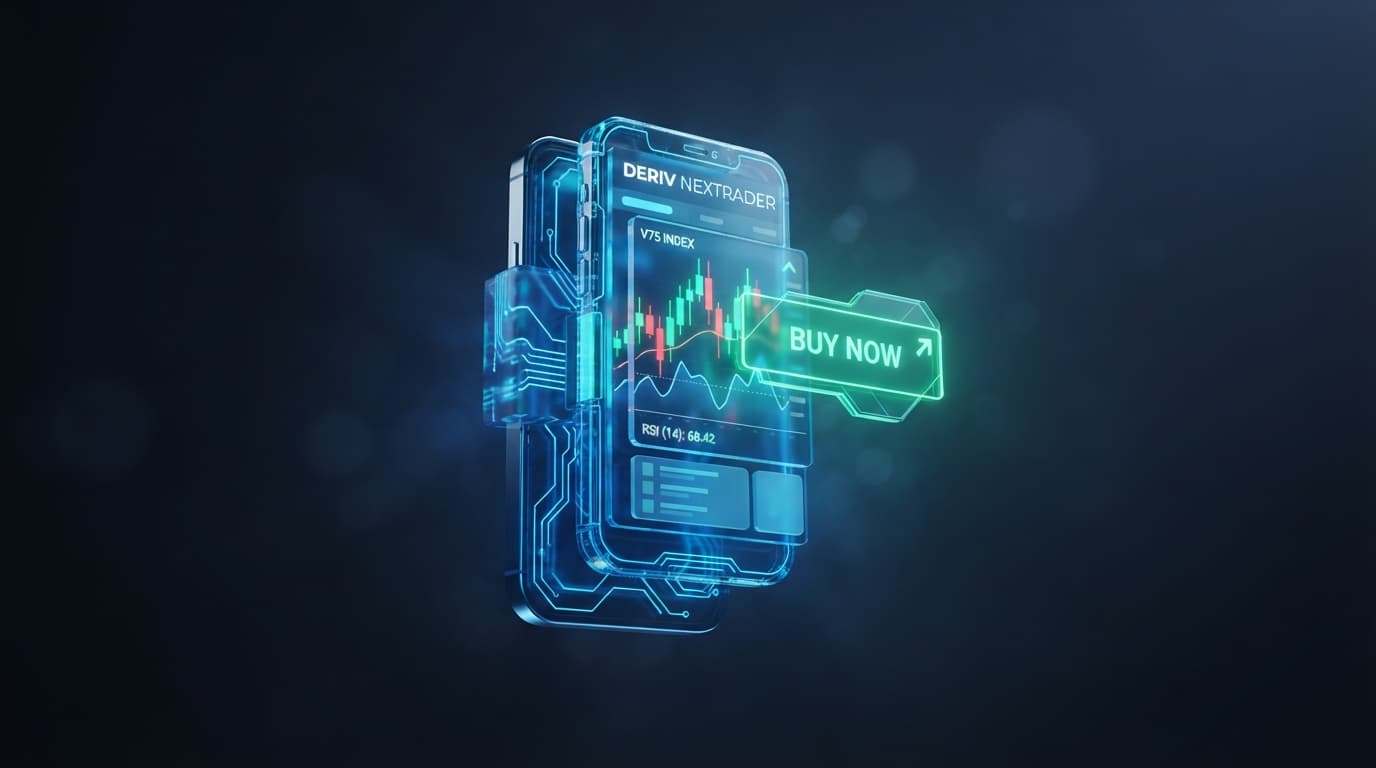
You glance at your phone screen as a push alert comes through: Volatility 75 (1Hz) Index, 78% indicator alignment score, BUY setup. The notification fired the exact second the 5-minute candle closed, listing a clear Entry price, Stop Loss (SL), Take Profit 1 (TP1), and Take Profit 2 (TP2). You tap to review the signal card, confirm that four distinct technical indicators have aligned, and execute the trade without sitting tied to a desktop chart layout.
Finding an effective deriv signals app for android that operates without repainting is one of the hardest challenges mobile synthetic index traders encounter. Most mobile deriv trading tools rely on open-candle indicators that constantly recalculate, showing a signal arrow mid-bar that completely vanishes once the candle closes against your position. When trading high-volatility assets like Volatility 100 Index or Volatility 75 Index, relying on unstable mobile alerts leads to late entries, poor risk-to-reward ratios, and drained account balances.
The Nextrader Android application (com.vm.nextrader on Google Play and accessible via Nextrader App) solves this issue by enforcing strict execution constraints directly through the Deriv WebSocket API. By locking signal triggers to closed candles and requiring algorithmic consensus across multiple strategies, mobile traders gain access to reliable execution data on their mobile devices.
- 1 Install Nextrader app from Google Play (com.vm.nextrader) or launch Nextrader App
- 2 Connect your Deriv WebSocket API token and select synthetic index assets
- 3 Configure non-repaint execution on closed candles with a 70%+ confidence filter
- 4 Enable multi-indicator consensus mode using Smart Signals or Smart Fusion
- 5 Execute manually using calculated SL/TP targets or automate via Nextrader Auto Trader
Configuring High-Confidence Signal Filters in the Deriv Signals App for Android
To establish a disciplined alert workflow, start by installing the Nextrader Android app (com.vm.nextrader on Google Play) or accessing Nextrader App on your mobile browser. Once launched, pair your account using a Deriv WebSocket API token. This direct connection bypasses browser lag and ensures sub-second signal dispatch directly from the market server.
Get Live AI Trading Signals
Real-time non-repaint signals from 11 AI strategies — Volatility Indices, Forex, Gold & Crypto. No subscription, no paywall.
- Auto Trader Bot
- Digit Trader Bot
- 11 AI Strategies
- Live Telegram Signals
Nextrader operates on a strictly non-repainting signal architecture. While standard charts print entry markers while a bar is still forming, Nextrader evaluates market parameters only after a candle has closed. A 5-minute signal is evaluated at minute 05:00.00, confirming that the high, low, open, and close prices are finalized. This completely eliminates phantom arrows.
To optimize the quality of your alerts on high-volatility indices such as V10, V25, V50, V75, V100, and their 1Hz counterparts, configure the engine filters using the following parameters:
- Set Confidence Threshold to 70%+: The internal AI signal engine scores setups on a scale of 30% to 85% based on internal indicator alignment and multi-strategy agreement across active modules. Restricting your notifications to setups scoring 70% or higher filters out sideways consolidation and low-volume chop.
- Select Multi-Indicator Consensus: Instead of triggering on a single indicator, turn on consensus strategies like Smart Signals or Smart Fusion. These meta-strategies require a minimum of 3 to 4 independent technical algorithms to issue the same directional bias before alerting your phone.
- Combine Core Indicator Strategies: Activate underlying modules within the app including Trend Hunter (EMA) for structural direction, Reversal Radar (RSI) for momentum exhaustion, Momentum Wave (MACD) for shift verification, Volatility Pulse (Bollinger) for band squeeze expansion, and Breakout Beast (ATR) for volatility baseline validation.
When these conditions are met on a closed candle, the system issues a clean, structured notification containing precise trade execution levels.
Executing Dynamic SL/TP and Strategy Consensus Across 5m to 1h Timeframes
The Nextrader Android app generates automated risk parameters directly on every signal card, removing manual exit calculations. By selecting your trading timeframe across 5min, 10min, 30min, and 1 hour, the engine aligns indicator consensus with expected holding times:
- 5min & 10min Timeframes: Tailored for high-frequency scalpers. Signals on these timeframes rely heavily on Swift Scalper (Stochastic RSI) and Volatility Pulse (Bollinger) to capture sudden expansion moves. Targets are tighter, requiring quick execution.
- 30min & 1h Timeframes: Ideal for intraday trend riders. These timeframes integrate Trend Rider (SuperTrend), Cloud Walker (Ichimoku), and Price Magnet (VWAP) to identify multi-hour directional trends on V75 and V100.
When an alert triggers, the signal card displays four distinct metrics: Entry Price, Stop Loss (SL), Take Profit 1 (TP1), and Take Profit 2 (TP2).
The Stop Loss is dynamically calculated using Breakout Beast (ATR) metrics to account for current market volatility. On high-volatility instruments like Volatility 75 Index, standard pip-based stop losses are quickly hunted by rapid wicks. By pricing the SL relative to average true range across the chosen timeframe, the app builds in enough breathing room to keep you in the position while protecting capital from structural breaks.
Take Profit 1 is set at an initial structural key level (providing a 1:1 or 1:1.5 risk-to-reward ratio), allowing you to lock in partial profits or move your position to breakeven. Take Profit 2 targets major liquidity pools identified by trend-following strategies, allowing you to run winning trades further during strong market expansions.
Automating Android Push Signals via Nextrader Auto Trader
Connecting non-repaint signal notifications directly to automated execution inside the Nextrader Android app eliminates manual entry delay found in basic deriv bots. The integrated Nextrader Auto Trader converts incoming consensus alerts into instant contract orders across Rise/Fall and Higher/Lower options models.
To manage drawdowns during automated mobile execution, Nextrader Auto Trader includes three native money management strategies configured directly inside the mobile interface:
- Fixed Stake: Executes every signal entry with a uniform cash allocation for disciplined equity control.
- Martingale: Adjusts stake multipliers after a loss to recover drawdowns during clear trending conditions.
- Mesa Milano: A smart loss-recovery algorithm that scales recovery stakes across multiple winning cycles rather than over-leveraging a single follow-up position.
Traders managing multiple Deriv accounts can route signal execution simultaneously across connected accounts. The Nextrader Android app interface includes a color-coded status console and live P&L tracking, giving immediate visual feedback whenever Auto Trader enters or exits positions.
To share optimized mobile alert presets, test strategy filters, and stay updated on system enhancements, join our global trader community at Telegram.
To get started with non-repainting ai trading signals, real-time indicator consensus filters, and automated execution on your mobile device, launch the free application today at Nextrader App. You can create your account at Nextrader Signup or connect with active synthetic index traders in our official Telegram.
Trading involves risk. Past performance does not guarantee future results.