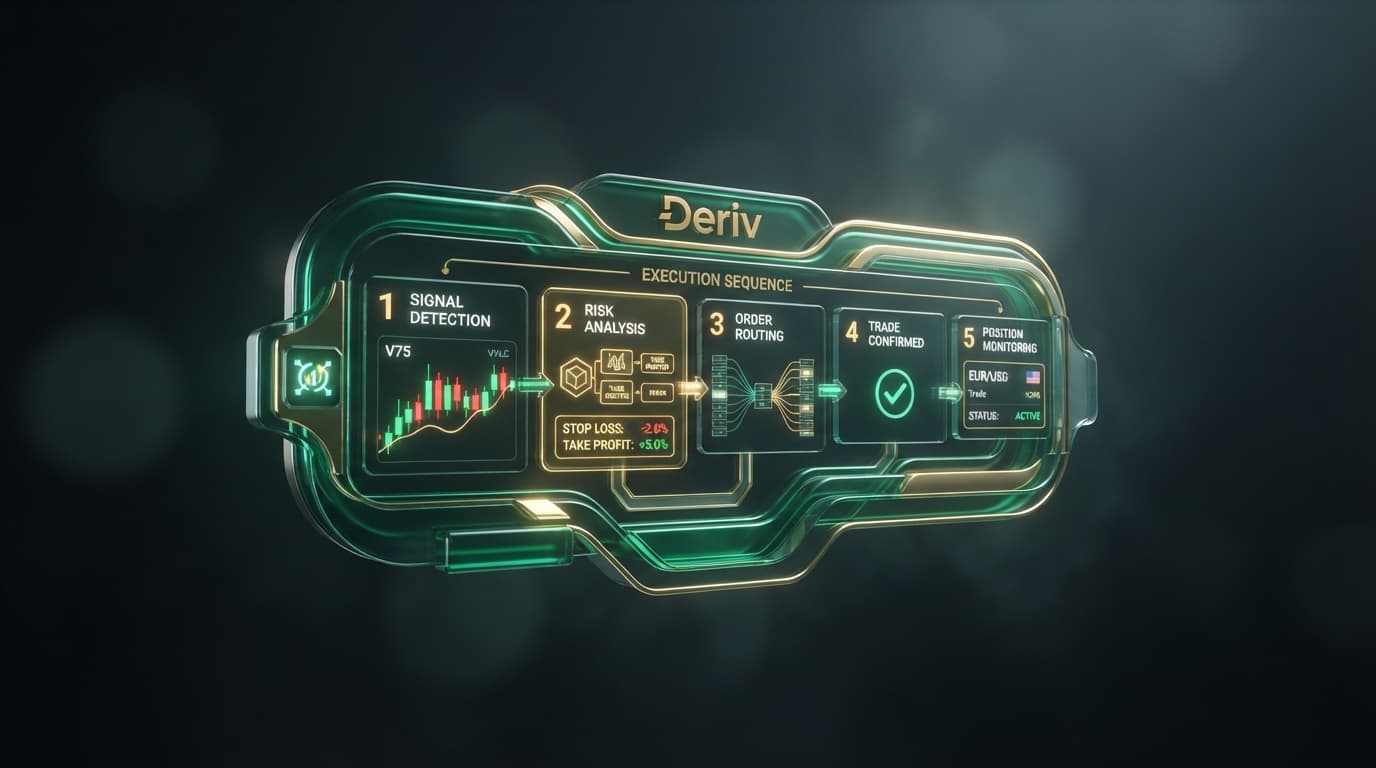

Leaving an automated trading script on an open chart and walking away is the quickest way to blow a synthetic indices account. When professional algorithmic traders ask how long should a deriv bot run, they are rarely looking for an answer expressed in minutes or hours. Clock time is a deceptive metric in automated trading because price ticks do not move on a fixed human schedule.
If you deploy a deriv trading bot on Volatility 75 (1s) Index versus standard Volatility 100, the rate of contract evaluation changes drastically. A clock-based rule like "run the bot for 45 minutes" completely ignores market cadence, sequence probabilities, and execution velocity. A high-frequency script can execute 50 trades in three minutes, while a trend-following script might evaluate only two candles in that exact same window.
To protect your capital against severe drawdowns, runtime must be governed by execution density and strict statistical limits—specifically drawdown caps, profit thresholds, and total trade counters. Stopping an automated run based on predefined quantitative metrics rather than a wall clock is what separates disciplined system traders from those who lose their balance to continuous execution runs.
Managing session controls on free deriv bots inside NexTrader Bot requires no manual code edits or complex workspace setups. The platform provides pre-built strategy configurations in one-click setups that connect directly to your trading account using a secure Deriv API token, letting you configure session boundaries before launching.
Load a Free Deriv Bot in One Click
Browse 747+ ready-to-run Deriv bots — Rise/Fall, Over/Under, Even/Odd, Match/Differ. No coding, free forever.
- 747+ Free Bots
- One-Click Load
- Rise/Fall & Digits
- Demo or Real
Why Time-Based Runtime Fails: How Long Should a Deriv Bot Run?
Execution density represents the precise number of contracts executed per minute based on contract selection and the underlying asset. A Rise/Fall script running on Volatility 100 (1s) processes contract ticks twice as fast as the same script running on a standard 2-second synthetic index. If you run a script indefinitely, mathematical probability ensures that you will eventually hit an anomalous loss streak that consumes your account equity.
Every automated strategy, whether built as a free deriv bot or an advanced custom script, operates on a statistical edge that holds true over short, controlled sampling sizes. When you leave automated scripts running continuously without session limits, you expose your capital to tail-risk events and negative distribution streaks.
Without explicit session rules, algorithms can enter runaway execution loops where contracts continue purchasing long after a strategy's temporary edge has degraded. On NexTrader Bot, every algorithm in the Bot Hub—spanning Rise/Fall, Over/Under, Even/Odd, and Match/Differ contracts—runs within an isolated execution container. Connecting your Deriv API token allows you to monitor real-time execution parameters and apply strict execution caps that halt the bot automatically the instant your session thresholds are breached.
Speed-Matching Framework: 1-Tick Turbos vs. Candle-Based Binary Bots
Determining your session boundaries requires matching your strategy's execution speed to strict mathematical caps. High-frequency algorithms operating on micro-durations demand radically different runtime boundaries than macro indicator strategies running across standard synthetic charts.
1-Tick Turbo Runtime Rules
The fastest automated tools available in the NexTrader Bot Hub are named 1-Tick and 1-Tick Turbo bots, including Rise Rocket, Fall Falcon, Even Comet, Over 2 Blaze, Under 8 Flash, and Odd Bolt. These high-speed binary bots execute contract evaluations within single-tick intervals, generating rapid trading volume across synthetic markets like Volatility 10 (1s), V25, V50, V75, and V100.
Because execution velocity is extremely high, 1-Tick Turbo sessions must be strictly capped by trade counts and defined take-profit boundaries rather than elapsed time:
- Total Trade Cap: Set a maximum boundary of 15 to 30 trades per session.
- Take-Profit Cap: Define a strict profit limit cap to lock in gains early during favorable micro-runs.
- Actual Session Duration: Due to 1-second tick intervals, these parameters are routinely fulfilled within 60 to 180 seconds.
Running a 1-Tick Turbo bot like Over 2 Blaze or Under 8 Flash for longer than three minutes exposes your balance to rapid statistical reversion. If a 1-Tick script encounters a prolonged streak of unfavorable digit prints while operating a martingale recovery multiplier, an uncapped session can wipe out accumulated profits in seconds.
Candle and Indicator Bot Runtime Rules
On the opposite end of the speed spectrum are indicator-driven and candle-based bots. These scripts analyze structural market signals—such as Relative Strength Index (RSI) levels, Exponential Moving Average (EMA) crossovers, or pattern confirmations—across synthetic index timeframes.
Since these algorithms wait for specific candle closes or technical setup confirmations on assets like Volatility 75 or Volatility 100, contract entries occur much less frequently:
- Total Trade Cap: Set session limits between 10 and 20 total executed trades.
- Take-Profit Cap: Set a session profit ceiling to lock in gains when technical confirmations align.
- Actual Session Duration: Fulfilling these conditions may require 1 to 3 hours of real-time execution.
Here, the clock duration is long, but the execution density remains low and safe. The bot is not over-exposing your account to broker variance because it spends the majority of its time passively scanning market conditions rather than holding open risk.
Testing Session Limits Risk-Free
Before deploying live funds to any session boundary model, validate your parameters using testing controls. Inside NexTrader Bot, you can toggle instantly between your live account and your Deriv demo balance using the built-in account switcher. This allows you to measure exact contract speeds across V10 through V100 synthetics without putting capital at risk.
Do's and Don'ts for Setting Deriv Bot Session Boundaries
Managing session length effectively requires strict adherence to quantitative risk rules. Below are critical operational guidelines for configuring your deriv bot parameters on NexTrader Bot.
- DO set explicit Take-Profit ceilings and Stop-Loss drawdown caps on NexTrader Bot before clicking Run.
- DON'T rely on wall-clock minutes to determine when to halt a bot on synthetic indices.
- DO evaluate the execution density of your chosen market asset (such as 1Hz vs standard volatility indices) when configuring loss-recovery blocks.
- DON'T leave automated sessions unmonitored without active execution counters configured on your dashboard.
Taking Control of Your Automated Trading Execution
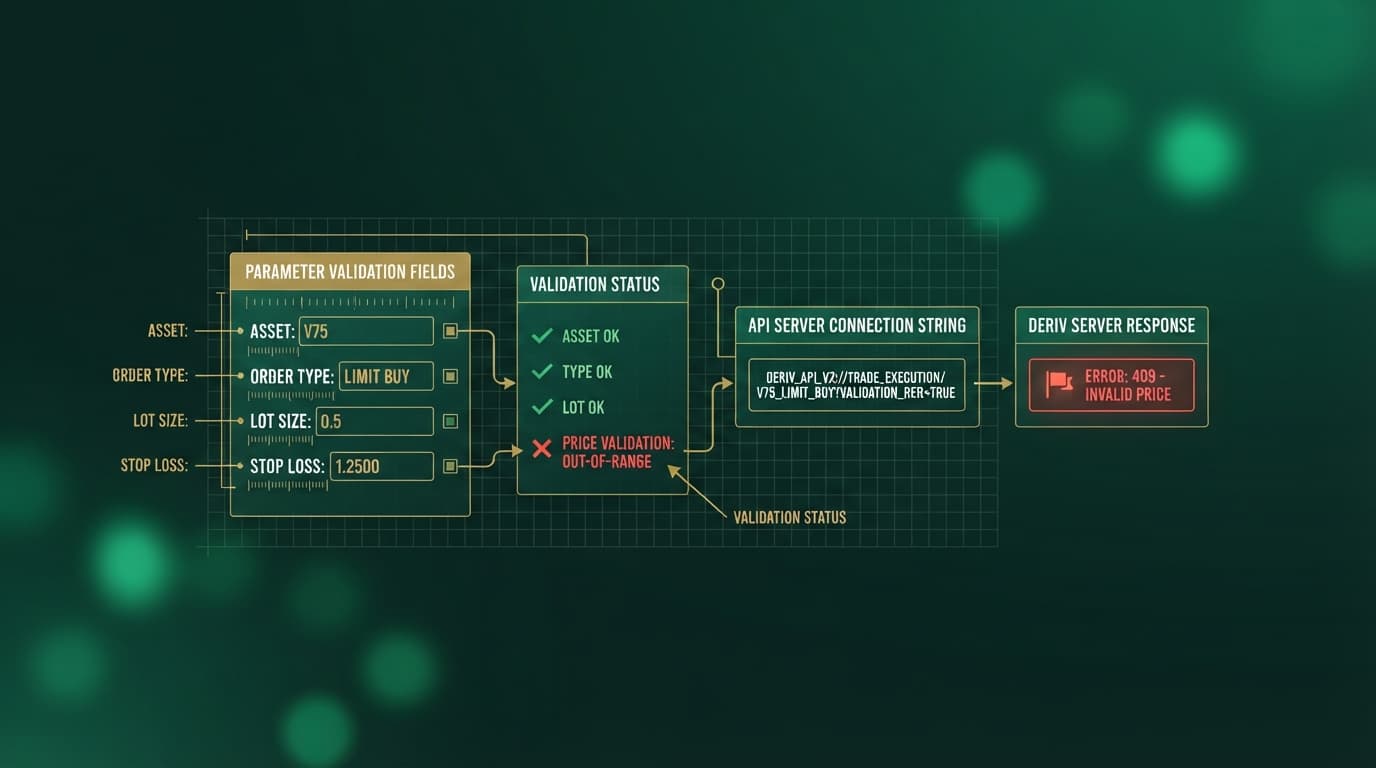
To enforce session limits on NexTrader Bot, configure your execution boundaries directly on the bot control panel before starting a run. Input your maximum total trade count into the execution counter input, set your stop-loss drawdown cap, and establish your take-profit threshold. When any of these parameters are met during execution, NexTrader Bot halts contract purchases immediately via the API connection.
Connect your Deriv API token to launch free deriv bots with active session limits at NexTrader Bot. To create your account profile, visit Sign Up Free — Nextrader, and join our Telegram community at Telegram for ongoing strategy discussions.
Trading involves risk. Past performance does not guarantee future results.