Step-by-Step Guide: Configuring Moving Average Crossover Logic Inside Indicator-Based Free Deriv Bots on Volatility 10
Introduction
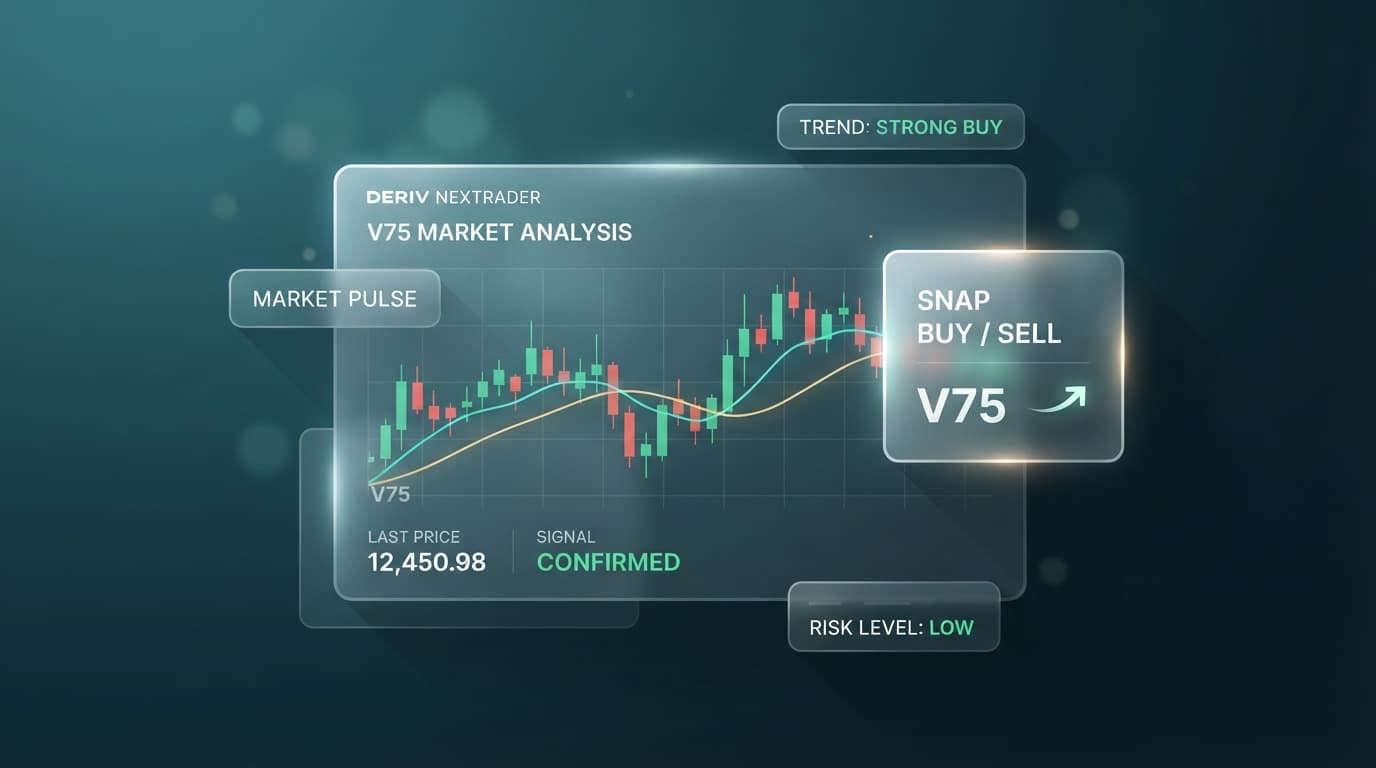
Moving average crossovers offer a mechanical, objective method for identifying directional momentum shifts on synthetic market indices. Volatility 10 (V10) provides a smoother price trajectory compared to higher-volatility assets like Volatility 100, making it an ideal candidate for trend-following indicator strategies.
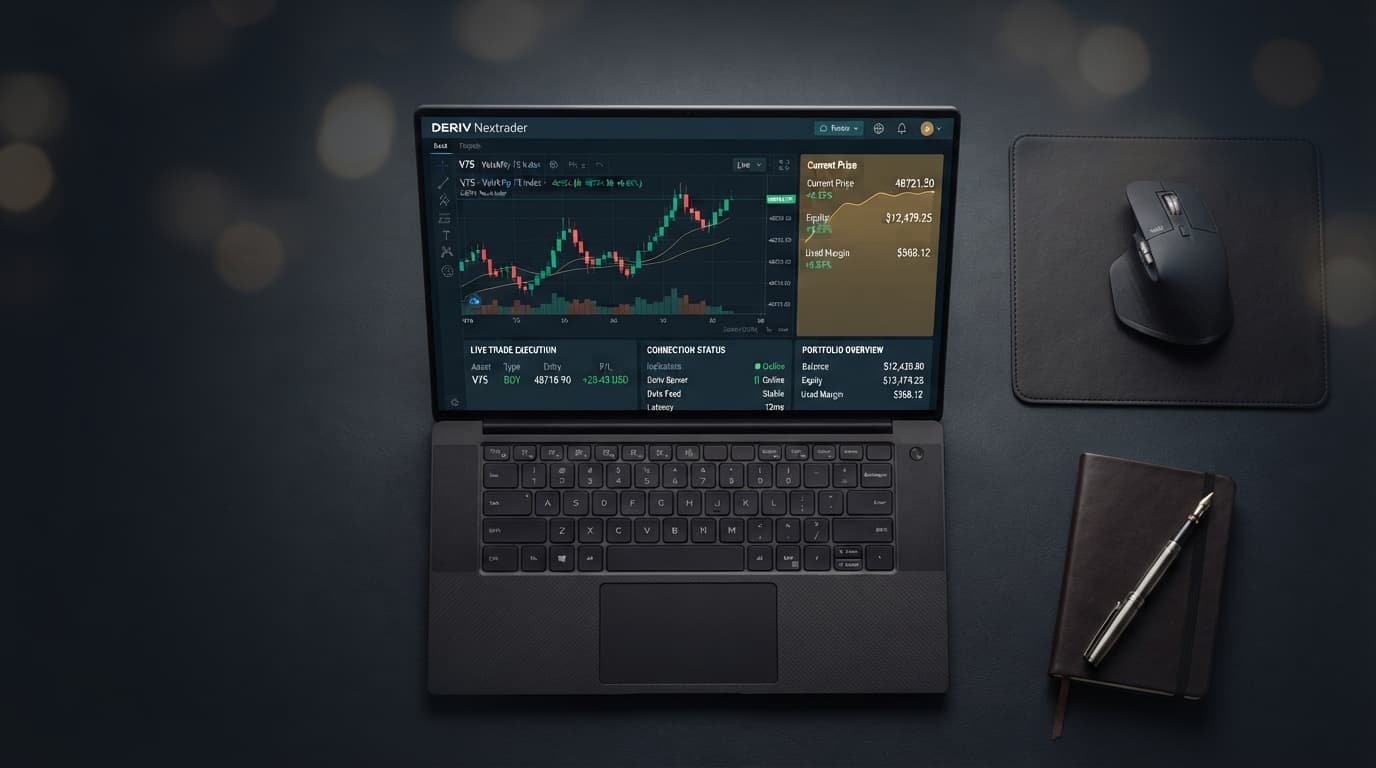
This guide details how to build and configure a dual Moving Average (MA) crossover system using indicator-based free deriv bot templates inside the NexTrader environment. We will cover selecting the Volatility 10 asset, establishing fast and slow parameters, programming execution blocks, and validating performance using simulated funds.
By following this tutorial, you will transition from static manual analysis to an automated deriv trading bot setup that monitors live tick data and executes Rise/Fall contracts based on predefined crossover triggers.
What You Need Before Starting
- An active Deriv account (Demo or Real) with an API token generated from your Deriv security settings.
- Access to the NexTrader Bot Hub interface at NexTrader Bot.
- Basic understanding of Fast (short-period) vs. Slow (long-period) technical indicators and Rise/Fall contract mechanics.
- No programming expertise required, as NexTrader uses modular block scripts (~48 visual blocks per strategy) with native BinaryBot XML support.
Step 1: Launch NexTrader Bot Hub and Connect Your Deriv Account
Open your browser and navigate directly to NexTrader Bot. NexTrader provides an entirely free ecosystem for automated trading without requiring paid subscriptions or software downloads. Once the workspace loads on your screen, locate the API Token input field positioned inside the top navigation bar.
Load a Free Deriv Bot in One Click
Browse 747+ ready-to-run Deriv bots — Rise/Fall, Over/Under, Even/Odd, Match/Differ. No coding, free forever.
- 747+ Free Bots
- One-Click Load
- Rise/Fall & Digits
- Demo or Real
In a separate browser tab, log into your Deriv profile, navigate to Account Settings > Security and Safety > API Token. Generate a new token with both "Read" and "Trade" permissions checked, copy the string, and return to the NexTrader interface. Paste your key into the token field and press "Connect". Your current account balance (Demo or Real) will render immediately over the high-speed Deriv WebSocket API integration. Ensure your account selector is set to Demo mode before proceeding to strategy configuration.
Step 2: Select Volatility 10 and Load an Indicator Bot Template
Access the Bot Hub library panel on the left side of the screen. NexTrader provides access to over 747 pre-configured scripts organized by trade mechanics—including Rise/Fall, Over/Under, Even/Odd, and Match/Differ—along with specific Tick, Indicator, and Candle strategies.
Filter the strategy view by selecting "Indicator" under the category filters, or locate an indicator-based Rise/Fall script built for technical signal processing. Click "Load Bot" to import the script blocks into your workspace workspace canvas. You will see roughly 48 organized visual blocks fill the workspace. Locate the root block labeled "Market Definition" or "Trade Parameters". Open the Market dropdown menu, select "Synthetic Indices", and set the underlying asset specifically to Volatility 10 Index (V10).
Step 3: Define Moving Average Parameters inside the Block Editor
Navigate to the block group designated for indicator calculation, usually labeled "Strategy Parameters" or "Define Indicators". To construct a robust crossover system, you need two distinct indicator references: a Fast Moving Average to capture short-term price momentum and a Slow Moving Average to serve as the baseline trend guide.
Set the Fast Moving Average calculation type to Exponential Moving Average (EMA). Enter a period length of 5 or 9 ticks. Exponential calculations weigh recent tick activity more heavily, enabling quick reactions to directional surges on Volatility 10. Next, configure the Slow Moving Average parameter to Exponential Moving Average (EMA) or Simple Moving Average (SMA) with a period length of 20 or 21. Set both indicators to calculate using the "Tick Close" or "Spot Price" source. Set the evaluation offset index to 1 so the bot evaluates completed price ticks rather than unclosed active values, preventing false signals caused by mid-tick repainting.
Step 4: Configure Crossover Logic and Trade Execution Conditions
Scroll down to the core logic execution block, labeled "Purchase Conditions" or "On Tick Logic". This block dictates exactly how your automated free deriv bot translates technical line crossings into live trading orders on Volatility 10.
To configure the Rise trade condition, build a logical AND sequence: Fast MA (shift 1) must be greater than Slow MA (shift 1), AND Fast MA (shift 2) must be less than or equal to Slow MA (shift 2). This structural condition proves that the fast line has officially crossed above the slow line on the completed tick. Attach a "Purchase Contract: Rise" execution block inside this condition branch, setting the trade duration to 5 Ticks.
Directly below, construct the Fall trade condition branch: Fast MA (shift 1) must be less than Slow MA (shift 1), AND Fast MA (shift 2) must be greater than or equal to Slow MA (shift 2). Attach a "Purchase Contract: Fall" block to this logical branch. Complete this setup by entering your target parameter values in the Risk Management block: specify your base stake (e.g., $1.00), a maximum Stop Loss limit, and your desired Take Profit target.
Step 5: Test Execution on Volatility 10 Demo Balance and Fine-Tune Settings
Before running your binary bots with live money, you must test the complete logic setup using simulated funds. Double-check that your header bar reflects your Deriv Demo balance, then press the green "Run Bot" button at the top of the interface.
Observe the live terminal log on the right side of your dashboard as real-time market ticks stream through from the Deriv WebSocket API. The execution monitor displays incoming tick quotes alongside computed values for both Fast MA and Slow MA lines on Volatility 10. Verify that when the fast line crosses above the slow line, the script instantly sends a Rise order, and when it crosses below, it places a Fall order. Run the bot through a test block of 20 to 30 trades. If sideways market consolidation triggers rapid consecutive losses (whipsaws), pause execution and adjust your settings—either increase the Slow MA period (e.g., move from period 20 to 30) or extend trade duration from 5 ticks to 10 ticks to allow market trends room to develop.
Pro Tips
- Implement a Post-Trade Delay: Prevent rapid over-trading during tight range bound periods on Volatility 10 by inserting a "Wait / Cooldown" block (e.g., 30 to 45 seconds) immediately after a contract completes before checking for new signals.
- Mix EMA and SMA Indicators: Use an Exponential Moving Average (EMA) for your fast indicator to capture swift entries, paired with a Simple Moving Average (SMA) for your slow line to keep the baseline smooth and reduce noise.
- Save Strategy Backups Locally: Take advantage of full BinaryBot XML support by exporting your finished visual block configurations directly to your device as an XML file for fast reloading later.
- Test Across Different Time Durations: While 5-tick trades work well for fast momentum, Volatility 10 trends often perform more consistently when matching indicator crossovers to 1-minute or 2-minute contract durations.
Start Now
Setting up automated Moving Average crossover logic on Volatility 10 is fast and straightforward using pre-built templates inside the NexTrader platform. Register your free workspace account at Sign Up Free — Nextrader to manage your trading profile, then launch the main bot platform at NexTrader Bot to load and run your strategy on a Deriv demo account. To share custom indicator configurations, discuss block logic with fellow traders, or access new bot releases, join our official Telegram community at Telegram.
Trading involves risk. Past performance does not guarantee future results.