Introduction
Welcome to this in-depth tutorial designed for Deriv traders looking to leverage the power of artificial intelligence to enhance their trading decisions. In this guide, we'll walk you through how to effectively use Nextrader's "Smart Fusion" AI strategy, a sophisticated multi-indicator system, to pinpoint high-confidence trade entries specifically on Deriv synthetic indices. Whether you're a beginner seeking clearer signals or an experienced trader aiming to refine your strategy with advanced deriv trading tools, this tutorial will equip you with the knowledge to identify robust setups, understand key trade parameters, and potentially integrate automation into your trading workflow. By the end, you'll be capable of navigating the Nextrader app to find and interpret Smart Fusion signals, giving you a powerful edge in the dynamic synthetic indices market.
What You Need Before Starting
Before you dive into harnessing the Smart Fusion AI strategy, ensure you have the following ready:
- A Deriv Account: A live or demo trading account with Deriv (deriv.com) to place your trades.
- A Nextrader Account: A free account on Nextrader App. If you don't have one, you can sign up quickly and easily.
- Basic Trading Knowledge: Familiarity with concepts like synthetic indices, candlesticks, and market direction (rise/fall).
Step 1: Accessing the Nextrader App and Selecting Your Market
Your first step is to log into the Nextrader App, your gateway to free AI trading signals and automation. Open your web browser or the Android app (com.vm.nextrader) and navigate to Nextrader App. Once logged in, you'll be presented with the intuitive Nextrader dashboard.
On the left-hand side or within the main interface, locate the "AI Trading Signals" section. This is where all the magic happens. Click on it to expand the available markets. For this tutorial, we will focus on Deriv synthetic indices. Select your preferred synthetic index, such as Volatility 100 Index (V100), Volatility 75 Index (V75), or even the 1Hz indices, from the dropdown menu. The Nextrader platform supports a wide array of Deriv assets, including forex, gold, silver, and crypto, but for optimal results with Smart Fusion as discussed here, synthetic indices offer excellent liquidity and consistent movement.
Get Live AI Trading Signals
Real-time non-repaint signals from 11 AI strategies — Volatility Indices, Forex, Gold & Crypto. No subscription, no paywall.
- Auto Trader Bot
- Digit Trader Bot
- 11 AI Strategies
- Live Telegram Signals
Step 2: Activating the Smart Fusion Strategy
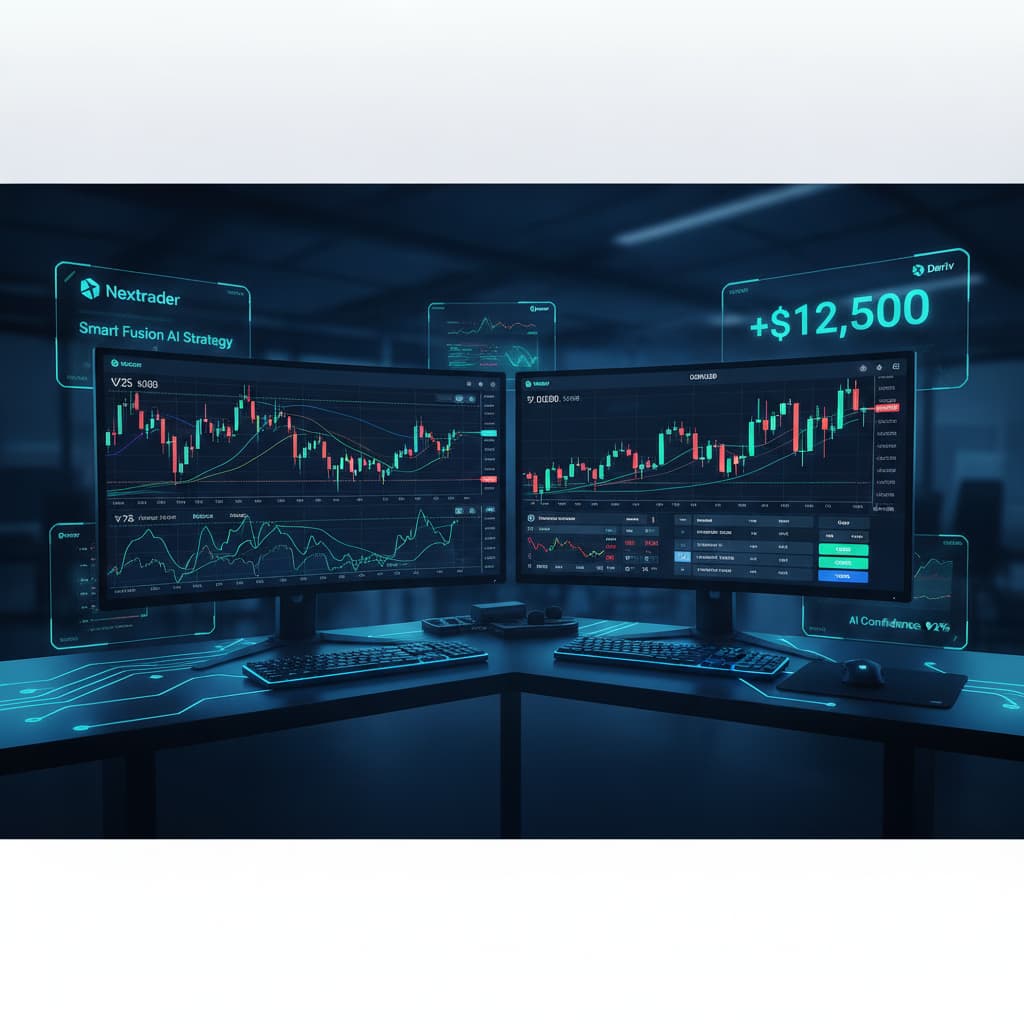
With your chosen synthetic index selected, it's time to activate the core of our strategy: Smart Fusion. Within the "AI Trading Signals" interface, you'll see a list of 11 named AI strategies, each designed with a unique approach to market analysis. These include Trend Hunter (EMA), Reversal Radar (RSI), Momentum Wave (MACD), Volatility Pulse (Bollinger), Swift Scalper (Stochastic RSI), Trend Rider (SuperTrend), Cloud Walker (Ichimoku), Price Magnet (VWAP), Breakout Beast (ATR), Smart Fusion (multi-indicator), and Smart Signals (4+ indicators).
Locate and click on "Smart Fusion" from this list. The Smart Fusion strategy stands out because it's a sophisticated multi-indicator approach. Unlike strategies that might rely predominantly on one or two indicators, Smart Fusion aggregates data from several different analytical tools. This means that for a signal to be generated, multiple distinct indicators must align and agree on a potential market direction, significantly increasing the confidence level of the resulting trade entry. This multi-indicator agreement is crucial for filtering out noise and identifying truly robust setups.
Step 3: Configuring Timeframe and Analyzing Confidence Levels
Once Smart Fusion is active, your next critical step is to configure the timeframe and understand the confidence levels presented. Nextrader offers four distinct timeframes for its signals: 5-minute, 10-minute, 30-minute, and 1-hour. Each timeframe caters to different trading styles, from scalping to swing trading. For instance, a 5-minute timeframe might yield more frequent signals suitable for quick entries and exits, while a 1-hour timeframe will generate fewer but potentially more significant signals, reflecting broader market trends. Select the timeframe that aligns with your trading objectives and risk tolerance.
Crucially, pay close attention to the "confidence" percentage displayed alongside each signal, which ranges from 30% to 85%. This percentage is a proprietary measure of how strongly the underlying indicators within the Smart Fusion algorithm agree on the predicted market movement. A higher confidence percentage (e.g., 70-85%) indicates a stronger, more reliable signal where numerous indicators have aligned. It is highly recommended to prioritize signals with higher confidence levels, especially when you are starting out or trading higher stakes. Remember, Nextrader's signals are real-time and non-repaint, meaning they fire only on CLOSED candles, ensuring stability and preventing misleading changes after the fact. This design choice is fundamental to the reliability of the ai trading signals provided.
Step 4: Interpreting Smart Fusion Signals and Trade Parameters
With your timeframe set and Smart Fusion active, you'll start seeing real-time, non-repaint signals appear on your console. Each signal generated by Smart Fusion will provide comprehensive trade parameters: an Entry point, a Stop Loss (SL), a Take Profit 1 (TP1), and a Take Profit 2 (TP2). These parameters are crucial for managing your risk and potential reward.
- Entry: This is the suggested price level to enter your trade.
- Stop Loss (SL): This is the price level where you should exit the trade to limit potential losses if the market moves against your prediction. It's an essential risk management tool.
- Take Profit 1 (TP1): This is the first target price where you can consider taking some profit, especially if you're risk-averse or want to secure gains quickly.
- Take Profit 2 (TP2): This is a more ambitious target price for greater potential gains, often used after securing partial profits at TP1 or for trades with higher conviction.
When a Smart Fusion signal appears, review these parameters in conjunction with the confidence level. For example, if you get a "BUY" signal for V100 on a 30-minute timeframe with 80% confidence, you'll see precise Entry, SL, TP1, and TP2 values. This comprehensive data allows you to plan your trade meticulously, whether you're performing manual trades or preparing to use deriv bots. Always ensure you understand the risk-reward ratio presented by the SL and TP levels before entering any trade.
Step 5: Implementing Your Trade and Utilizing Automation (Optional)
Once you've identified a high-confidence Smart Fusion signal and understood its parameters, you have two primary ways to act on it: manual execution or automated trading.
Manual Execution: You can take the Entry, Stop Loss, TP1, and TP2 values provided by Nextrader and manually place your trade directly on your Deriv trading platform. This gives you complete control over each trade, allowing you to adjust positions based on real-time market developments or your personal trading discretion.
Automated Trading with Nextrader Bots: For those seeking efficiency and consistency, Nextrader offers powerful automation features. The "Auto Trader Bot" supports Rise/Fall and Higher/Lower contracts, allowing you to automate trades based on Nextrader's signals. Within the Auto Trader Bot, you can configure your money management strategy:
- Fixed Stake: A consistent stake size for each trade, ideal for maintaining steady risk.
- Martingale: An aggressive loss recovery strategy where stake size increases after a loss. Use with caution.
- Mesa Milano: A smart loss recovery system designed to recover losses more intelligently than traditional Martingale, often preferred for its adaptive approach.
Additionally, Nextrader supports multi-account functionality, allowing you to manage trades across several Deriv accounts simultaneously. The live P&L and color-coded console provide real-time feedback on your bot's performance, making it easy to monitor your automated deriv bots. For those interested in more specialized automation, the "Digit Trader Bot" offers AI last-digit prediction (DIGITEVEN/ODD/OVER/UNDER/MATCH/DIFF) with 50-500 digit history, streak, and frequency analysis, providing another layer of sophisticated binary bots for Deriv. Whether you choose manual or automated execution, Smart Fusion equips you with robust signals to guide your decisions.
Pro Tips
- Combine with Manual Confirmation: Even with high-confidence Smart Fusion signals, consider cross-referencing with a quick glance at your Deriv chart for additional confirmation, especially for significant news events.
- Explore Other Strategies: While Smart Fusion is powerful, don't hesitate to explore other Nextrader AI strategies like "Trend Hunter" or "Reversal Radar" on different timeframes or assets. Sometimes, a confluence of signals from multiple strategies can provide even stronger conviction.
- Utilize the Digit Trader Bot: For those interested in short-term, high-frequency trading, experiment with the "Digit Trader Bot" for last-digit predictions. Its AI analysis of digit history and frequency can complement your main strategy on synthetic indices.
- Engage with the Community: Join the Nextrader Telegram community (Telegram). It's a fantastic resource for sharing insights, asking questions, and learning from other traders using these powerful deriv trading tools. You might discover new ways to integrate Nextrader's ai trading signals into your routine.
Start Now
Ready to elevate your Deriv trading with intelligent AI signals? Get started with Nextrader today and unlock the potential of Smart Fusion and other advanced deriv trading tools.
Access the platform here: Nextrader App
Sign up for your free account: Sign Up Free — Nextrader
Join our Telegram community: Telegram
Trading involves risk. Past performance does not guarantee future results.