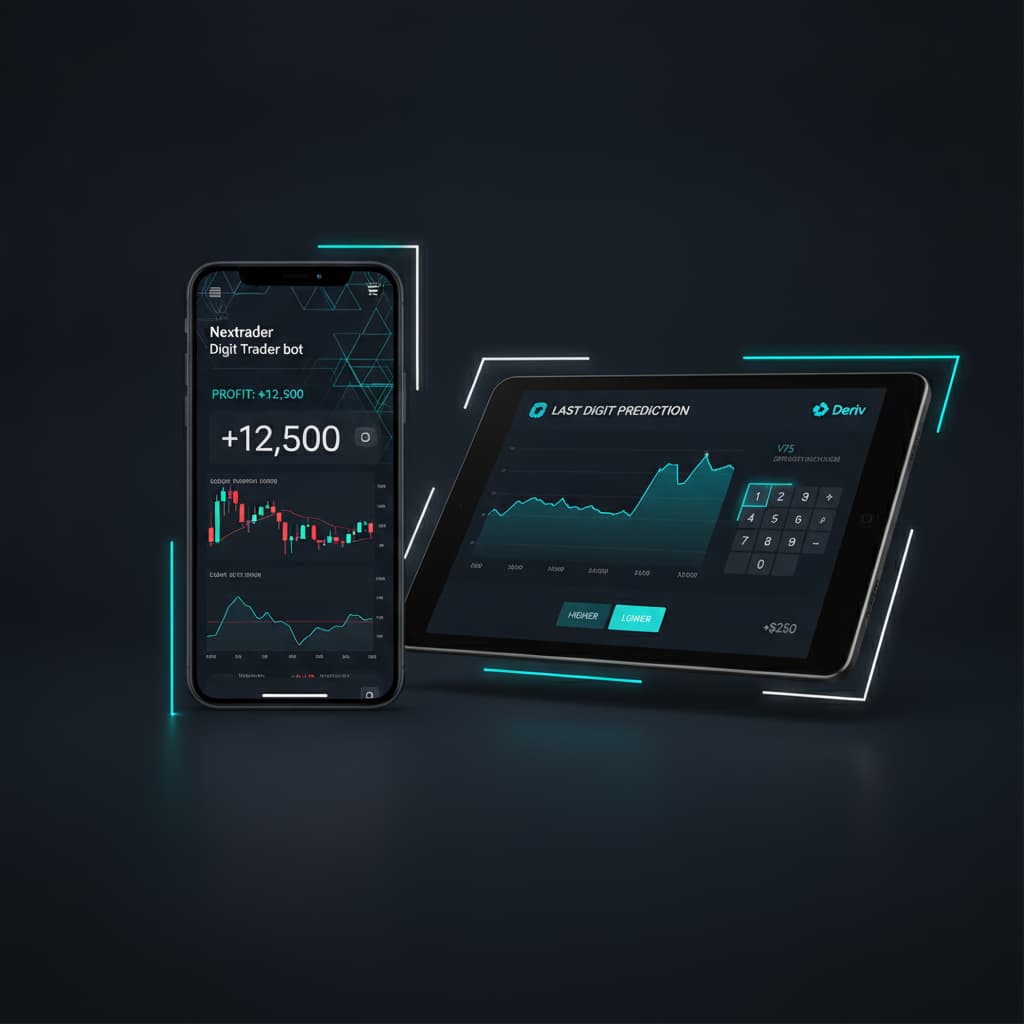
How to set up Nextrader's Digit Trader Bot for AI last-digit prediction on Deriv Volatility indices using DIGIT OVER/UNDER contracts.
Introduction
Welcome to this comprehensive tutorial designed to guide you through setting up and utilizing Nextrader's powerful Digit Trader Bot. If you're a Deriv trader looking to automate your last-digit predictions on Volatility indices, specifically using DIGIT OVER/UNDER contracts, this guide is for you. We'll walk you through every step, from accessing the Nextrader app to configuring your trading parameters and leveraging its advanced AI capabilities for informed decision-making. By the end of this tutorial, you will be proficient in deploying one of the most effective deriv bots for digit trading, ready to explore the exciting world of automated strategies.
This tutorial focuses on empowering you to harness Nextrader's unique AI last-digit prediction technology, which analyzes historical digit data, streaks, and frequencies to provide smarter trading insights. You'll learn how to navigate the platform, select your preferred Volatility indices, and implement robust money management strategies like Fixed Stake, Martingale, or the innovative Mesa Milano for smart loss recovery. Prepare to elevate your Deriv trading experience with one of the most sophisticated binary bots available, designed to make your trading more efficient and potentially more profitable.
The Nextrader ecosystem offers a suite of 100% free deriv trading tools, and the Digit Trader Bot stands out as a prime example of its commitment to empowering traders without subscriptions or paywalls. This bot is specifically engineered for Deriv's synthetic indices, offering real-time analysis and automation for digit contracts. Through this guide, you will achieve a complete understanding of how to configure and launch your own AI-driven digit trading strategy, optimizing it for DIGIT OVER/UNDER contracts on Volatility indices.
What You Need Before Starting
Before diving into the setup, ensure you have the following ready:
Get Live AI Trading Signals
Real-time non-repaint signals from 11 AI strategies — Volatility Indices, Forex, Gold & Crypto. No subscription, no paywall.
- Auto Trader Bot
- Digit Trader Bot
- 11 AI Strategies
- Live Telegram Signals
- An active Deriv.com account (demo or real) with funds if trading live.
- A free Nextrader.live account. If you don't have one, you can easily sign up at Sign Up Free — Nextrader.
- A basic understanding of Deriv's DIGIT OVER/UNDER contract types.
- A stable internet connection to ensure seamless operation of the bot.
Step 1: Accessing the Nextrader App and Digit Trader Bot
Your journey begins by logging into the Nextrader application, your gateway to a suite of advanced deriv trading tools.
- Navigate to the Nextrader App: Open your web browser and go to Nextrader App.
- Log In: Enter your Nextrader account credentials. If you're a new user, quickly complete the free signup process.
- Locate the Digit Trader Bot: Once logged in, you'll see the main dashboard. On the left-hand navigation panel or within the main content area, look for an option clearly labeled "Digit Trader Bot." Click on it. This will take you to the dedicated interface for setting up your AI last-digit prediction strategies. Notice the clean, intuitive design and the "color-coded console" which will later display your bot's activity and live P&L. It's important to distinguish this from the "Auto Trader Bot," which handles Rise/Fall & Higher/Lower contracts with various AI strategies like Trend Hunter or Reversal Radar. The Digit Trader Bot is specifically designed for digit-based contracts.
Step 2: Selecting Your Deriv Account and Volatility Index
With the Digit Trader Bot interface open, the next crucial step is to connect your Deriv trading account and choose the specific market you wish to trade.
- Connect Your Deriv Account: Nextrader supports "multi-account support," allowing you to manage several Deriv accounts. In the bot interface, you'll find a dropdown or section to select your linked Deriv account. If you haven't linked one yet, follow the on-screen prompts to connect your Deriv API token (usually found in your Deriv account's security settings). This secure connection enables Nextrader to execute trades on your behalf.
- Choose Your Market: Below the account selection, locate the "Market" or "Asset" dropdown. For this tutorial, we are focusing on "Deriv Volatility indices." Select one of the available indices such as "Volatility 10 Index," "Volatility 25 Index," "Volatility 50 Index," "Volatility 75 Index," "Volatility 100 Index," or "1Hz Index." These synthetic indices offer continuous trading and are ideal for the high-frequency nature of digit trading. The "live P&L" display will update once your bot starts trading on the selected account and asset, giving you real-time performance feedback.
Step 3: Configuring DIGIT OVER/UNDER Contract Settings
This step is central to setting up your specific trading strategy for last-digit prediction using DIGIT OVER/UNDER contracts.
- Select Contract Type: Within the Digit Trader Bot settings, find the "Contract Type" dropdown. Choose "DIGIT OVER/UNDER." This tells the bot to place trades based on whether the last digit of the asset's price will be above or below a specified barrier.
- Set Your Stake: Input your desired "Fixed Stake" amount for each trade. This is the amount you are willing to risk per contract. Always start with a small amount, especially when testing new strategies.
- Define the Barrier Digit: For DIGIT OVER/UNDER contracts, you need to specify a 'barrier' digit. This is usually a single digit from 0 to 9.
* For DIGIT OVER: If you select, for example, "OVER 5," the bot will predict that the last digit of the next tick will be 6, 7, 8, or 9. If the last digit is exactly 5 or lower, the trade will be a loss.
* For DIGIT UNDER: If you select, for example, "UNDER 5," the bot will predict that the last digit will be 0, 1, 2, 3, or 4. If the last digit is exactly 5 or higher, the trade will be a loss.
Carefully consider which barrier digit you want to target based on your analysis or the bot's AI suggestions.
- Set Trade Duration: Specify the duration of each trade. For digit contracts, this is often set to "1 Tick," meaning the trade outcome is determined by the very next tick's last digit. You might also have options for slightly longer durations, but 1 tick is common for rapid digit trading.
Step 4: Leveraging AI Last-Digit Prediction and Analysis
This is where the power of Nextrader's "ai trading signals" for digits truly shines, distinguishing it from basic binary bots. The Digit Trader Bot doesn't just execute trades; it provides intelligent analysis.
- AI Last-Digit Prediction: The bot's core functionality includes "AI last-digit prediction." Based on its sophisticated algorithms, the bot will analyze the recent price action and suggest an optimal digit to predict for "OVER" or "UNDER." For instance, it might suggest "OVER 7" if its analysis indicates a higher probability of digits 8 or 9 appearing. Pay close attention to these AI-generated insights, as they form the basis of the bot's automated strategy.
- Explore 50-500 Digit History: The Nextrader Digit Trader Bot keeps a detailed record of "50-500 digit history" for the selected Volatility index. This historical data is crucial. You can view patterns, frequencies, and recent digit occurrences. Understanding this history helps you validate or adjust the bot's AI predictions. For example, if the AI suggests "OVER 5" but you notice that 0, 1, 2, 3, 4 have been appearing with unusually high frequency recently, you might choose to adjust.
- Analyze Streak & Frequency: Beyond raw history, the bot performs "streak & frequency analysis." This feature identifies how often each digit appears (frequency) and if any digit or sequence of digits is on a "streak" (appearing multiple times consecutively). The AI uses this analysis to refine its predictions for DIGIT OVER/UNDER. A digit that is "due" (low frequency) or a strong existing streak in one direction can influence the AI's recommendation. These advanced deriv trading tools provide a significant edge in understanding market behavior.
Step 5: Setting Up Money Management and Starting the Bot
The final step involves defining your risk management strategy and initiating the bot. This is critical for sustainable trading.
- Choose Your Money Management Strategy: Nextrader offers several robust options to manage your stake progression:
* Fixed Stake: This is the simplest strategy. Your stake remains constant for every trade, regardless of previous wins or losses. It's highly recommended for beginners or when testing new strategies.
* Martingale: This strategy involves increasing your stake after a loss, aiming to recover previous losses with a single win. While potentially effective, it carries significant risk and requires a substantial trading balance to withstand consecutive losses. Use with extreme caution.
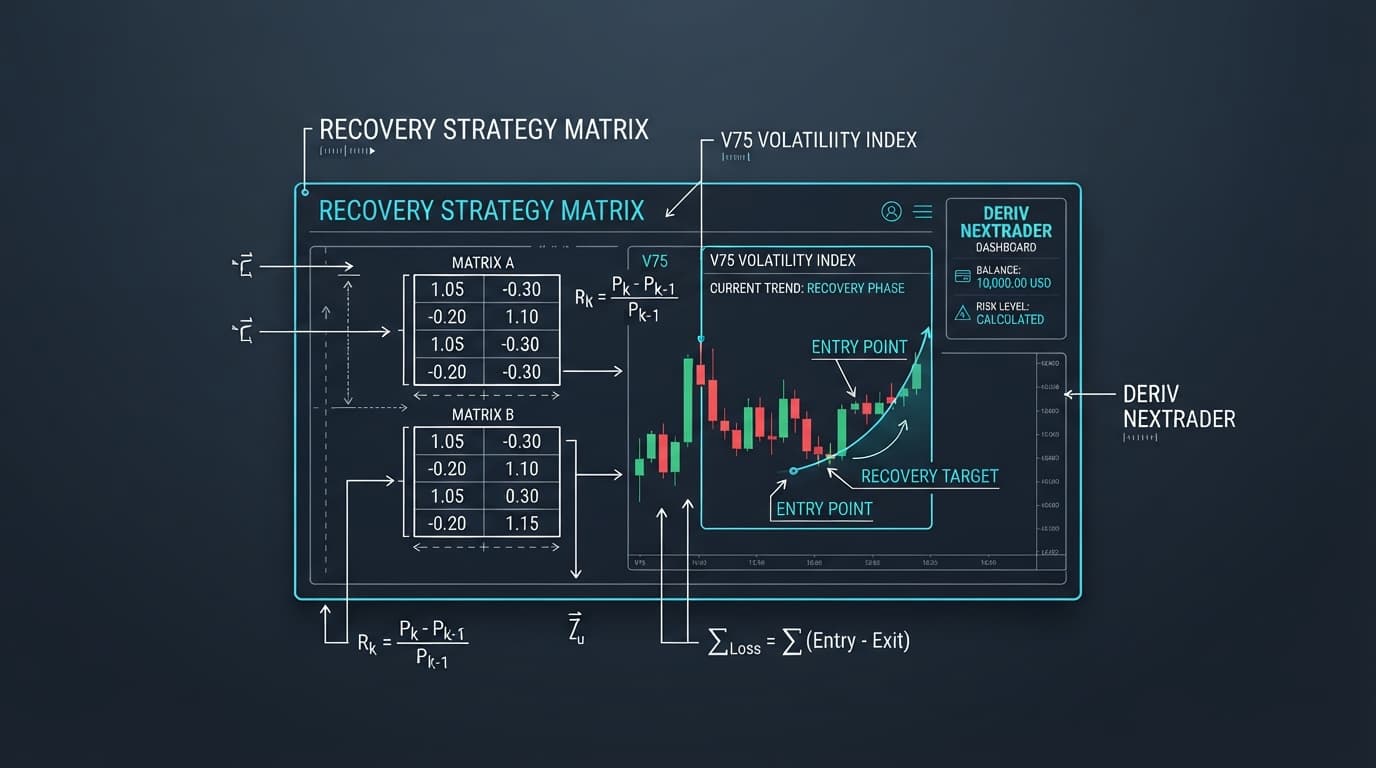
* Mesa Milano (smart loss recovery): This is Nextrader's intelligent approach to loss recovery. It's a more refined and less aggressive variant of Martingale, designed to recover losses more sustainably without requiring excessively large stakes. It analyzes market conditions and your trading history to adjust stake increases smartly. This is a powerful feature for those looking for advanced loss recovery without the harshness of traditional Martingale.
Select the money management strategy that aligns with your risk tolerance and trading capital.
- Set Stop Loss and Take Profit: Crucial for risk management, set your desired "Stop Loss" (maximum acceptable loss for the session) and "Take Profit" (target profit for the session). These limits will automatically stop the bot once reached, protecting your capital and securing profits.
- Start the Bot: Once all your settings are configured – Deriv account, Volatility index, DIGIT OVER/UNDER contract type, barrier digit, stake, AI prediction considerations, and money management – locate the "Start" button within the Digit Trader Bot interface. Click it to initiate your automated trading session. The "color-coded console" will immediately begin displaying real-time trade executions, outcomes, and your "live P&L." You can monitor the bot's performance and stop it at any time using the "Stop" button.
Pro Tips
- Always Start on Demo: Before deploying any strategy with real money, thoroughly test your settings and chosen money management strategy on your Deriv demo account. This allows you to understand the bot's behavior and refine your approach without financial risk.
- Understand the Barrier Digit Nuance: For DIGIT OVER/UNDER, remember the barrier digit itself is crucial. "OVER 5" means 6, 7, 8, 9 win, while "UNDER 5" means 0, 1, 2, 3, 4 win. The barrier digit (e.g., 5) is always a loss for both. Ensure your chosen barrier aligns with the bot's "AI last-digit prediction" and your own analysis of the "50-500 digit history."
- Experiment with Mesa Milano: While Martingale can be risky, Nextrader's "Mesa Milano (smart loss recovery)" offers a more intelligent way to manage drawdowns. Spend time understanding its parameters and how it adjusts stakes. It's a key feature for advanced users seeking better loss recovery.
- Monitor Streak & Frequency Analysis: Don't just set and forget. Regularly check the bot's "streak & frequency analysis" for the digits. This real-time insight can help you decide if a particular DIGIT OVER/UNDER strategy is becoming less effective or if a new trend is emerging, allowing you to pause or adjust your bot. Consider using the "Accumulator mode" for compounding profits once you gain confidence in your strategy.
Start Now
Ready to elevate your Deriv trading with AI-powered digit prediction? Head over to Nextrader and set up your Digit Trader Bot today!
Trading involves risk. Past performance does not guarantee future results.