Introduction
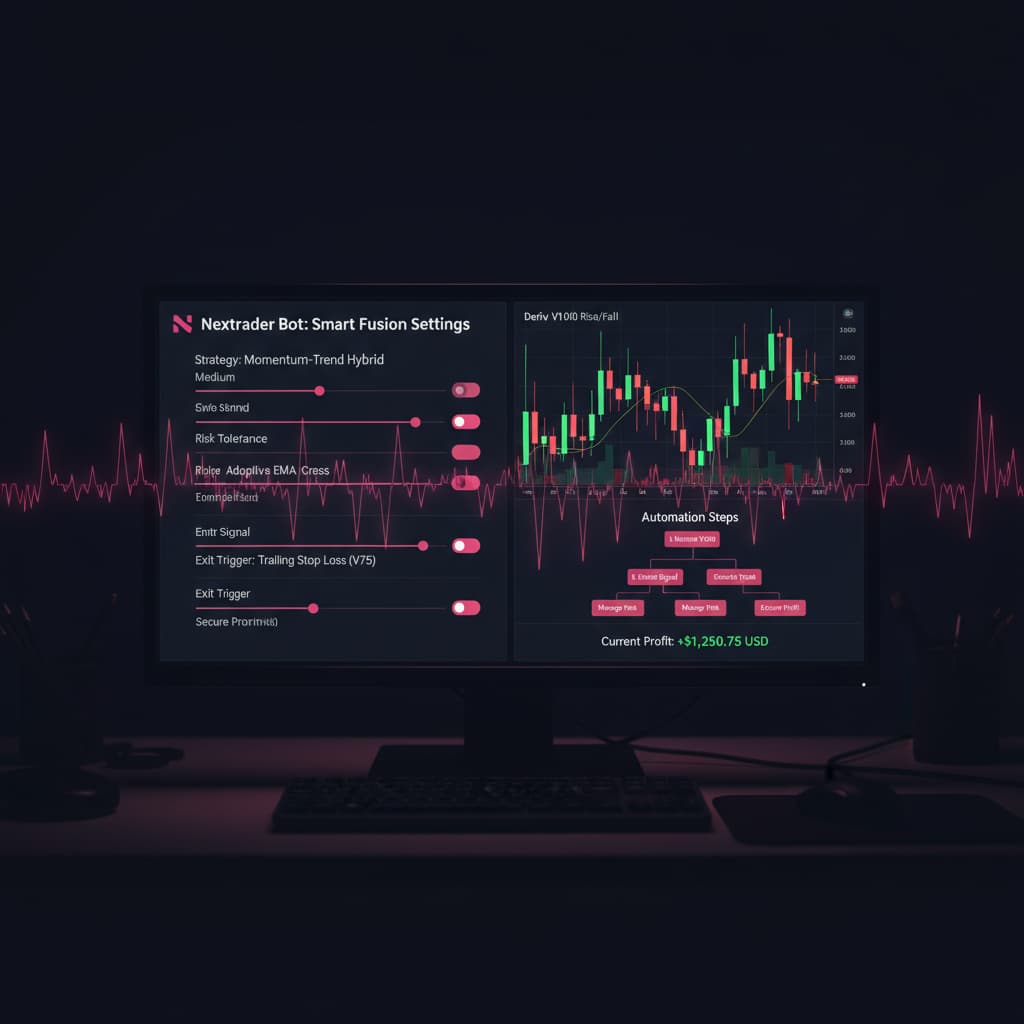
Welcome to this in-depth Nextrader tutorial, designed to empower you with the knowledge to automate your trading on Deriv's Volatility 100 Index. In this guide, we'll walk you through the precise steps to set up Nextrader's sophisticated Auto Trader Bot, leveraging the powerful Smart Fusion AI strategy combined with the intelligent Mesa Milano money management system, specifically for Rise/Fall contracts.
This tutorial is crafted for traders who are ready to move beyond manual execution and embrace the efficiency and precision of automated deriv bots. Whether you're an experienced trader looking to optimize your strategies or new to automated trading with deriv trading tools, you'll learn how to configure a robust system that works tirelessly for you. By the end of this guide, you will have a fully operational automated trading setup, ready to execute trades on the V100 market, aiming for consistent performance with smart risk management.
Nextrader offers a suite of advanced deriv trading tools, including various AI strategies like Trend Hunter, Reversal Radar, and Momentum Wave, alongside specialized binary bots such as the Digit Trader Bot. This tutorial focuses on one of our most comprehensive strategies, Smart Fusion, which analyzes multiple indicators to generate high-confidence signals, making it an excellent choice for automating your Rise/Fall contracts on the dynamic V100 market.
What You Need Before Starting
Before diving into the setup, ensure you have the following ready:
Get Live AI Trading Signals
Real-time non-repaint signals from 11 AI strategies — Volatility Indices, Forex, Gold & Crypto. No subscription, no paywall.
- Auto Trader Bot
- Digit Trader Bot
- 11 AI Strategies
- Live Telegram Signals
- A Verified Deriv Account: You'll need a funded Deriv real account (or a demo account for initial testing) to connect to Nextrader.
- A Nextrader Account: If you don't have one, sign up for free at app.nextrader.live/signup. Remember, Nextrader is 100% free with all features unlocked.
- Basic Understanding of Volatility Indices: Familiarity with how V100 moves and the concept of Rise/Fall contracts will be beneficial.
- Stable Internet Connection: Essential for uninterrupted bot operation and real-time signal processing.
Step 1: Connecting Your Deriv Account and Selecting V100
The first crucial step is to securely link your Deriv account to Nextrader. This integration allows our deriv bots to execute trades on your behalf, directly through Deriv's platform.
1. Log in to Nextrader: Open your web browser and navigate to app.nextrader.live. Enter your credentials to access your Nextrader dashboard.
2. Access Account Settings: Once logged in, look for the "Accounts" or "Settings" section, typically found in the main navigation menu or sidebar. Click on it to manage your connected trading accounts.
3. Connect Deriv Account: Within the account management area, you'll find an option to "Connect Deriv Account." Click this, and you'll be prompted to authorize Nextrader via Deriv's WebSocket API. Our official App ID is 67545, ensuring a secure and recognized connection. Follow the on-screen prompts to grant Nextrader the necessary permissions to trade on your behalf. It's important to note that Nextrader only requests trading permissions, not withdrawal access, for your security.
4. Select Volatility 100 Index: After successfully connecting your Deriv account, you'll typically see a dropdown or selection area to choose your desired market. For this tutorial, ensure "Volatility 100 Index" (V100) is selected. This market is known for its consistent volatility, making it a popular choice for automated strategies. Verify that your connected Deriv account (real or demo) is visible and active in the Nextrader console. The real-time color-coded trading console will soon display your live activity once the bot is running.
Step 2: Selecting the Auto Trader Bot and Smart Fusion Strategy
With your Deriv account connected and V100 selected, it’s time to choose the core components of your automated trading system: the bot and its strategy.
1. Navigate to the Bots Section: On your Nextrader dashboard, locate and click on the "Bots" section. This area houses all of Nextrader's powerful binary bots, including the Auto Trader Bot and the Digit Trader Bot.
2. Choose the Auto Trader Bot: From the available options, select the "Auto Trader Bot." This bot is specifically designed for automating Rise/Fall and Higher/Lower contracts, which aligns perfectly with our objective for V100. The Auto Trader Bot is one of Nextrader's premier deriv bots, offering a flexible and robust platform for executing diverse trading strategies.
3. Select Smart Fusion Strategy: Within the Auto Trader Bot's configuration panel, you'll find a "Strategy Selection" dropdown. Scroll through the list of Nextrader's 11 named AI strategies (such as Trend Hunter, Reversal Radar, Momentum Wave, Volatility Pulse, Swift Scalper, Trend Rider, Cloud Walker, Price Magnet, Breakout Beast, Smart Fusion, and Smart Signals). Choose "Smart Fusion."
* Understanding Smart Fusion: Smart Fusion is one of our most advanced deriv trading tools. It's a multi-indicator strategy that requires a minimum of 4 indicators to agree before generating a signal. This multi-layered approach significantly enhances signal reliability and confidence, making it ideal for the fast-paced V100 market. It intelligently combines various analytical techniques to identify robust trading opportunities.
4. Specify Contract Type: Below the strategy selection, ensure "Rise/Fall" is chosen as your desired contract type. This tells the bot to exclusively look for signals to enter Rise or Fall contracts based on the Smart Fusion strategy.
Step 3: Configuring V100 Market, Timeframe, and Contract Duration
Now that you've selected the bot and strategy, fine-tuning the market parameters is essential for optimal performance on the Volatility 100 Index.
1. Confirm V100 Market: Even though you selected V100 in Step 1, it's good practice to re-confirm it within the Auto Trader Bot's specific market dropdown. Ensure "Volatility 100 Index" is clearly displayed as the active market for the bot.
2. Choose Your Timeframe: Nextrader provides signals across four timeframes: 5min, 10min, 30min, and 1 hour. For the Smart Fusion strategy on V100 Rise/Fall contracts, selecting an appropriate timeframe is critical.
* For more frequent signals and potential scalping opportunities: Consider starting with the 5-minute or 10-minute timeframe. These timeframes will generate more signals, allowing the bot to enter and exit trades more often.
* For more robust, higher-confidence signals with fewer trades: The 30-minute or 1-hour timeframe might be more suitable. These longer timeframes tend to filter out market noise, providing signals that are often backed by stronger underlying trends.
* Nextrader's Non-Repaint Signals: Regardless of the timeframe you choose, remember that Nextrader's signals are real-time and non-repaint. They only fire on CLOSED candles, ensuring that once a signal appears, it will not change or disappear, providing reliable entry points for your deriv bots.
3. Set Contract Duration: For Rise/Fall contracts, you'll need to specify the duration for each trade. While Nextrader's deriv bots support various durations, a common and effective setting for V100 Rise/Fall contracts, especially with Smart Fusion, is often between 1 to 5 minutes (or 5 to 25 ticks).
* A shorter duration (e.g., 1-2 minutes) can be more aggressive and suitable for quick market moves.
* A slightly longer duration (e.g., 3-5 minutes) provides more time for the market to move in the predicted direction, potentially increasing the win rate for signals generated by a multi-indicator strategy like Smart Fusion. Experiment with this setting on a demo account to find what works best with your chosen timeframe.
Step 4: Implementing Mesa Milano Money Management
Money management is the cornerstone of sustainable trading. Nextrader offers advanced options, and for this setup, we'll utilize the intelligent Mesa Milano system.
1. Access Money Management Settings: Within the Auto Trader Bot configuration, locate the "Money Management" section. You'll typically see options like Fixed Stake, Martingale, and Mesa Milano.
2. Select Mesa Milano: Choose "Mesa Milano." This is Nextrader's proprietary smart loss recovery system, designed to recover losses intelligently without the aggressive and often unsustainable stake increases associated with traditional Martingale strategies. Mesa Milano aims for smart loss recovery by adjusting stakes based on a calculated approach, making it a more prudent choice for managing risk with your binary bots.
3. Configure Mesa Milano Parameters:
* Initial Stake: This is the starting amount for your first trade. It's crucial to begin with a small, manageable stake, especially when automating. For V100, a common starting point might be $0.35, $0.50, or $1.00, depending on your overall capital and risk tolerance. Never risk more than you can comfortably afford to lose.
* Target Profit: Set a realistic profit target for your trading session or day. Once this target is reached, the bot can automatically pause or stop, helping to lock in gains. For example, you might aim for 5% to 10% of your capital daily.
* Max Loss (Stop Loss): This is perhaps the most critical setting. Define the maximum amount you are willing to lose in a session. If the bot reaches this threshold, it will stop trading, protecting your capital from further drawdown. A common Max Loss might be 10% to 20% of your capital. This disciplined approach is vital for long-term success with any deriv trading tools.
* Recovery Factor/Multiplier (if applicable): While Mesa Milano is "smart" in its recovery, some interfaces might allow for fine-tuning a recovery factor. If present, understand that a higher factor means larger stake increases after a loss, while a lower factor is more conservative. Always err on the side of caution. Mesa Milano differentiates itself from aggressive Martingale by using a more adaptive algorithm to manage these increases.
4. Emphasize Conservative Settings: When first deploying any deriv bots, especially with a loss recovery system like Mesa Milano, it is highly recommended to start with conservative initial stakes, realistic profit targets, and strict maximum loss limits. This approach minimizes risk while you gain confidence and observe the bot's performance with the Smart Fusion strategy on V100.
Step 5: Reviewing Settings, Setting Confidence, and Activating the Bot
You're almost ready to go live! A final review of all your configurations and setting a confidence threshold will ensure your automated system runs precisely as intended.
1. Comprehensive Settings Review: Before hitting the "Start" button, take a moment to double-check every parameter you've set:
* Confirm your Deriv account is connected and sufficiently funded.
* Verify that the "Auto Trader Bot" is selected for automation.
* Ensure "Smart Fusion" is chosen as the AI strategy for Rise/Fall contracts.
* Confirm "Volatility 100 Index" is the selected market, with your preferred timeframe (e.g., 5min, 10min, 30min, or 1 hour) and contract duration (e.g., 1-5 minutes).
* Check that "Mesa Milano" money management is active, with your initial stake, profit target, and maximum loss limits correctly defined.
2. Set Minimum Confidence Level: Nextrader provides a "Confidence Level" (ranging from 30% to 85%) for each signal generated by its AI strategies. This level indicates the system's certainty about a signal's potential success. For Smart Fusion on V100, it's highly recommended to set a minimum confidence threshold for your bot to act on.
* Look for a "Minimum Confidence" slider or input field within the bot's settings.
* Start with a higher threshold, such as 65% to 75%. This ensures your deriv bots only execute trades based on Smart Fusion signals that Nextrader's multi-indicator analysis deems highly probable. While this might result in fewer trades, it aims for higher quality entries. You can adjust this over time based on your observations.
3. Activate the Bot: Once you are fully satisfied with all your settings, locate the "Start Bot" or "Activate" button, usually prominently displayed within the Auto Trader Bot interface. Click it to initiate your automated trading.
4. Monitor Performance: After activation, closely monitor the "Real-time color-coded trading console" on your Nextrader dashboard. This console will display live trade entries, exits, and results. Additionally, keep an eye on the "live P&L tracking" feature, which provides an immediate overview of your bot's financial performance. This monitoring is crucial, especially in the initial stages, to ensure everything is functioning as expected and to make any necessary adjustments.
Pro Tips
1. Start with Demo Account: Always, always begin by testing your Smart Fusion and Mesa Milano setup on a Deriv demo account. This allows you to observe the bot's behavior, refine your settings, and build confidence without risking real capital.
2. Adjust Confidence Levels: While a higher confidence threshold (e.g., 70%+) is good for quality, experiment with slightly lower levels (e.g., 60%) on a demo account to see if it significantly increases profitable trades without compromising overall performance. Nextrader's confidence levels are a powerful deriv trading tool.
3. Explore Other AI Strategies: Once comfortable with Smart Fusion, don't hesitate to explore Nextrader's other AI strategies. For instance, Trend Hunter (EMA crossover) might offer different insights into V100 trends, or Reversal Radar (RSI) could identify potential turning points. For those interested in digit trading, the Digit Trader Bot with its AI last-digit prediction capabilities is a separate powerful tool to explore.
4. Utilize Telegram Signals: Even while automating, stay informed. Nextrader provides free real-time signals via our Telegram channel (Telegram) for 30 markets, every 5 minutes. These can be a great supplementary resource for manual trading or to gauge overall market sentiment, complementing your deriv bots.
Start Trading Now
Ready to revolutionize your Deriv V100 trading? Sign up for your free Nextrader account at Sign Up Free — Nextrader and configure your Auto Trader Bot today. For instant market insights, join our Telegram channel at Telegram. Access the full power of Nextrader's deriv trading tools at Nextrader App
Trading involves risk. Past performance does not guarantee future results.