Introduction
Trading the Deriv Volatility 50 (V50) Index requires managing steady price action that balances smooth trends with cyclical momentum bursts. Unlike Volatility 75, which exhibits intense tick-to-tick swings, V50 presents cleaner price waves that make it an ideal market for volatility-based technical setups.
Finding high-probability entries on synthetic markets demands specialized deriv trading tools that remove emotion and eliminate lagging technical indicators. Standard indicators frequently trigger late signals during range contractions, forcing traders into poor entry prices or unnecessary drawdowns.
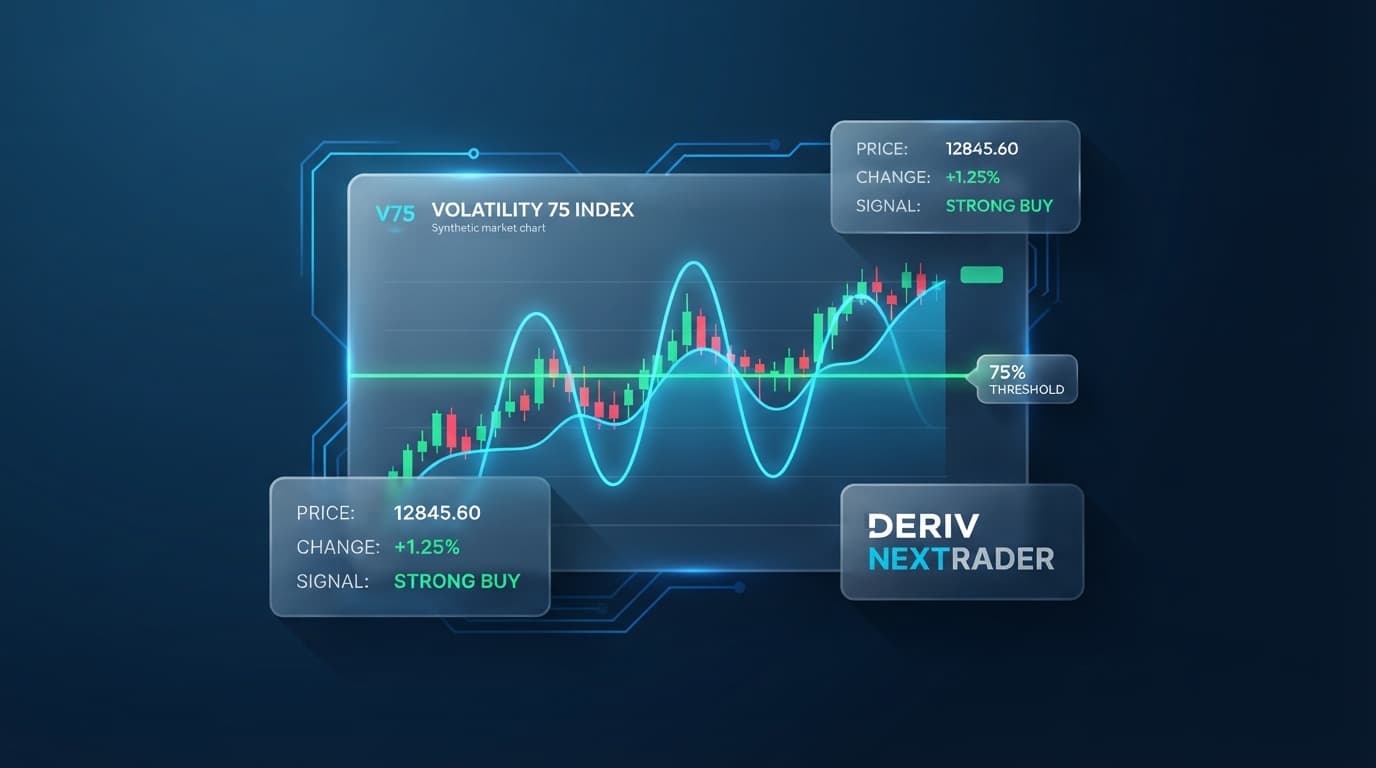
This guide details how to configure Nextrader's Volatility Pulse AI strategy specifically for Volatility 50, applying a strict 75%+ confidence filter to capture momentum expansion trades while ignoring market noise.
What You Need Before Starting
- An active Deriv trading account (demo or real) with an API token generated from your Deriv account settings.
- Access to the Nextrader Web App platform (Nextrader App).
- A basic understanding of Rise/Fall or Higher/Lower option contracts.
- 10–15 minutes to configure your signal console and execution preferences.
Step 1: Link Your Deriv Account and Select Volatility 50
Begin by opening the Nextrader interface at Nextrader App. If you are using Nextrader for the first time, navigate to your settings tab to insert your Deriv API token. This creates a secure WebSocket connection directly between your account and Deriv's server infrastructure, eliminating delay when analyzing price data or sending trade execution commands.
Get Live AI Trading Signals
Real-time non-repaint signals from 11 AI strategies — Volatility Indices, Forex, Gold & Crypto. No subscription, no paywall.
- Auto Trader Bot
- Digit Trader Bot
- 11 AI Strategies
- Live Telegram Signals
Once your account connects, locate the asset selector dropdown in the top control panel. Scroll through the available synthetic indices and select Volatility 50 Index (or Volatility 50 1s Index if you prefer 1-second tick updates).
Confirm that your connection status shows active. Nextrader streams real-time tick and candle data directly through WebSocket connections, ensuring your pricing matches Deriv's underlying feed without latency.
Step 2: Load the Volatility Pulse AI Strategy
Navigate to the signal control section and open the AI Strategy selector menu. Nextrader includes 11 built-in algorithms designed for specific market behaviors. For Volatility 50, select Volatility Pulse.
The Volatility Pulse model uses dynamic Bollinger Band analytics coupled with standard deviation expansion calculations. Volatility 50 spends extended periods compressing inside tight consolidation channels before expanding rapidly into multi-candle trends. Volatility Pulse continuously calculates upper and lower band compression metrics alongside price location relative to historical standard deviation boundaries.
When the algorithm detects that price is breaking out of an extreme squeeze state with expanding band width, it flags a potential setup. Because these ai trading signals rely on structural market volatility rather than simple moving average crossovers, they excel at identifying the exact candle where a range converts into a trending move.
Step 3: Set the Confidence Filter to 75%+
Nextrader calculates a real-time confidence score for every setup, ranging from 30% to 85%. This score reflects how many underlying technical conditions align simultaneously across multiple lookback windows.
Locate the Confidence Threshold slider in your signal settings panel and adjust the minimum value to 75%.
Setting the threshold to 75%+ instructs the engine to drop lower-conviction setups and display only top-tier signals. At 75% confidence, the Volatility Pulse engine requires:
- Extreme Bollinger Band contraction followed by an immediate directional candle expansion.
- Confluence from at least 4 independent indicators (such as MACD momentum shift or RSI slope agreement).
- Confirmation that the current market trend on the higher timeframe supports the breakout direction.
Filtering out trades below 75% reduces overall signal frequency, but significantly elevates setup quality on Volatility 50 by filtering out choppy mid-range swings.
Step 4: Choose Timeframe and Verify Non-Repainting Signals
Select your preferred trading timeframe from the four available options: 5min, 10min, 30min, or 1 hour. For Volatility 50, the 5-minute and 10-minute timeframes offer the optimal balance between setup frequency and movement range.
Once a signal reaches 75% confidence on your chosen timeframe, it appears in the color-coded live console. Nextrader operates on a strict non-repainting architecture. Signals fire only after the underlying candle closes.
Examine the signal payload in the console window. Each alert provides clear execution coordinates:
- Signal Type: Call (Rise) or Put (Fall).
- Entry Price: The opening price of the new candle immediately following the signal candle.
- Stop Loss (SL): Defined price point outside the recent volatility band structure.
- Take Profit 1 (TP1) & Take Profit 2 (TP2): Target price levels based on standard deviation projections.
Because the signal never repaints, the parameters displayed on screen remain fixed permanently in your log.
Step 5: Execute Trades via Manual Control or Auto Trader Bot
With your signal criteria active, choose your execution method based on your trading style.
Option A: Manual Order Placement
When a 75%+ Volatility Pulse alert appears on your console, review the parameters. Switch to your execution panel, select your duration (e.g., 5 ticks or 1–5 minute candle duration for binary options, or trade CFD contracts using the precise Entry/SL/TP points), enter your stake, and execute your Rise or Fall position.
Option B: Auto Trader Bot Integration
To automate your workflow, switch on the integrated Auto Trader Bot inside Nextrader. Set the contract parameters to Rise/Fall and select your preferred money management model:
- Fixed Stake: Trades a static dollar amount on every signal.
- Martingale: Multiplies stake after a loss to recover drawdowns (best paired with strict maximum step caps).
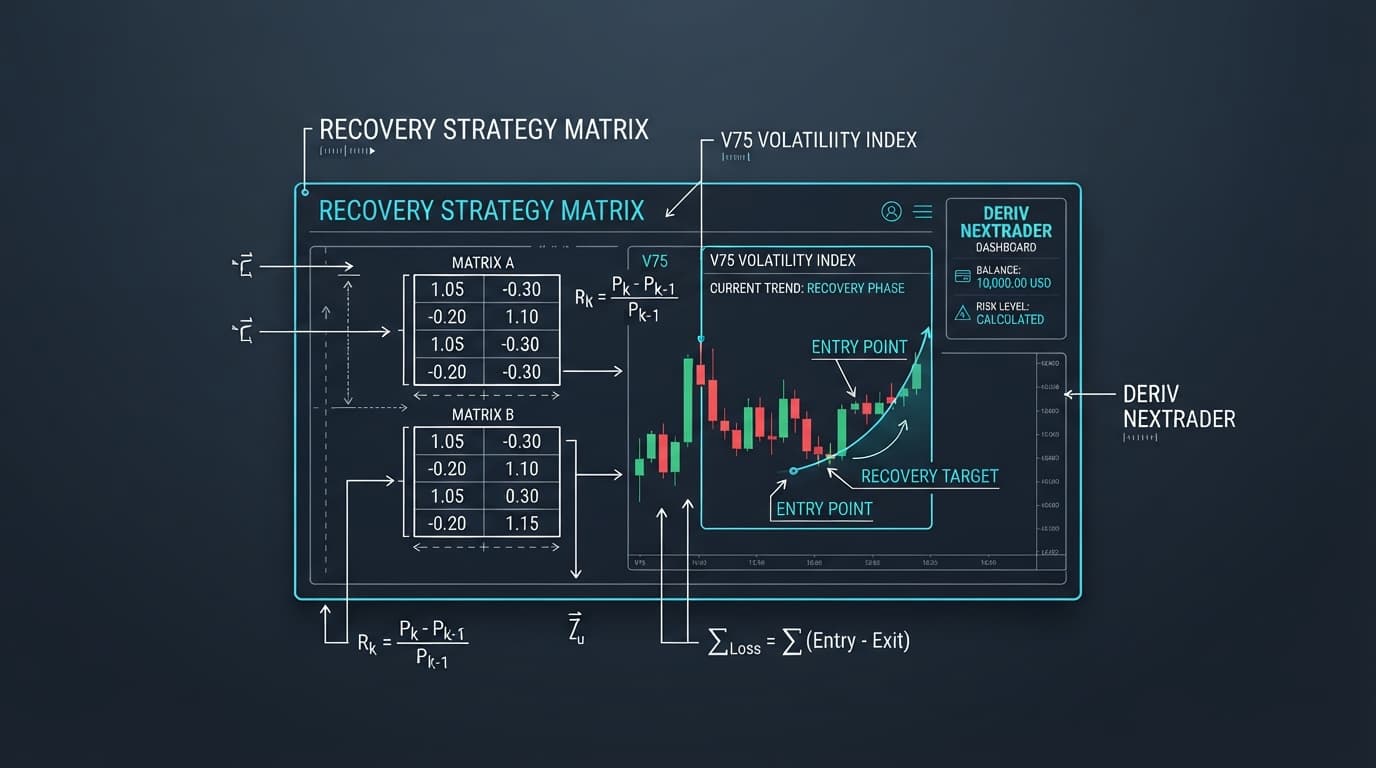
- Mesa Milano: A smart loss-recovery framework that distributes recovery steps across calculated winning sequences, minimizing aggressive stake scaling.
Assign the bot to trigger trades automatically whenever a Volatility Pulse signal hits your 75% confidence threshold. The bot routes execution orders instantaneously via the Deriv WebSocket API without manual delay.
Pro Tips
- Combine Volatility Pulse with Mesa Milano Money Management: When automating binary bots or deriv bots via the platform, avoid classic aggressive Martingale. Using the Mesa Milano money management algorithm protects your balance during rare consecutive stop-outs while systematically recovering losses over subsequent winning signals.
- Monitor Strategy Confluence via Smart Signals: If you want additional confirmation beyond Volatility Pulse, cross-reference signals against the Smart Fusion or Smart Signals engine, which require agreement from 4+ independent strategy modules before firing.
- Review Platform Color-Coded Logs: Periodically inspect your color-coded console to track past signal accuracy across different timeframes. If Volatility 50 is consolidating heavily on the 5-minute chart, bumping your threshold to the 10-minute timeframe can help smooth out temporary flat zones.
- Leverage the Mobile App: Download the official Nextrader Android app on Google Play (
com.vm.nextrader) to monitor your active Auto Trader Bot sessions and view incoming AI alerts directly from your mobile device while away from your desk.
Start Now
You now have a complete, step-by-step framework to trade the Deriv Volatility 50 Index using high-confidence AI signals. Nextrader provides 100% free trading automation, non-repainting signal engines, and custom money management algorithms without subscriptions or hidden costs.
- Launch the web trading interface immediately at Nextrader App.
- Create your free account today at Sign Up Free — Nextrader.
- Join thousands of active synthetic index traders in our official Telegram community at Telegram.
Trading involves risk. Past performance does not guarantee future results.