Introduction
Welcome to this in-depth Nextrader tutorial, designed to empower you with the knowledge to automate your trading on Deriv's Volatility Indices. If you're looking to leverage advanced AI strategies and sophisticated money management without constant manual intervention, you've come to the right place. This guide will walk you through the precise steps to set up Nextrader's powerful Auto Trader Bot to execute Rise/Fall contracts on the Volatility 75 Index (V75), utilizing the intelligent Smart Signals strategy and the robust Mesa Milano money management system.
By the end of this tutorial, you will have a fully configured automated trading system, ready to operate on your chosen Deriv account. We'll cover everything from connecting your Deriv account securely to fine-tuning the bot's parameters for optimal performance. This is an essential read for traders seeking to enhance their efficiency and capitalize on market opportunities around the clock, using one of the most comprehensive deriv trading tools available.
Nextrader offers a 100% free platform, completely devoid of subscriptions or paywalls, ensuring all its cutting-edge features are unlocked for every user. This commitment to accessibility makes it an ideal choice for traders at all experience levels.
What You Need Before Starting
Before diving into the setup, ensure you have the following ready:
Get Live AI Trading Signals
Real-time non-repaint signals from 11 AI strategies — Volatility Indices, Forex, Gold & Crypto. No subscription, no paywall.
- Auto Trader Bot
- Digit Trader Bot
- 11 AI Strategies
- Live Telegram Signals
- A Deriv Account: This can be a real (CR, synthetic) or a demo account. We highly recommend starting with a demo account to familiarize yourself with the bot's operation and strategies without risking real capital.
- A Nextrader Account: If you don't have one, sign up for free at Sign Up Free — Nextrader.
- Basic Understanding of Deriv Rise/Fall Contracts: Familiarity with how these contracts work on Volatility Indices will help you better understand the bot's actions.
- Deriv API Token: You'll need to generate an API token from your Deriv account (Security & Safefy > API Token) to connect Nextrader. Ensure it has "Read" and "Trade" permissions.
Step 1: Connect Your Deriv Account to Nextrader
The first crucial step is to securely link your Deriv account with Nextrader. This connection allows the Auto Trader Bot to place trades on your behalf.
1. Log in to Nextrader: Navigate to Nextrader App and log in to your Nextrader account.
2. Access Account Settings: Once logged in, look for the "Accounts" or "Settings" section, typically found in the main navigation menu or sidebar. Click on it.
3. Add Deriv Account: Within the Accounts section, you'll see an option to "Add Deriv Account." Click this button.
4. Enter Deriv API Token: A popup will appear, prompting you to enter your Deriv API Token. This token is essential for Nextrader to communicate with your Deriv account. To generate one, log in to your Deriv account, go to "Security & Safefy," then "API Token." Create a new token with "Read" and "Trade" permissions. Copy this token and paste it into the Nextrader field.
5. Confirm Connection: Nextrader uses its official App ID (67545) for integration, ensuring a secure and compliant connection. After pasting your token, click "Connect" or "Add Account." Nextrader will verify the token and display your Deriv account balance and details, confirming a successful connection. You can add multiple Deriv accounts if needed, allowing for multi-account support and easy switching between them.
Step 2: Access the Auto Trader Bot and Select Your Market
With your Deriv account connected, it's time to set up the automated trading environment within Nextrader. This step focuses on selecting the Auto Trader Bot and specifying the market and contract type.
1. Navigate to Auto Trader Bot: From your Nextrader dashboard, locate the "Auto Trader Bot" option. It's usually prominently displayed among the available deriv bots and trading tools. Click on it to open the bot's configuration interface.
2. Select Market: Inside the Auto Trader Bot, you'll find a "Market" dropdown menu. Click on it and select "Volatility 75 Index (V75)." Nextrader supports a wide range of markets, including other Volatility Indices (V10, V25, V50, V100, 1Hz), Forex, Gold, Silver, and Crypto, but for this tutorial, we're focusing on V75.
3. Choose Contract Type: Below the market selection, you'll see a "Contract Type" dropdown. For this guide, select "Rise/Fall." Rise/Fall contracts are straightforward: you predict whether the asset price will end higher (Rise) or lower (Fall) than the entry price at the end of the contract duration. This is a fundamental binary options contract type, perfectly suited for automated execution by binary bots like Nextrader's.
4. Set Contract Duration (Optional Initial Setup): While the bot will primarily focus on signals, you might need to set an initial contract duration. For V75, short durations like 1-5 ticks or 1-5 minutes are common. The bot will use signals to determine the entry, but this sets the length of the individual trades.
Step 3: Configure the Smart Signals Strategy
Now we delve into the core intelligence of your automated system: choosing and configuring the trading strategy. We'll be using Nextrader's sophisticated Smart Signals.
1. Locate Strategy Selection: Within the Auto Trader Bot interface, find the "Strategy Selection" section. This is where you tell the bot how to identify trading opportunities.
2. Select "Smart Signals": From the list of available AI strategies, choose "Smart Signals." Nextrader boasts 11 named AI strategies, including Trend Hunter (EMA crossover), Reversal Radar (RSI), Momentum Wave (MACD), Volatility Pulse (Bollinger Bands), Swift Scalper (Stochastic RSI), Trend Rider (SuperTrend), Cloud Walker (Ichimoku), Price Magnet (VWAP), Breakout Beast (ATR), and Smart Fusion (multi-indicator). Smart Signals are unique because they only fire on closed candles, ensuring non-repaint accuracy, and require a minimum of 4 indicators to agree before generating a signal. This multi-indicator agreement provides a higher degree of confidence.
3. Choose Timeframe: Select your preferred timeframe for signal generation. For V75, 5min or 10min timeframes are popular for more frequent signals, while 30min or 1 hour can offer more robust, but less frequent, opportunities. Experimentation on a demo account is key here.
4. Set Minimum Confidence Level: Nextrader provides a "Confidence Level" for each signal, ranging from 30% to 85%. This indicates the strength of the signal. You can set a minimum threshold (e.g., 60% or 70%) for the bot to consider a signal valid. Higher confidence levels generally mean fewer, but potentially stronger, signals.
5. Understand Signal Details: While the bot automates execution, it's good to know that each signal also displays an Entry price, Stop Loss, and Take Profit 1 & 2. These are invaluable for manual trading or for understanding the bot's potential targets, though the bot's direct Rise/Fall execution will be based on the signal's direction.
Step 4: Implement Mesa Milano Money Management
Effective money management is paramount for long-term trading success. Nextrader's Auto Trader Bot offers advanced options, and we'll configure it to use the intelligent Mesa Milano system.
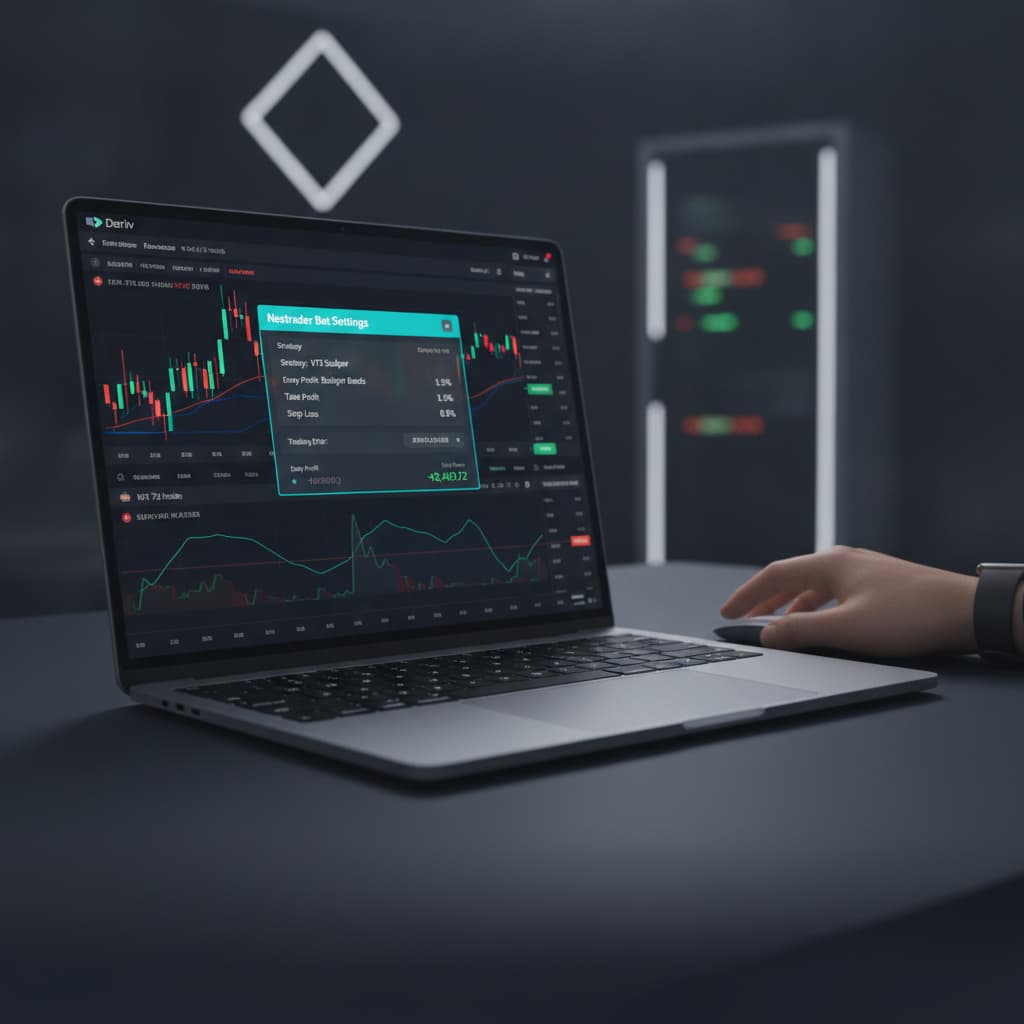
1. Access Money Management Section: In the Auto Trader Bot interface, locate the "Money Management" section. This is where you define how the bot handles your stake per trade and manages potential losses.
2. Select "Mesa Milano": From the available money management strategies, choose "Mesa Milano." Nextrader also offers "Fixed Stake" (constant stake per trade) and "Martingale" (doubling stake after a loss), but Mesa Milano is a sophisticated "smart loss recovery" system. It intelligently adjusts your stake based on previous trade outcomes, aiming to recover losses more efficiently than Martingale without the exponential risk. It's designed to be a more adaptive and safer approach to loss recovery.
3. Set Initial Stake: Define your starting stake for the first trade. This should be a small percentage of your total trading capital, typically 0.5% to 2%, depending on your risk tolerance. Remember, even with smart loss recovery, proper initial sizing is crucial.
4. Configure Loss Recovery Multiplier (if applicable): While Mesa Milano is largely automated, you might have options to fine-tune its recovery aggression. Understand how it will increase stakes after a loss and decrease them after a win to manage your equity effectively.
5. Set Max Stake and Max Loss Limits: This is a critical risk management feature. Set a "Max Stake" to prevent the bot from placing excessively large trades, and a "Max Loss" limit for the trading session. If the bot reaches this maximum loss, it will automatically pause or stop trading, protecting your capital from significant drawdowns. These parameters are your ultimate safety nets when running any deriv bots.
Step 5: Review Settings and Activate the Bot
You're almost there! The final step involves a thorough review of all your configurations and then activating the Auto Trader Bot to begin live trading.
1. Conduct a Full Review: Before activating, carefully review every setting you've configured:
* Market: Volatility 75 Index (V75)
* Contract Type: Rise/Fall
* Strategy: Smart Signals
* Timeframe: (e.g., 5min, 10min)
* Minimum Confidence Level: (e.g., 60%, 70%)
* Money Management: Mesa Milano
* Initial Stake: (e.g., $1, $5)
* Max Stake / Max Loss: (Crucial risk parameters)
* Ensure your selected Deriv account (demo or real) is correct.
2. Check Trading Console: Nextrader features a real-time color-coded trading console. Familiarize yourself with how it will display live trades, P&L, and signal activity once the bot is active. This console provides immediate feedback on your binary bots' performance.
3. Activate the Bot: Once you are confident in all your settings, locate and click the "Start Bot" or "Activate" button. The bot will immediately begin monitoring the V75 market for Smart Signals that meet your specified confidence level and execute Rise/Fall contracts using your Mesa Milano money management settings.
4. Monitor Live P&L: As the bot trades, keep an eye on the live P&L tracking displayed on the Nextrader dashboard and within the Auto Trader Bot console. This provides transparent insights into your bot's performance.
5. Know How to Pause/Stop: Understand how to pause or stop the bot at any time. This is essential for intervention if market conditions change unexpectedly or if you wish to adjust your strategy. The "Stop Bot" button is your immediate control.
Pro Tips
- Start with Demo: Always, always begin your automated journey on a Deriv demo account. This allows you to test your strategy, timeframe, and money management settings without financial risk. Only transition to a real account once you've achieved consistent, positive results in simulated conditions.
- Monitor Confidence Levels: While Smart Signals are robust, market conditions vary. Pay attention to the confidence levels of the signals generated. If you observe prolonged periods of low-confidence signals, consider adjusting your minimum confidence threshold or pausing the bot during volatile periods.
- Explore Other Strategies: Nextrader offers a rich array of 11 AI strategies. Once comfortable with Smart Signals, experiment with others like Swift Scalper for quick trades, Trend Hunter for trend-following, or Cloud Walker for Ichimoku-based signals. Each strategy has unique characteristics suited for different market conditions.
- Combine with Telegram Signals: For additional insights and a broader view of market opportunities, join the Nextrader Telegram channel (Telegram). You'll receive signals for 30 markets, every 5 minutes, up to 30 signals per day, which can complement your automated strategy or provide ideas for manual trading.
- Timeframe Optimization: The 5min, 10min, 30min, and 1-hour timeframes available for signals each have distinct characteristics. For V75, shorter timeframes might yield more signals but also more noise, while longer timeframes offer fewer but potentially higher-quality signals. Experiment to find what best suits your trading style and risk appetite.
Start Trading Now
Ready to revolutionize your Deriv trading experience? Head over to Nextrader App to log in or create your free account at Sign Up Free — Nextrader. For real-time signal updates and community insights, join our Telegram channel at Telegram.
Trading involves risk. Past performance does not guarantee future results.