Introduction
Welcome to this in-depth Nextrader tutorial, brought to you by Nextrader (nextrader.live) – your ultimate, 100% free trading companion. In this guide, we'll walk you through the precise steps to automate your trading on Deriv's highly dynamic Volatility 75 Index (V75) using Nextrader's powerful Auto Trader Bot. Specifically, we'll focus on Rise/Fall contracts and harness the intelligent money management capabilities of the Mesa Milano smart loss recovery strategy.
This tutorial is designed for both novice and experienced traders looking to leverage the efficiency and precision of automated trading on one of the most popular Volatility Indices. If you're tired of manual execution and want to implement a robust, rule-based approach to your Deriv trading, you're in the right place. Nextrader provides premium deriv trading tools and features, all unlocked without any subscriptions or paywalls, making professional-grade automation accessible to everyone.
By the end of this tutorial, you will be able to confidently set up and run your own automated V75 Rise/Fall trading strategy on Nextrader, complete with advanced money management. You'll understand how to connect your Deriv account, select the right market and strategy, configure critical parameters, and employ Mesa Milano to optimize your risk and potential for recovery. Get ready to transform your trading experience with our state-of-the-art deriv bots.
What You Need Before Starting
Before diving into the automation process, ensure you have the following ready:
Get Live AI Trading Signals
Real-time non-repaint signals from 11 AI strategies — Volatility Indices, Forex, Gold & Crypto. No subscription, no paywall.
- Auto Trader Bot
- Digit Trader Bot
- 11 AI Strategies
- Live Telegram Signals
- A Deriv Account: You'll need an active Deriv.com account (demo or real) to execute trades. Nextrader integrates seamlessly with Deriv using its WebSocket API (App ID 67545).
- A Nextrader Account: If you haven't already, sign up for a free account at app.nextrader.live/signup. Remember, Nextrader is 100% free, with no subscriptions or paywalls, and all features are unlocked from day one.
- Basic Understanding of V75 and Rise/Fall Contracts: Familiarity with how Volatility Indices move and the mechanics of Rise/Fall contracts on Deriv will enhance your understanding and decision-making.
Step 1: Connect Your Deriv Account to Nextrader
The first crucial step to automating your trades is securely linking your Deriv account to Nextrader. This process is straightforward and ensures that Nextrader's Auto Trader Bot can execute trades on your behalf.
1. Log in to Nextrader: Go to app.nextrader.live and log in to your Nextrader account. You'll be greeted by the intuitive Nextrader dashboard, which serves as your command center for all trading activities.
2. Access Deriv Connection: On the Nextrader dashboard, look for the "Connect to Deriv" button or a similar prompt, usually located prominently or within your profile settings. Click on it to initiate the connection process.
3. Generate Deriv API Token: You will need an API token from your Deriv account. To get this, log in to your Deriv account, navigate to "Settings" > "API Tokens." Create a new token, ensuring you grant it the necessary permissions for "Read," "Trade," and "Cashier" (if you plan to manage funds through the bot, though typically "Trade" is sufficient for execution). Copy this token securely.
4. Paste Token into Nextrader: Return to Nextrader and paste your copied Deriv API token into the designated field. Click "Connect." Nextrader supports multi-account functionality, allowing you to switch between different Deriv accounts effortlessly within the platform. Once connected, your real-time color-coded trading console will activate, ready to display live market data and P&L tracking. This integration is what makes Nextrader one of the most powerful deriv trading tools available.
Step 2: Navigate to the Auto Trader Bot and Select V75
With your Deriv account successfully connected, it’s time to set up the automation for Volatility 75 Index. Nextrader's Auto Trader Bot is designed to handle this with precision.
1. Access the Auto Trader Bot: From the Nextrader dashboard, locate and click on the "Auto Trader Bot" option in the main navigation menu. This will take you to the bot's dedicated interface, where you can configure your automated strategies. Nextrader offers various deriv bots, and the Auto Trader is specifically for Rise/Fall and Higher/Lower contracts.
2. Select Volatility 75 Index (V75): Within the Auto Trader Bot interface, you’ll find a dropdown menu labeled "Market." Click on it and scroll through the extensive list of available markets. Select "Volatility 75 Index." Nextrader supports a wide range of markets, including V10, V25, V50, V100, 1Hz, Forex, Gold, Silver, and Crypto, giving you immense flexibility.
3. Choose "Rise/Fall" Contract Type: Below the market selection, you'll see another dropdown for "Contract Type." For this tutorial, ensure "Rise/Fall" is selected. This contract type is fundamental for predicting whether the asset's price will end higher or lower than the entry point after a specified duration. Nextrader also supports BinaryBot XML, allowing for even more advanced customizability for those familiar with binary bots.
Step 3: Configure Your Trading Strategy and Timeframe
Now that you've selected your market and contract type, the next critical step is to define the strategy the Auto Trader Bot will use to generate signals and the timeframe for execution. Nextrader boasts 11 named AI strategies, ensuring you have diverse options.
1. Select an AI Strategy: In the "Strategy" section, you'll find a dropdown list of Nextrader's proprietary AI strategies. For V75, a good starting point might be:
* Smart Signals: This advanced strategy requires a minimum of 4 indicators to agree before firing a signal, ensuring high confidence. It leverages multi-indicator analysis for robust signal generation.
* Trend Hunter (EMA crossover): Excellent for trending markets, this strategy identifies entry points based on exponential moving average crossovers.
* Momentum Wave (MACD): Focuses on momentum shifts, ideal for capturing strong price movements.
You can experiment with others like Reversal Radar (RSI), Volatility Pulse (Bollinger Bands), Swift Scalper (Stochastic RSI), Trend Rider (SuperTrend), Cloud Walker (Ichimoku), Price Magnet (VWAP), or Breakout Beast (ATR) based on your market observations. Nextrader's signals are non-repaint and only fire on CLOSED candles, ensuring reliability.
2. Choose Your Timeframe: Below the strategy selection, pick your desired timeframe for signal generation. Nextrader offers 5min, 10min, 30min, and 1 hour signals. For V75 Rise/Fall trades, especially if aiming for more frequent trades, the 5min or 10min timeframes are popular. Higher timeframes (30min, 1 hour) provide fewer, but potentially more stable, signals.
3. Set Trade Duration: Specify the "Duration" for your Rise/Fall contract. This is how long each trade will last. For V75, common durations include 5 ticks, 1 minute, or 2 minutes. The optimal duration often depends on the chosen timeframe and market volatility. Nextrader will show Confidence Levels (30–85%) for each signal, along with Entry price, Stop Loss, and Take Profit 1 & 2, giving you crucial insights before a trade executes.
Step 4: Implement Mesa Milano Smart Loss Recovery
Money management is paramount in automated trading, and Nextrader's Mesa Milano strategy offers a sophisticated approach to loss recovery. This is a key feature that differentiates Nextrader's deriv bots.
1. Select "Mesa Milano" for Money Management: In the "Money Management" section of the Auto Trader Bot, click on the dropdown menu and select "Mesa Milano." Unlike simpler methods like Fixed Stake or aggressive Martingale, Mesa Milano is a smart loss recovery strategy designed to recoup losses more intelligently without exposing your capital to exponential risk.
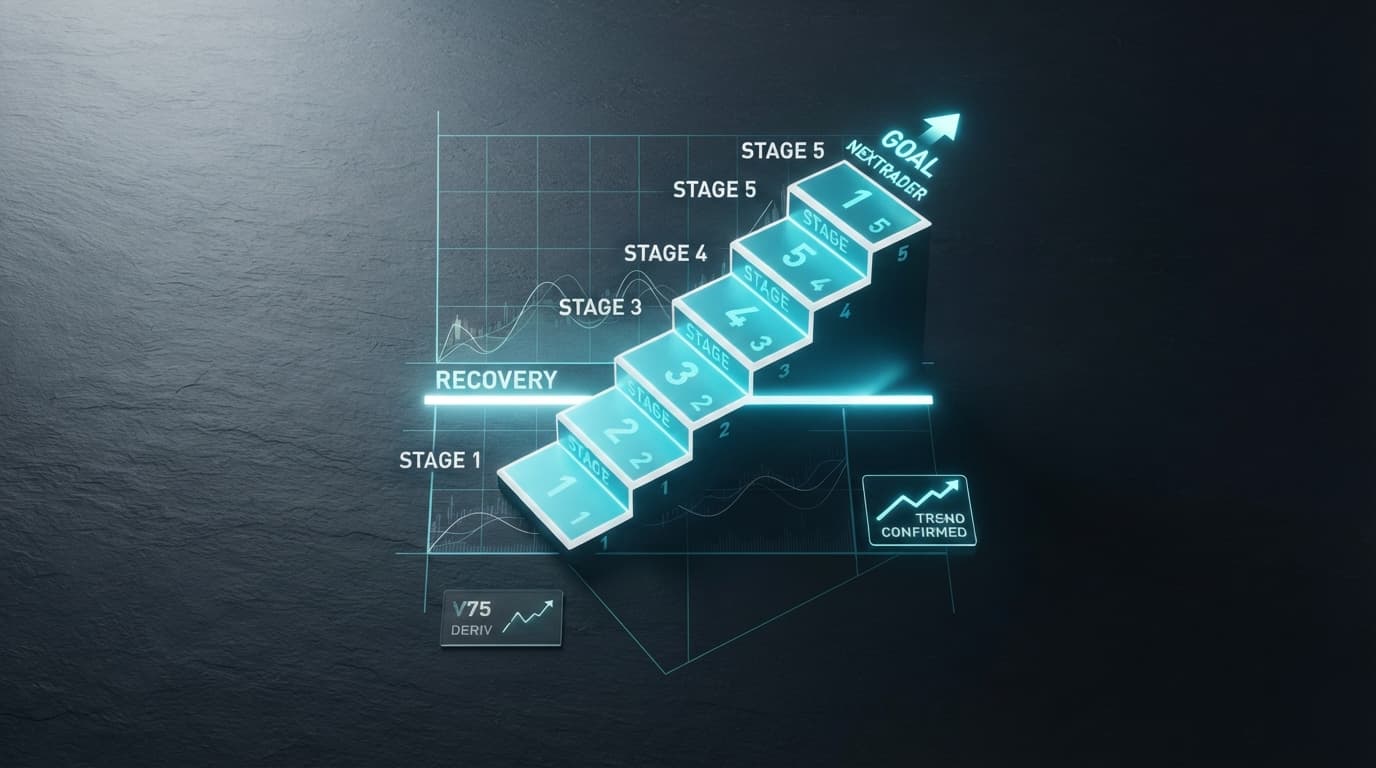
2. Understand Mesa Milano: Mesa Milano works by adjusting your stake size after a losing trade, aiming to recover the previous loss plus a small profit, but it does so in a controlled, calculated manner. It doesn't blindly double the stake like Martingale, which can quickly deplete capital. Instead, it uses a smart algorithm to determine the optimal stake increment, making it a more sustainable approach for long-term trading, especially on volatile markets like V75.
3. Set Your Initial Stake: Enter your "Initial Stake" – this is the base amount you wish to risk on your first trade. It's crucial to start with a small, manageable amount, especially when testing new strategies or markets. For instance, you might start with $0.35 or $1.00.
4. Configure Mesa Milano Parameters (if applicable): While Mesa Milano is largely automated, Nextrader might offer parameters like a "Multiplier" or "Max Payout" limit within the Mesa Milano settings. If available, carefully adjust these based on your risk tolerance. A higher multiplier will lead to faster recovery but also higher potential stakes, while a lower one is more conservative. Always prioritize capital preservation. This smart loss recovery system is a powerful element of Nextrader's deriv trading tools.
Step 5: Review Settings, Enable Auto Trader, and Monitor Performance
You're almost ready to go live! The final step involves a thorough review of all your configurations and activating the bot, followed by diligent monitoring.
1. Conduct a Final Review: Before activating, take a moment to double-check all your settings:
* Market: Volatility 75 Index
* Contract Type: Rise/Fall
* Strategy: Your chosen AI strategy (e.g., Smart Signals, Trend Hunter)
* Timeframe: Your selected timeframe (e.g., 5min, 10min)
* Duration: Your trade duration (e.g., 5 ticks, 1 minute)
* Money Management: Mesa Milano
* Initial Stake: Your starting stake amount
Ensure everything aligns with your trading plan and risk appetite. Remember, Nextrader offers all these features completely free, allowing you to experiment without financial commitment to the platform itself.
2. Enable Auto Trader: Once satisfied with your settings, locate and click the "Enable Auto Trader" or "Start Bot" button. This action will activate your chosen deriv bot, and it will begin listening for signals based on your configured strategy and timeframe. When a signal meets the criteria (e.g., minimum 3-4 indicators agree for Smart Signals), the bot will automatically place a Rise/Fall trade on your Deriv account using the Mesa Milano money management system.
3. Monitor Performance in Real-Time: After activation, continuously monitor your bot's performance using Nextrader's real-time color-coded trading console. You'll see live P&L tracking, executed trades, and any adjustments made by Mesa Milano. This console provides transparency and allows you to intervene if market conditions change unexpectedly. The Android app (com.vm.nextrader) also allows for convenient monitoring on the go.
4. Start with a Demo Account: It is highly recommended to first run your automated strategy on a Deriv demo account. This allows you to test the strategy, observe Mesa Milano's behavior, and fine-tune your settings without risking real capital. Once confident, you can transition to your real Deriv account.
Pro Tips
Here are some practical tips to enhance your automated trading experience with Nextrader:
- Experiment with AI Strategies: Nextrader offers 11 distinct AI strategies. Don't limit yourself to just one. Test different strategies like Reversal Radar (RSI) or Momentum Wave (MACD) on V75 and other Volatility Indices to find what performs best under various market conditions.
- Utilize Confidence Levels: Pay attention to the "Confidence Levels" displayed with each signal (30–85%). While the bot automates, understanding these levels can help you assess the potential strength of a signal, especially when manually intervening or refining your strategy.
- Balance Timeframe and Duration: For V75, shorter timeframes (5min, 10min) combined with shorter durations (5 ticks, 1 minute) can lead to more frequent trades, but also increased sensitivity to market noise. Experiment to find a balance that suits your risk profile and desired trading frequency.
- Leverage Telegram Signals: Even when running the Auto Trader Bot, consider joining the Telegram Telegram channel. You'll receive free real-time signals for 30 markets, every 5 minutes, up to 30 signals per day. These can provide additional insights or confirmation for your automated strategies.
Start Trading Now
Ready to take control of your Deriv trading with Nextrader's powerful automation? Head over to Nextrader App to get started with your free account. If you haven't signed up yet, it's quick and easy at Sign Up Free — Nextrader For real-time market insights and free signals, join our community on Telegram at Telegram. Unlock the full potential of automated trading today!
Trading involves risk. Past performance does not guarantee future results.